Jewelry
AI jewelry product photography
Bring out the metal shine and gemstone detail of rings, watches and accessories against elegant backgrounds. No macro gear, no specialized studio.
Jewelry is among the hardest things to photograph: reflective surfaces, tiny pieces and materials that fool any camera. Pictulab generates catalog images that enhance shine and detail with no set or macro gear. Here's how it solves it, which model to use, what it costs and where its limits are.
Why jewelry is hard to photograph
Polished metal reflects the whole set: without light control you get fingerprints, shadows and reflections that ruin the shot.
Gems and stones need to capture fire and transparency without blowing highlights or losing facets.
Small pieces demand macro and focus stacking, expensive gear few photographers master.
A wide catalog multiplies cost: every ring or earring is a separate shoot.
How Pictulab solves it
- Enhances reflections and microdetail without macro photography, from a simple photo of the piece.
- Places the jewelry on premium backgrounds (marble, silk, neutral tones) consistent with the brand's value.
- Applies the same style across the whole collection with reusable workflows for a consistent catalog.
- Exports in high resolution with the sizes and background your marketplaces require.
AI-generated jewelry examples
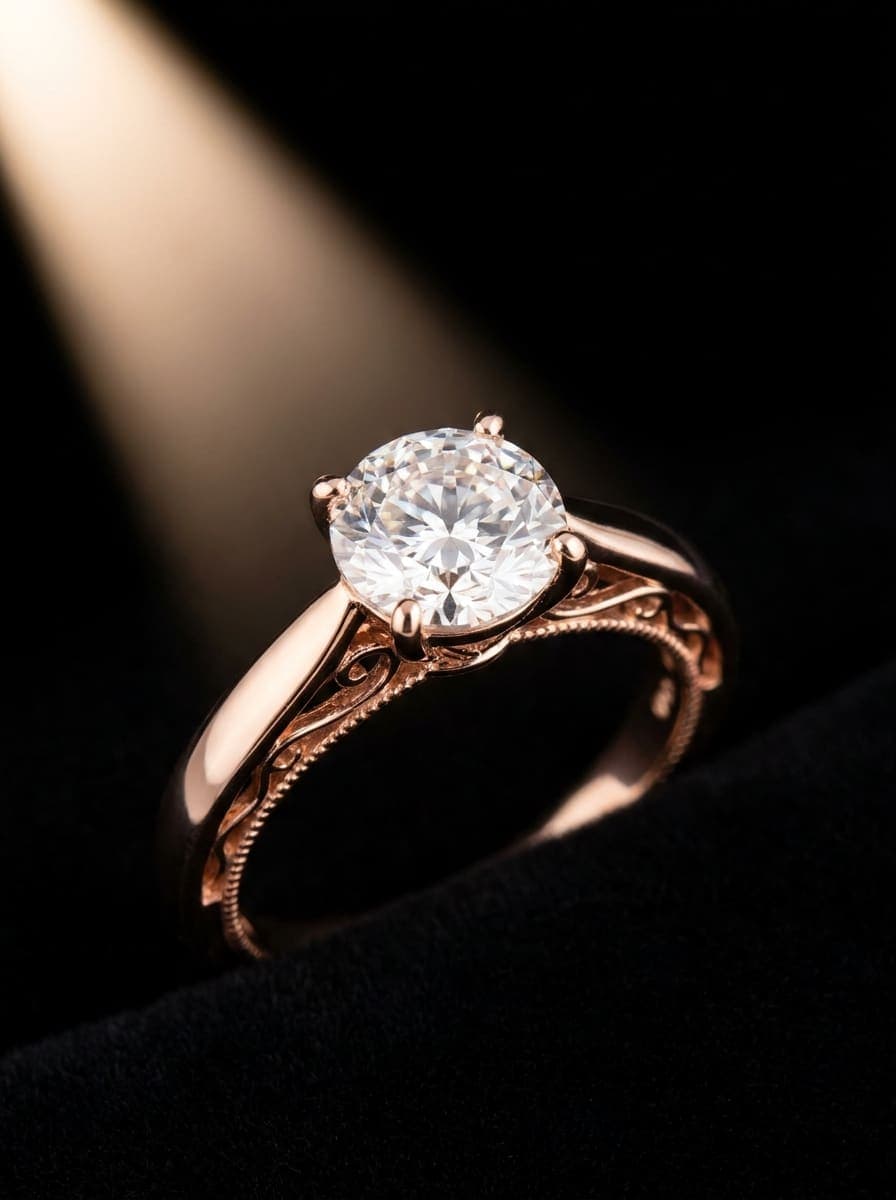
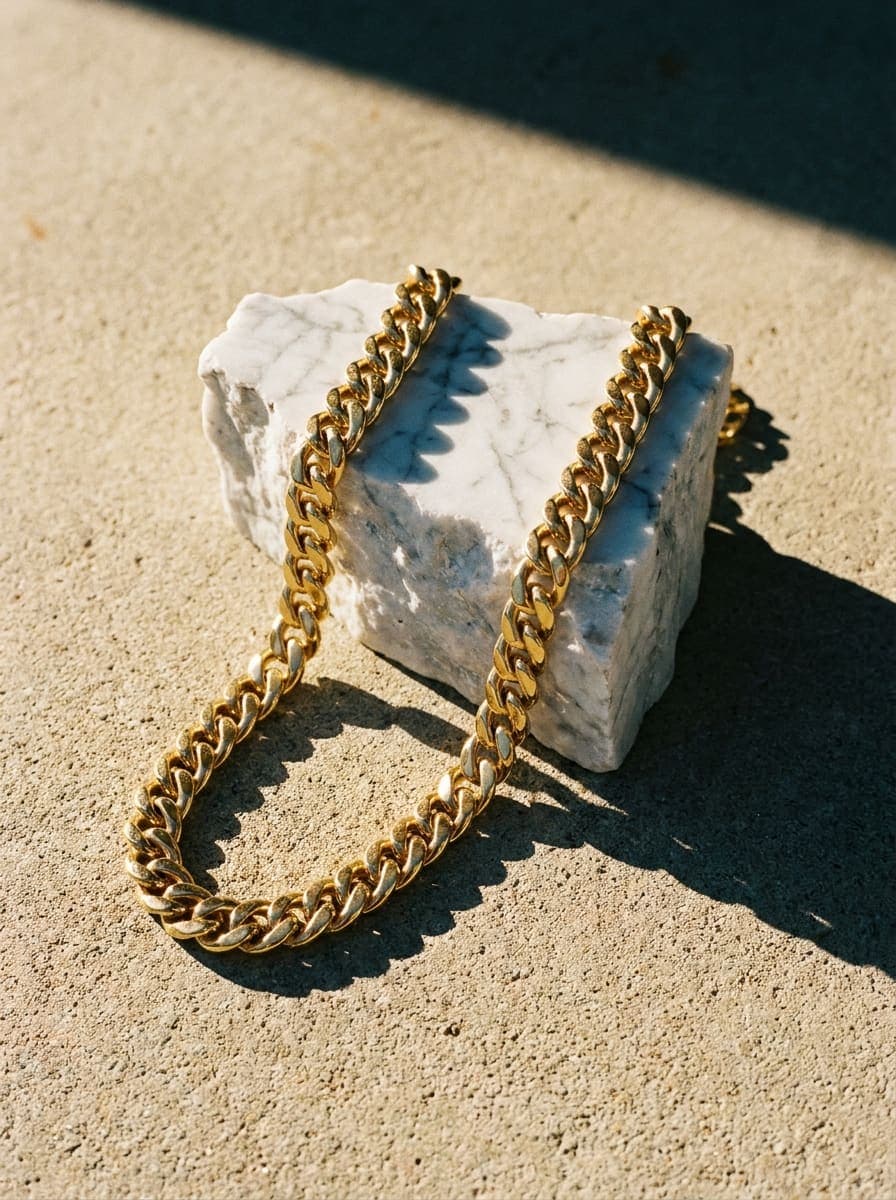
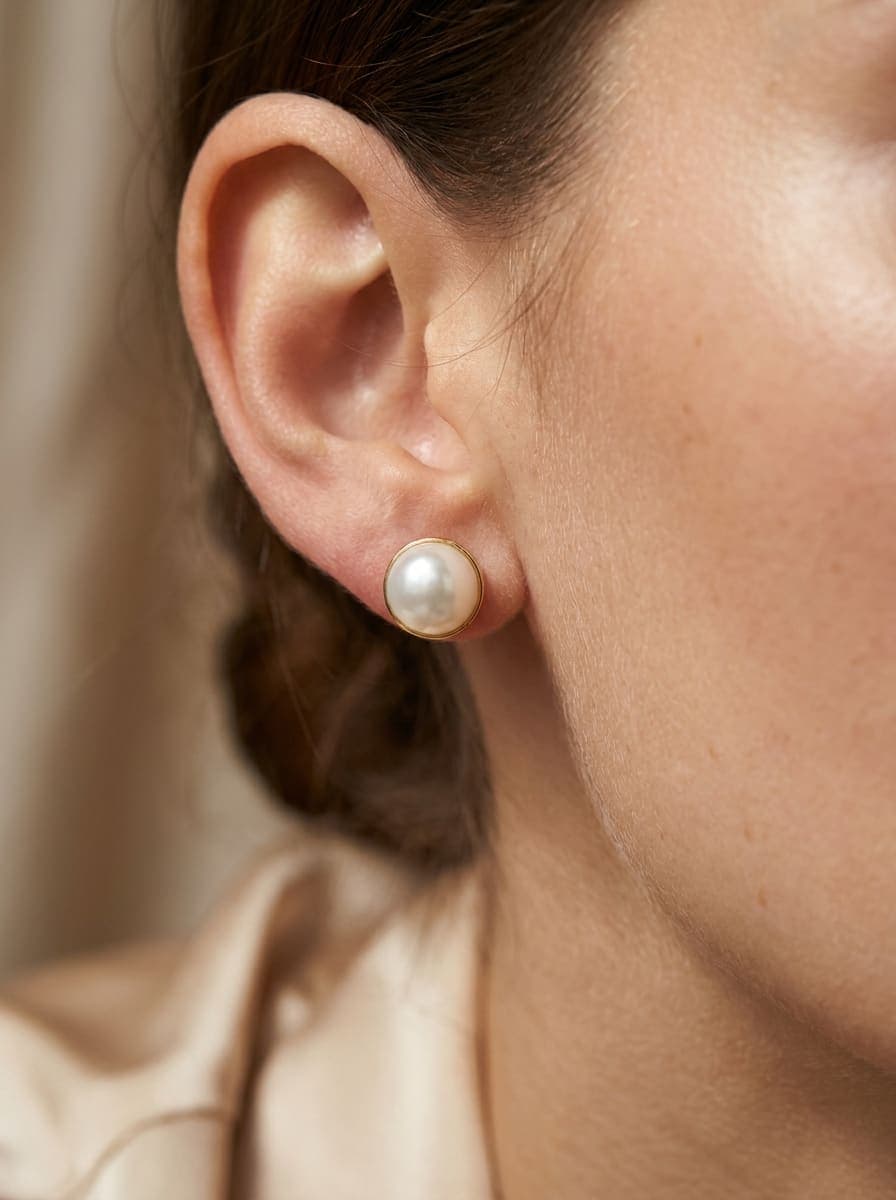
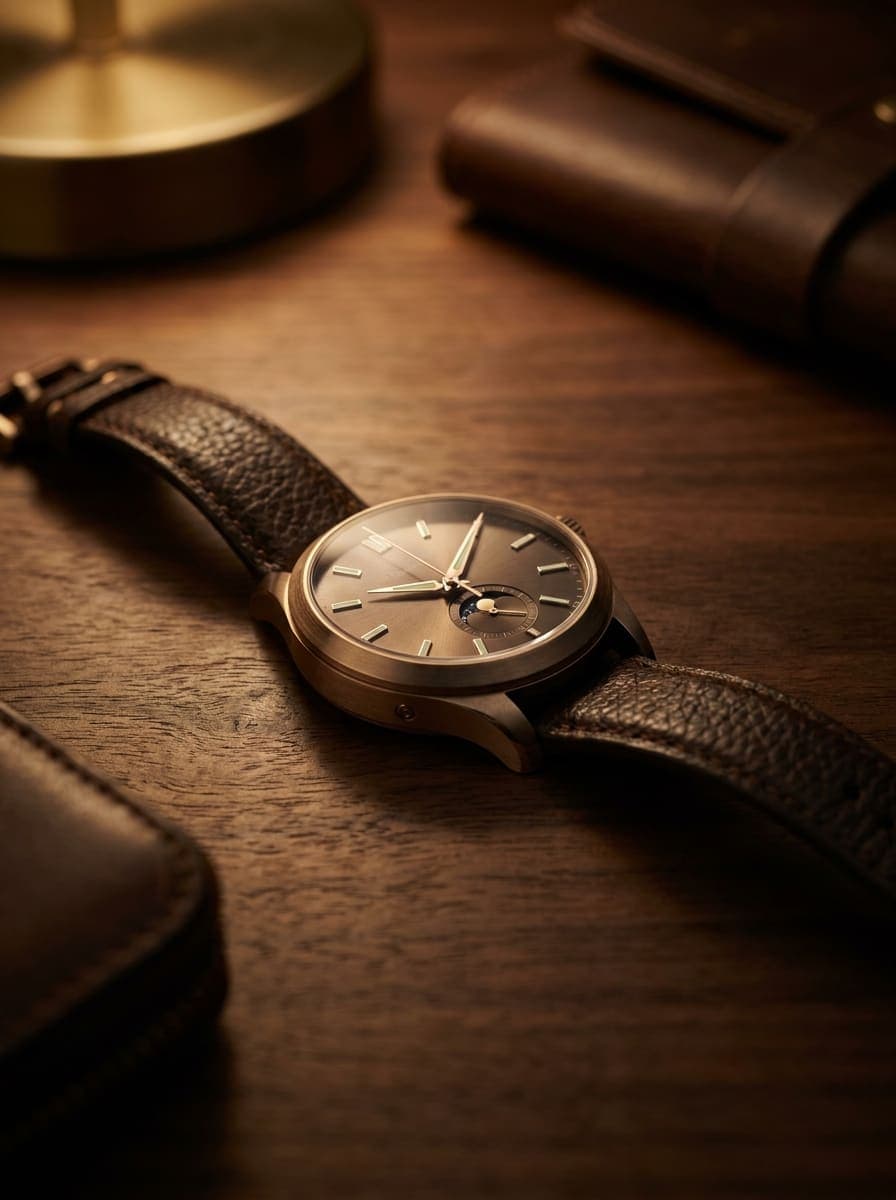
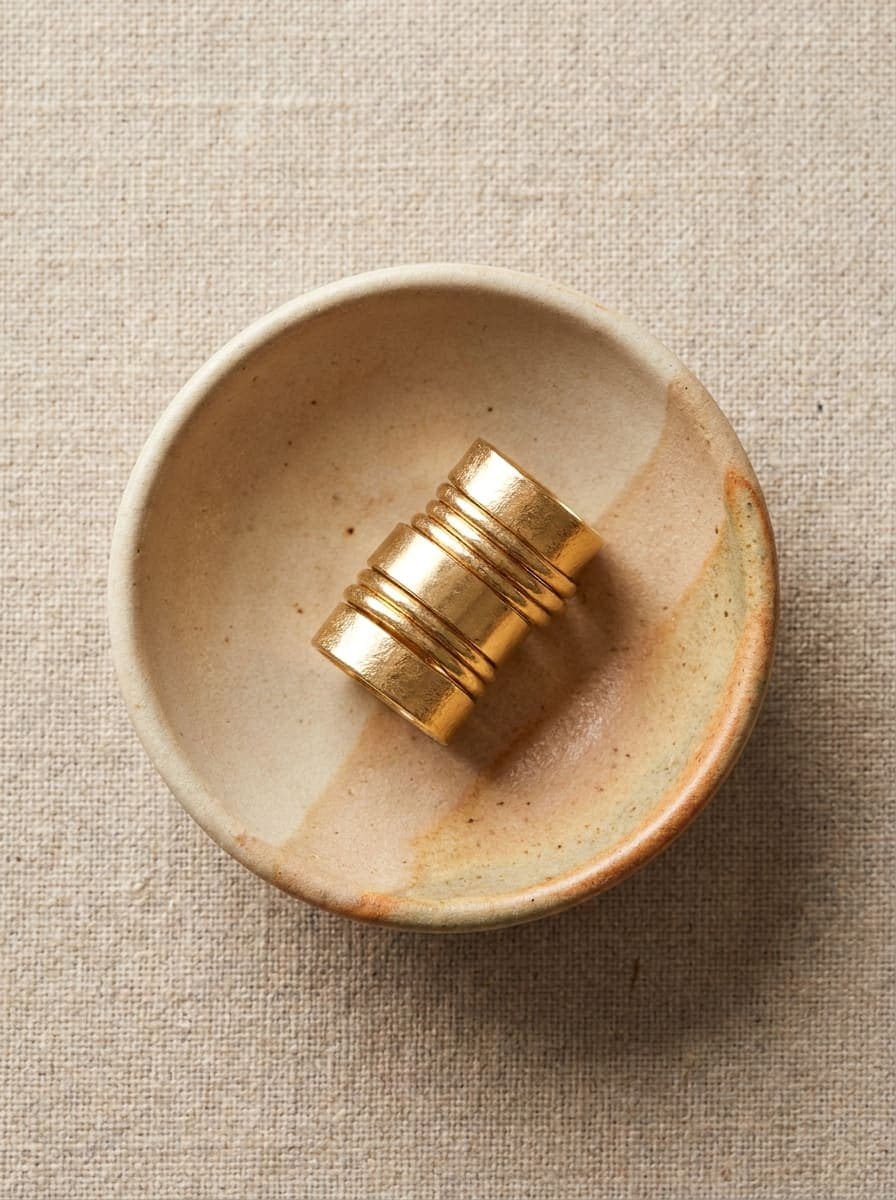
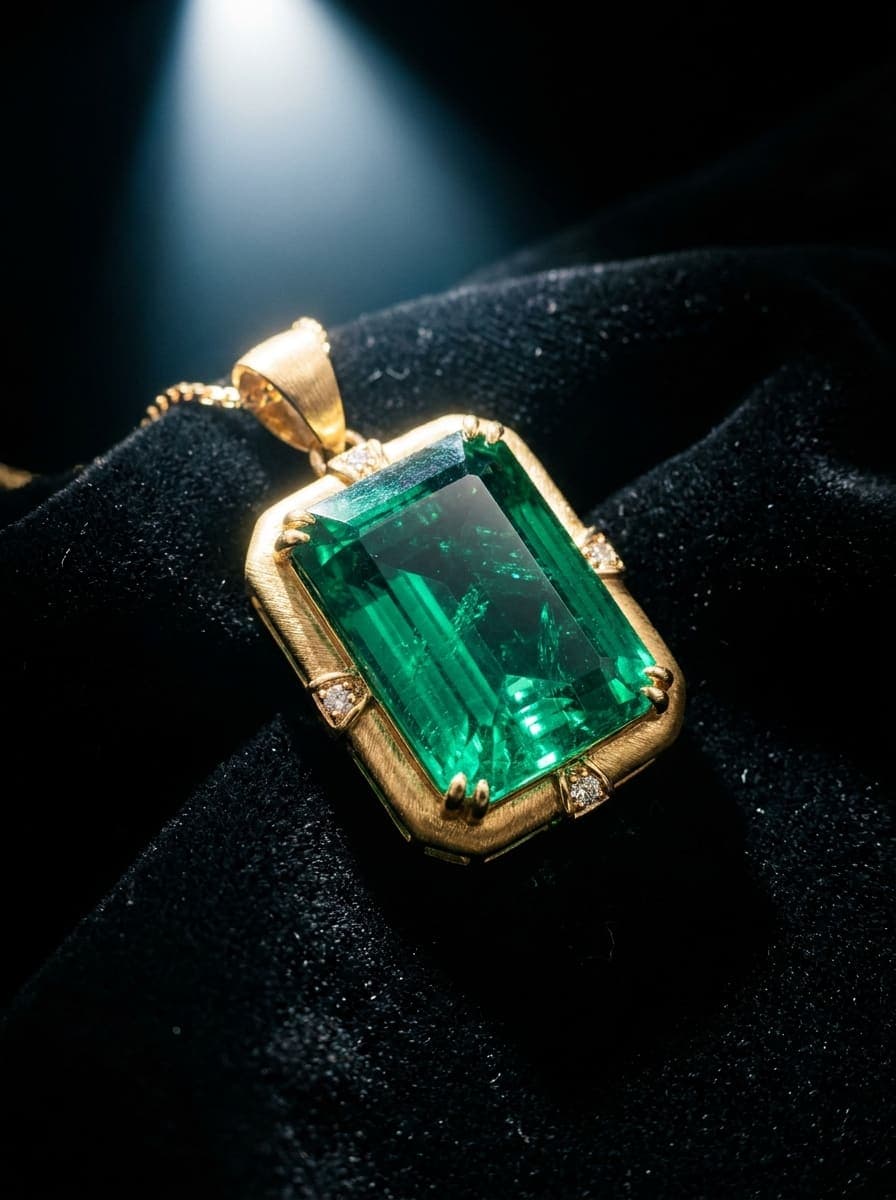
Illustrative examples generated with Pictulab.
Which AI model works best for jewelry
For jewelry we recommend starting with Gemini 3 Pro or Imagen 4: they excel at detail fidelity, reflections and metallic textures. For very polished, stylized finishes, Flux Pro gives an editorial look. There's no single winner for every piece: each generation shows its token cost, so try two or three models with your product and keep the one that captures your material best.
What a 100-SKU catalog costs
A 100-SKU catalog equals about 100 images. At an estimated 5–15 tokens per standard image, that's ≈ 500–1,500 tokens, i.e. ≈ €5–15 (100 tokens = €1). The Starter plan (700 tokens/mo) covers a good part, and you can always top up from €1. The exact cost of each model and resolution is shown in the app before generating.
Honest limitations
- It doesn't replace extreme high-end macro photography when you need certified millimeter-perfect fidelity of a unique piece.
- Very fine engravings or text on the piece may need touch-up afterwards.
- To reproduce an exact real piece, start from a sharp, well-lit photo of the product.
FAQ
Frequently asked questions
Yes, the AI enhances reflections and detail without macro gear. For very specular materials, try several models and keep the one that reproduces them best.
Yes, it keeps sharpness and detail even on tiny pieces, with no focus stacking needed.
Yes. You define the background and style once and reuse it across the whole collection with a workflow.
A 100-SKU catalog is around €5–15 in tokens (estimate). You start free with 100 welcome tokens.
Yes, they're yours for your store, marketplaces and campaigns, watermark-free.
Shoot your jewelry without a studio
Start free with 100 tokens. Bring out the shine and detail of every piece in seconds.