AI editor
Edit your photosby typing what you want
Change the background, lighting or mood of a photo with a single sentence. Remove the background, upscale to 4K and create variations without opening design software.
No card · 100 free tokens when you sign up
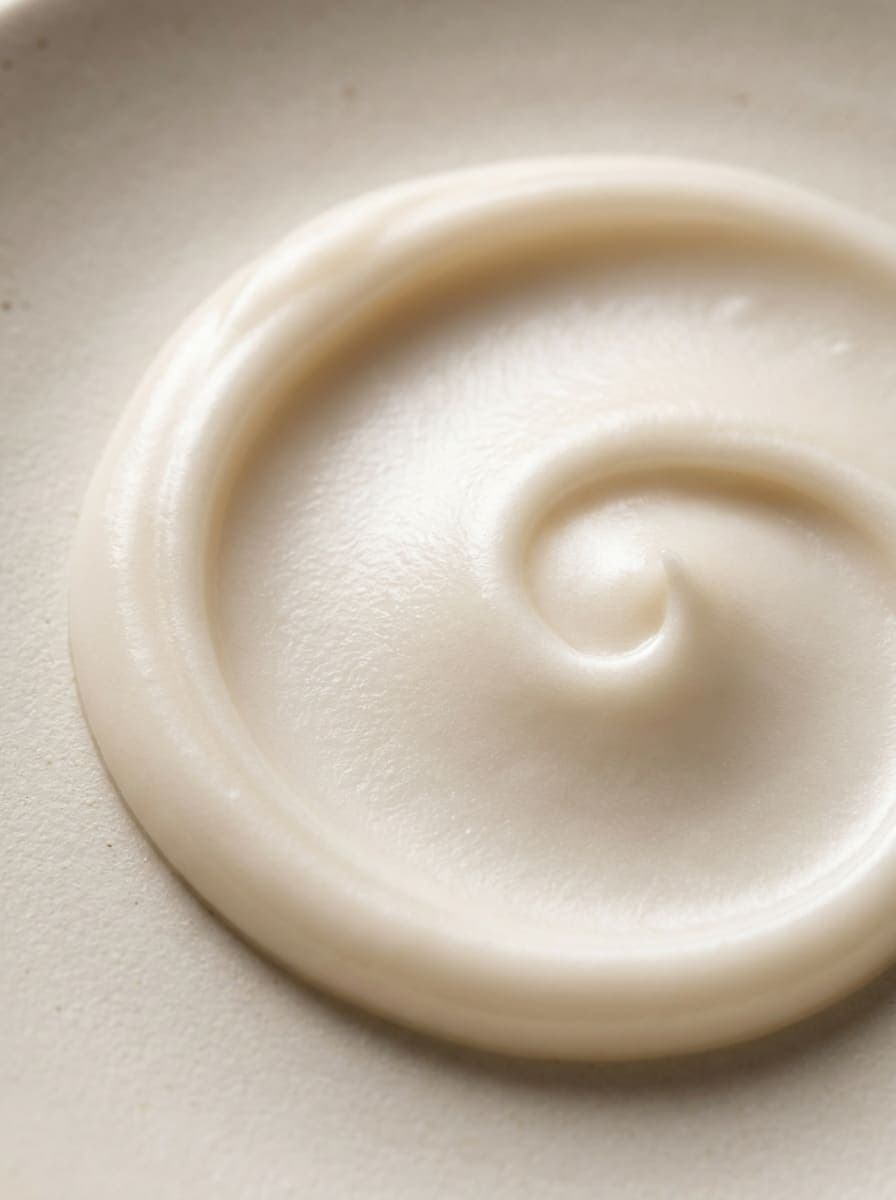
One photo,every version you need


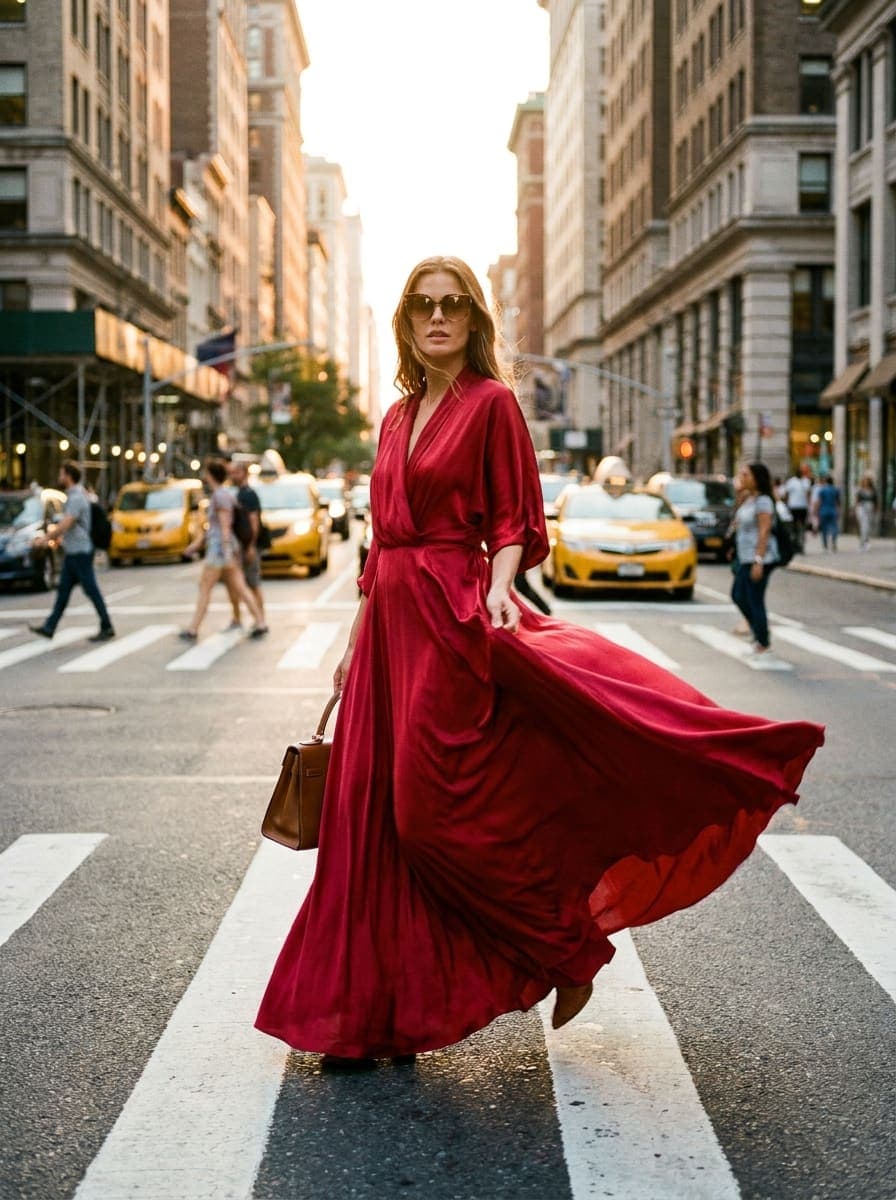


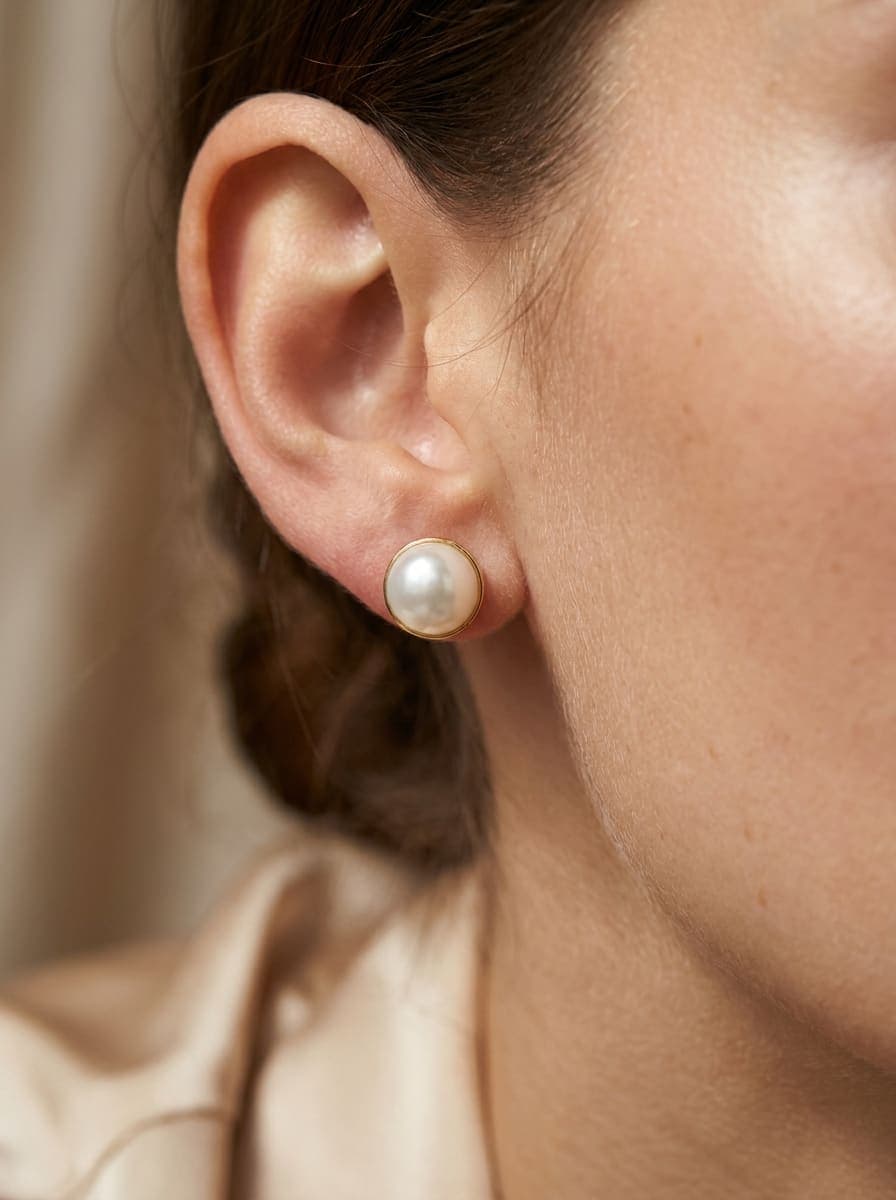
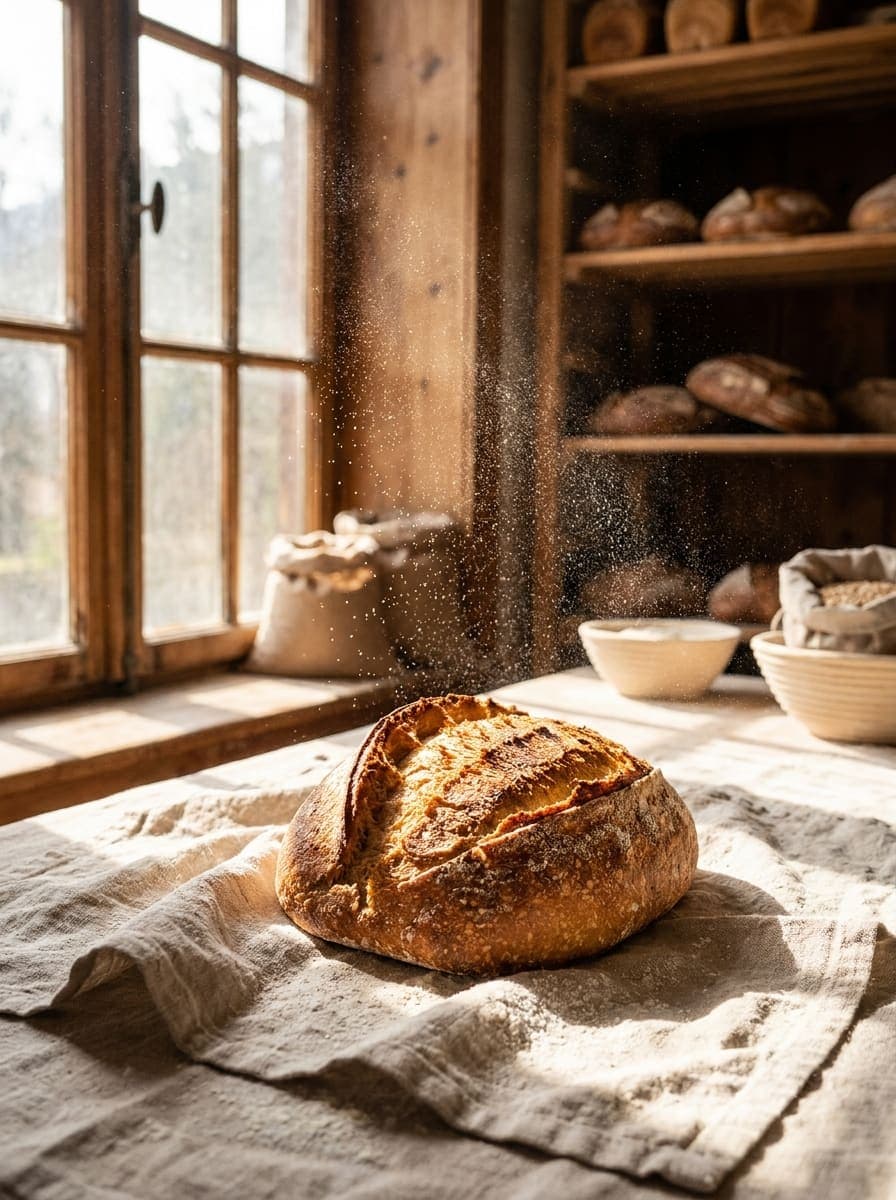

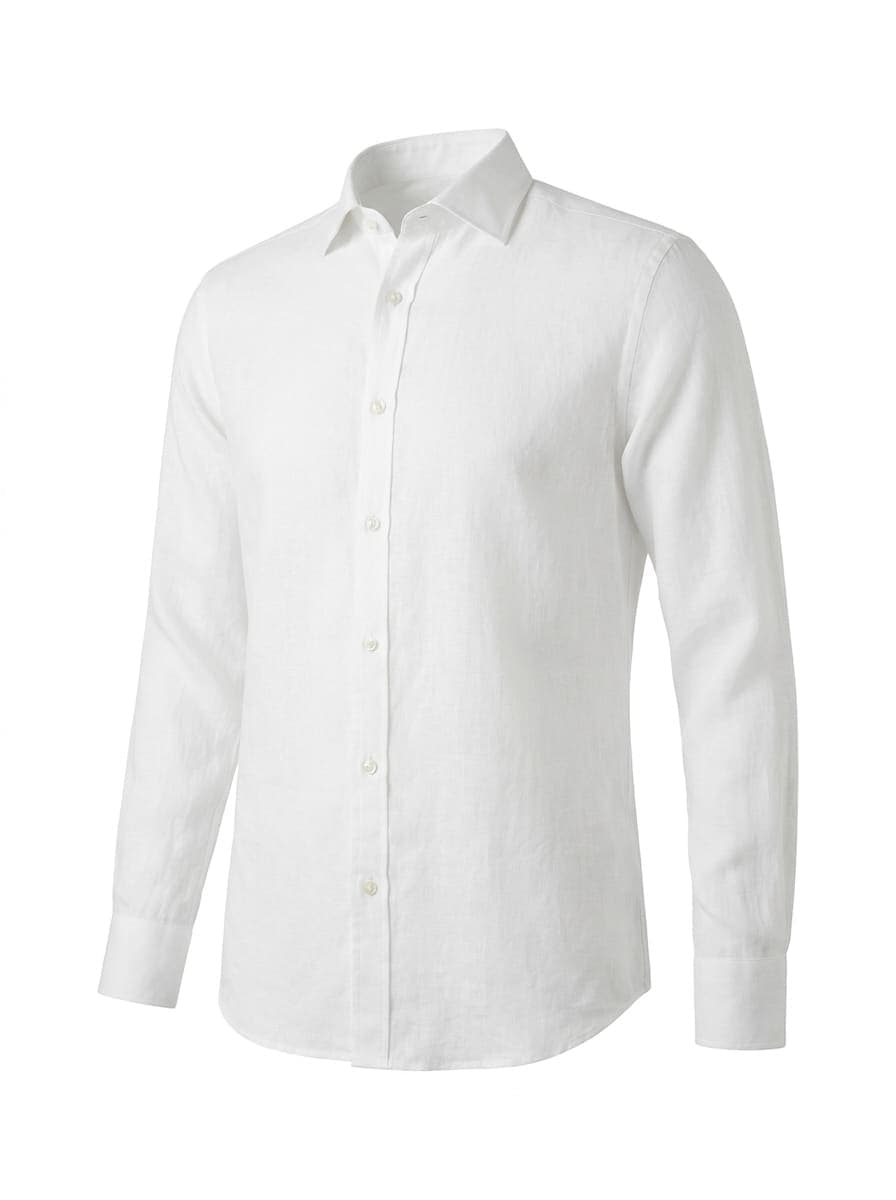
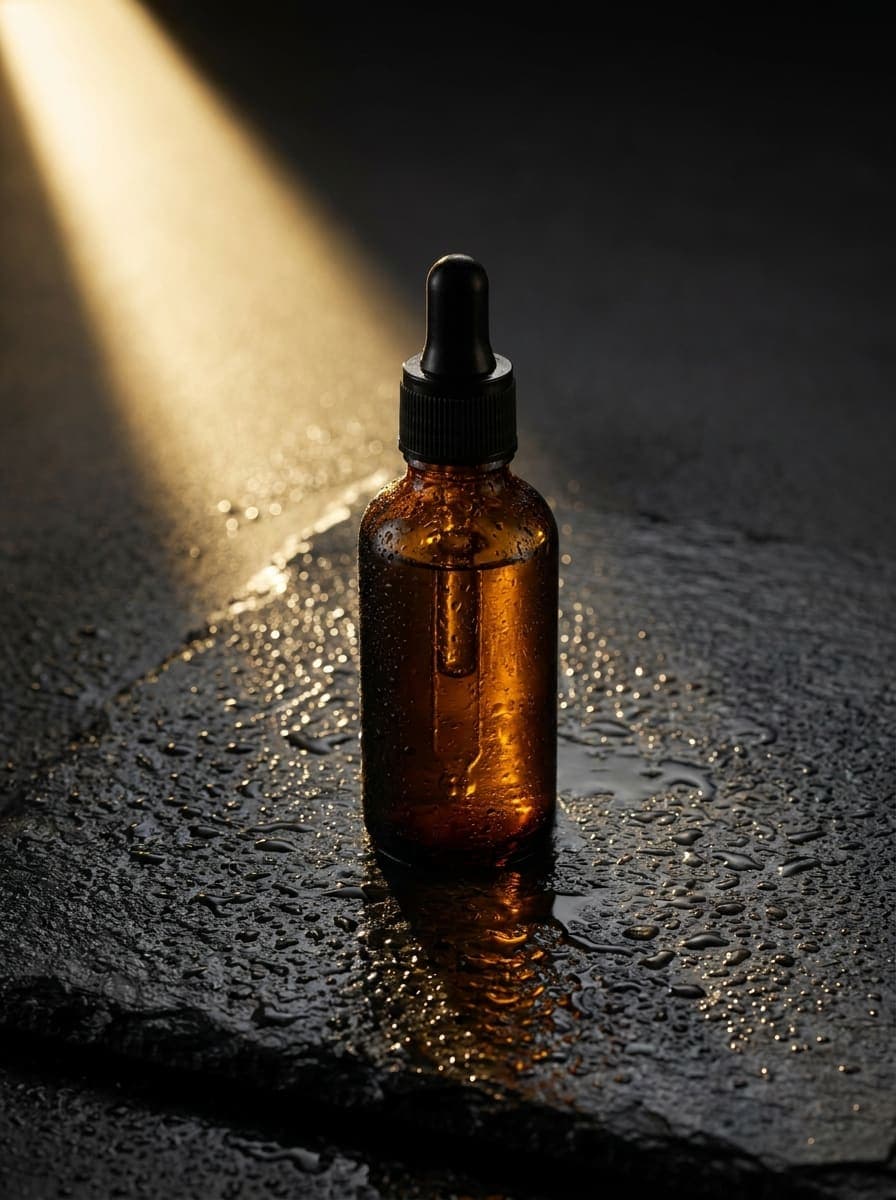
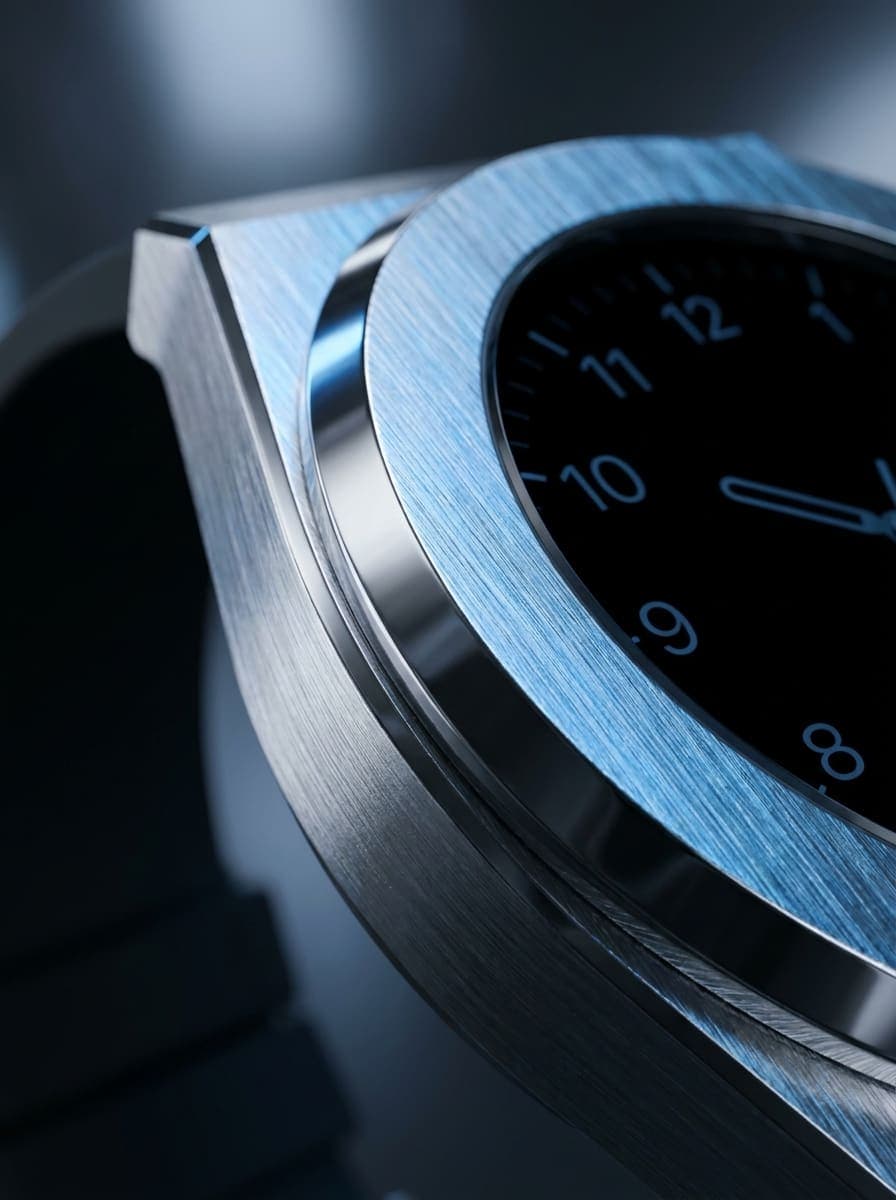
Examples created with Pictulab.
Professional retouchingwith no design skills
Edit with text
Ask for the change in plain language —a different background, different lighting, a different season— and the product stays as it is.
Remove background
Transparent or white backgrounds in one click, ready for Amazon and other marketplaces.
Upscale to 4K
More resolution and sharpness for zoom, print or old catalog photos.
Variations
Several versions of the same photo to test in ads or adapt to each campaign.
Consistent style
Apply the same background and lighting to an entire collection so your catalog fits together.
Everything is saved
The original and every version are saved to your storage, in their project and folder.
Three steps.Zero photo shoots.
Upload the photo
One from your phone will do: the editor takes care of the rest.
Ask for the change
Type what you want or use the quick actions.
Download
Save it, share it or publish it to your store.

FAQ
Frequently asked questions
No. You type what you want to change and the editor does it. For the most common edits there are one-click actions.
Yes. The editor changes what you ask for —background, lighting, mood— and keeps the product's shape, color and label intact.
Yes, with a workflow: you define the steps once and they're applied to an entire folder.
You can start for free with the 100 welcome tokens, no card required. Background removal is also available as a free tool on the website.
JPG, PNG and WebP, among others. You can download the result in whatever format you need.
Your catalog, retouched in minutes
Start free and edit your first photo today.
No card · 100 free tokens when you sign up