Workflows
Your visual production,on autopilot
Chain the steps once and run them every time: each incoming photo gets edited, upscaled and published on its own. No code.
No card · 100 free tokens when you sign up
Hundreds of photos,the same finish


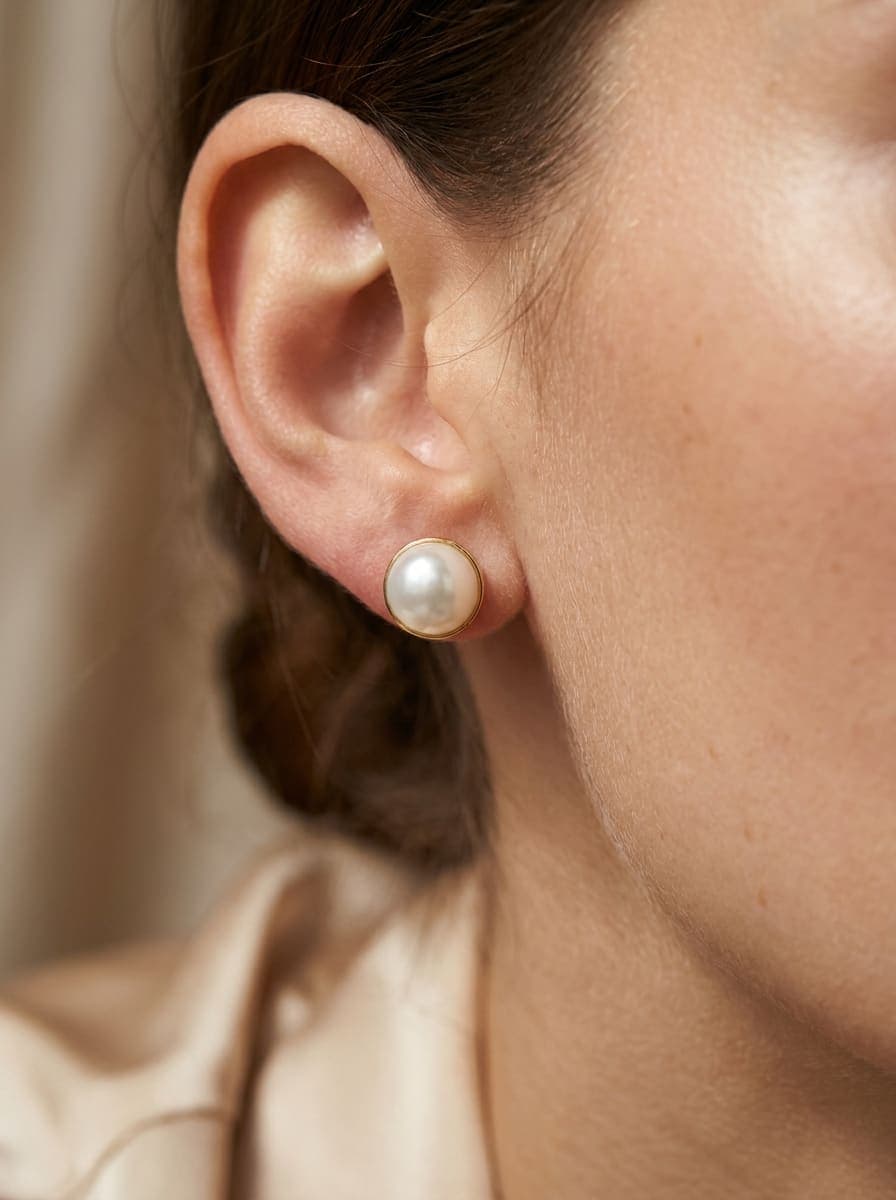

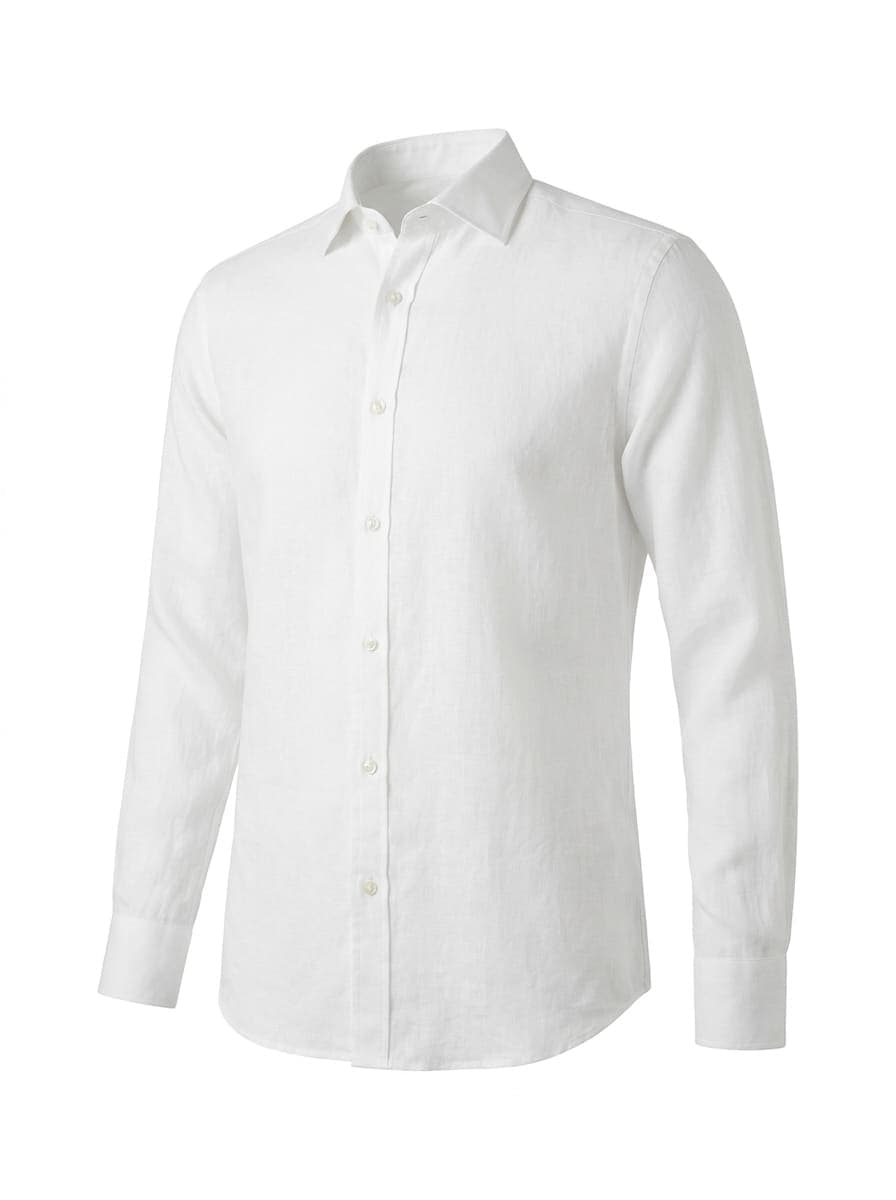
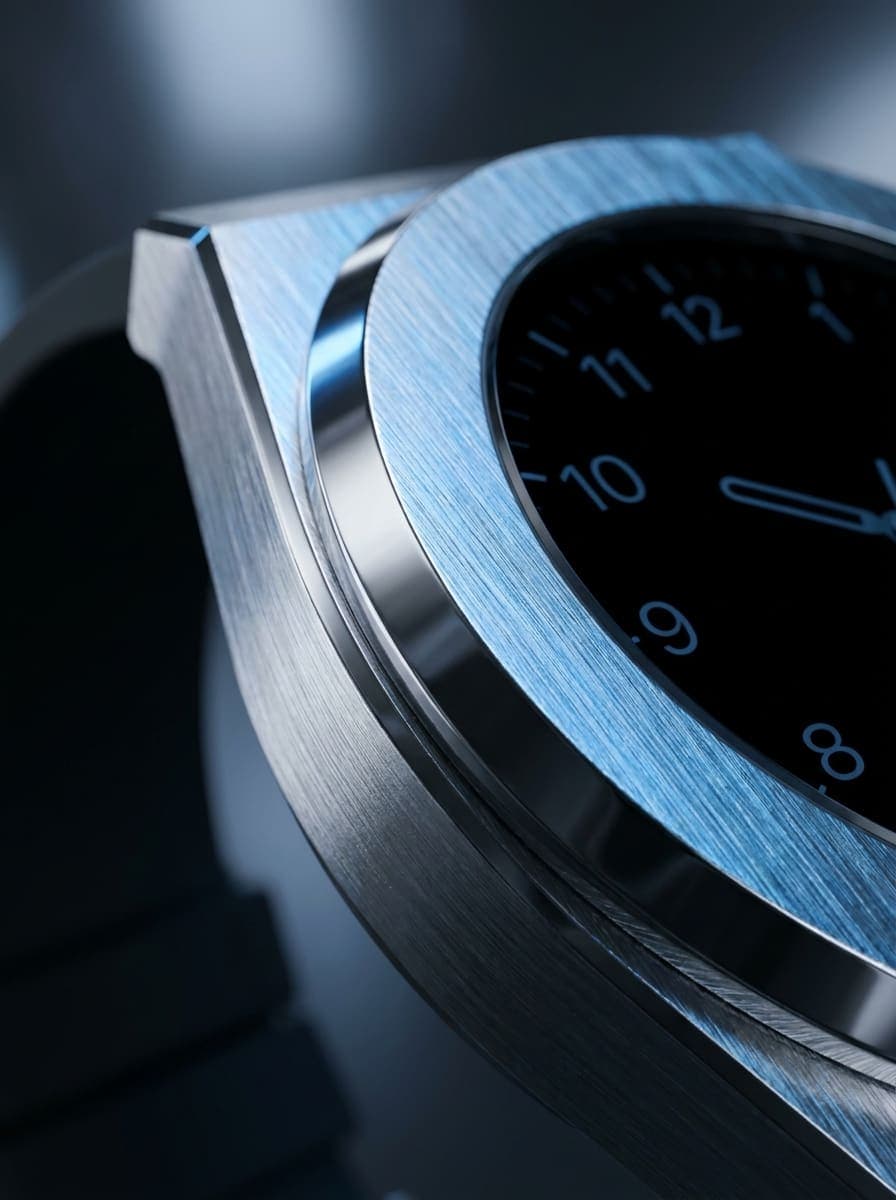
Examples created with Pictulab.
Automate the repetitive work,focus on selling
Visual editor
Drag and connect steps on a canvas. No code and no rigid templates.
Runs on its own
When a photo lands in a folder, when another app calls a webhook or at the time you schedule.
Webhooks
Connect it to your store, your PIM or any tool that can send a request.
Scheduled
Daily, weekly or at whatever frequency you choose.
Connected to your tools
When it's done, it sends the results to Google Drive, Dropbox, S3, FTP or SFTP, or saves them in your project.
Templates
Start from ready-made flows: white-background listing, multi-angle gallery, lifestyle, story format or UGC.
Three steps.Zero photo shoots.
Choose the trigger
A folder, a webhook or a schedule.
Add the steps
Generate, edit, upscale, save, publish or notify.
Let it work
Every run is logged so you can review what happened.

FAQ
Frequently asked questions
No. Workflows are built on a visual canvas by connecting steps. Webhooks are optional, for anyone who wants to integrate them with other tools.
A photo arriving in a folder, a call to its webhook or a set schedule. You can also run it manually.
To your Pictulab storage and to Google Drive, Dropbox, S3, FTP or SFTP.
Each AI step uses the same tokens as if you did it by hand. You can start for free with the 100 welcome tokens.
Yes. Every run is kept in the history with its steps and results.
Stop repeating the same edit
Create your first workflow for free today.
No card · 100 free tokens when you sign up