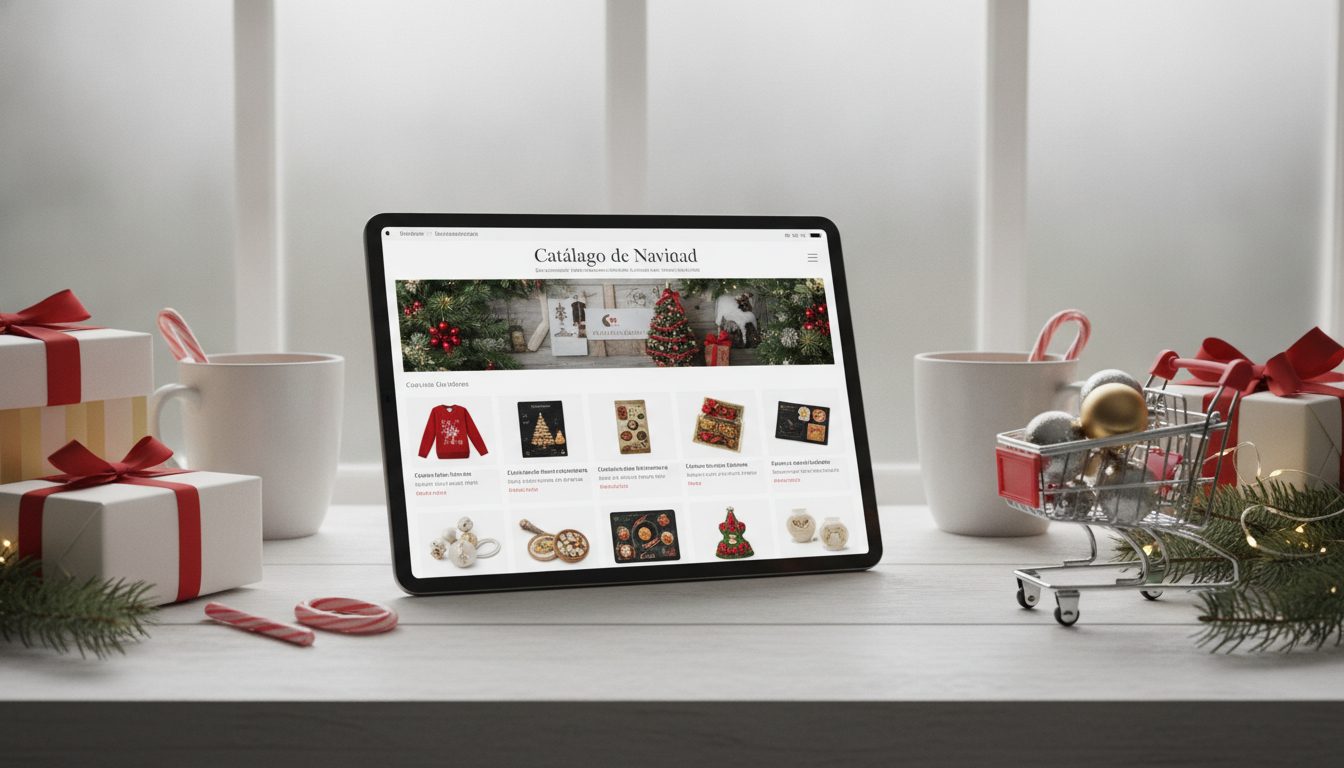
You can do Christmas product photography without a studio. All you need is one clean photo of your product and an AI tool. The AI places your product in a festive scene, such as a table with warm fairy lights, a fir-branch backdrop or gift wrap. There's no set to build, no lights to rent and no photoshoot to book.
This guide walks you through it step by step. It covers which scenes suit each type of product, the mistakes to avoid and when a real studio is still worth the money.

Why create your Christmas photos with AI
The holiday shopping season is long. It kicks off with Black Friday and Cyber Monday, runs through Christmas and carries on into the January sales, so it pays to have your images ready early. A themed photoshoot means booking a date and buying props, and you have to do it all again for every new product.
AI changes the process:
- You start from one base photo per product and create several scenes from it.
- You can try different styles (classic, Scandi, minimalist) without buying any decorations.
- You can resize for every channel: product pages, Instagram and website banners.
- You can update your catalogue when new stock arrives mid-season.
AI doesn't replace everything, though. There's a straight comparison with a studio shoot further down.
What you need before you start
The result depends heavily on your starting photo. You don't need a professional camera, but a few basics matter:
- Soft, even light. Natural light from a window is ideal, out of direct sun.
- The whole product, in focus, with nothing cropped off.
- A plain background, ideally light-coloured, so the cut-out is easier.
- An angle that matches your scene. Shoot front-on for a shelf, or top-down for a flat lay on a table.
- Good resolution. If the original photo is small or blurry, the final scene will be too.
Step by step: Christmas product photos without a studio
1. Take a clean product photo
Put the product on a sheet of card or a plain bedsheet near a window. Shoot with your phone at product height and avoid digital zoom. Take several shots from different angles so you have options for different scenes.
2. Remove the background
Cutting out the product gives the AI a clean base. It also stops shadows or bits of the original background from creeping in. Pictulab has a free background remover for this. It runs in your browser, so your images are never uploaded to a server.
Check the edges carefully, especially around handles, cords or transparent parts. A clean cut-out makes a big difference to the final result.
3. Describe the Christmas scene
Your description is what matters most, and the more specific it is, the better. Include:
- Surface: light wood table, white marble, linen tablecloth, artificial snow.
- Props: fir branches, pine cones, baubles, wrapping paper, candles.
- Lighting: warm, late-afternoon light with blurred fairy lights in the background.
- Style: classic red and gold, Scandi white and wood, or minimalist.
For example: "Product on a light wood table, fir branches on either side, warm blurred fairy lights in the background, Scandi style, soft late-afternoon light."
4. Generate variations and pick one
Generate a few versions and keep the one that stays truest to your product. In Pictulab, every generation shows its token cost before you run it, so you know what each test will cost.
Before you sign off on an image, compare it with the real product. Check the colour, shape, logo and proportions. Your customer will receive the product as it is, and the photo needs to match.
5. Resize and compress
Every channel needs a different format. Product pages usually use square or portrait, Stories use vertical and banners use landscape. Once your final versions are ready, compress them and convert them to the format your store uses with Pictulab's free tools. Your site will load faster without any visible loss in quality.
Scene ideas by product type
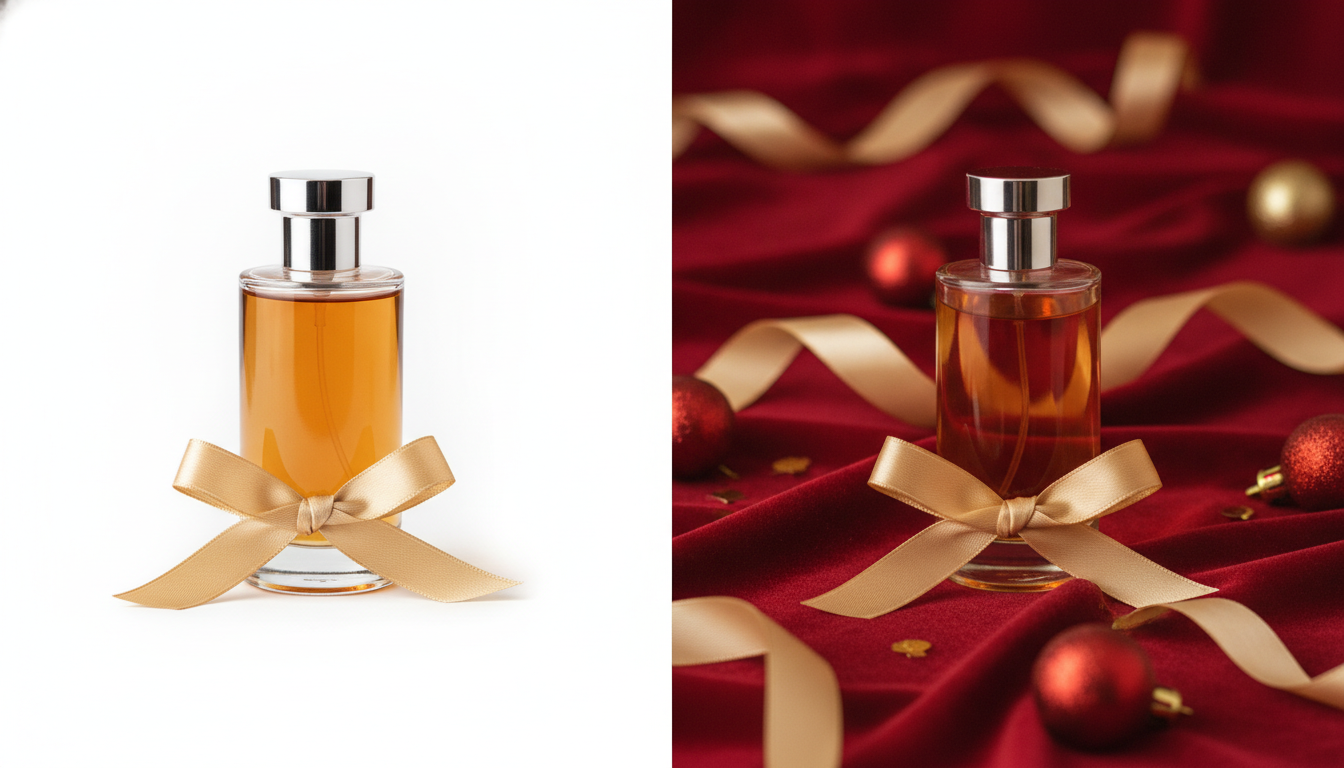
- Beauty and fragrance: red or green velvet, gold ribbons, soft reflections and glass baubles.
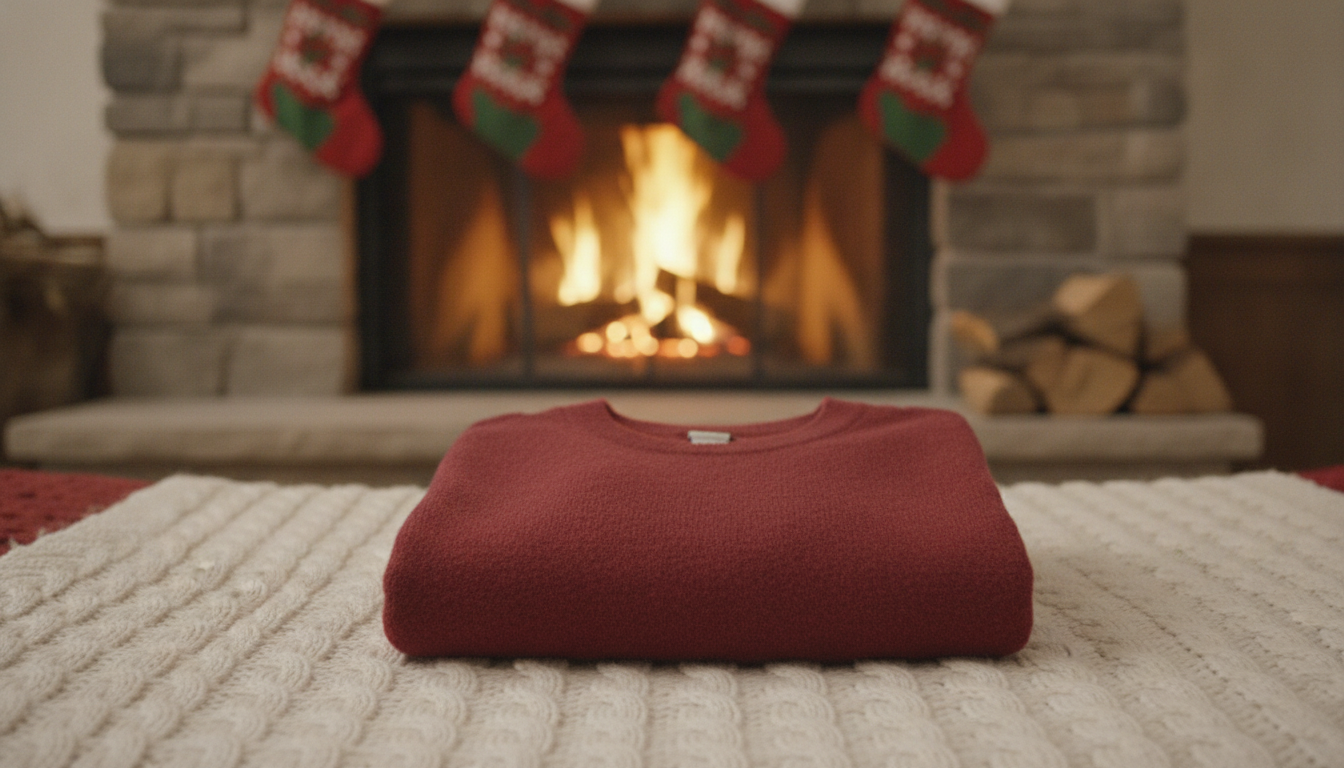
- Fashion and accessories: knitted throws, a fireplace, open gift boxes, rails with garlands.
- Jewellery: dark backgrounds with tiny blurred lights, small gift boxes and marble surfaces.
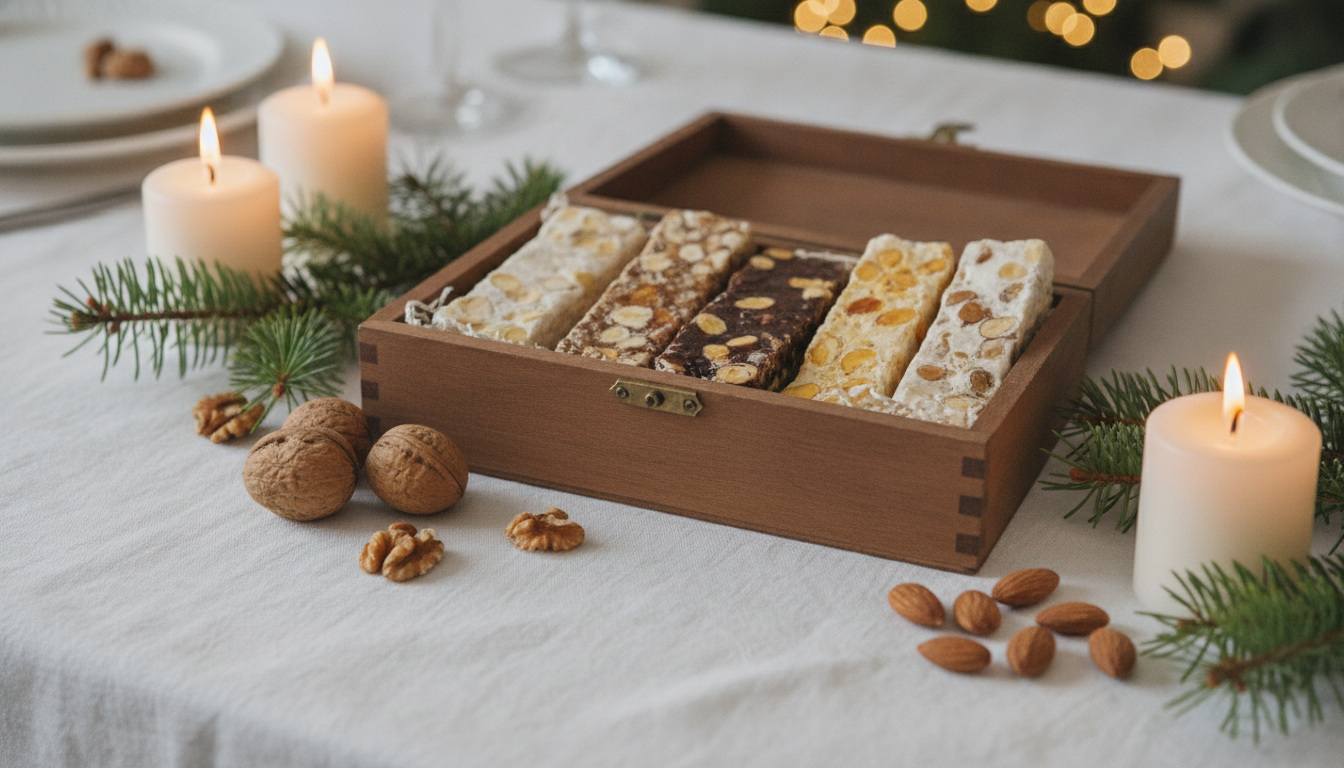
- Food and gourmet: a table laid for Christmas dinner, chocolates, nuts and a linen tablecloth.
- Home and décor: a living room with a tree in the background, late-afternoon light, Scandi style.
- Toys: under the tree, torn wrapping paper, a Christmas-morning feel.
- Tech: a clean desk with a subtle festive touch, such as a fir sprig or a mug.
One tip: choose a style and stick with it across your whole catalogue. A store with consistent photos earns more trust than one with ten different looks.
Common mistakes
- Overloading the scene. With too many decorations, the product gets lost. It should be the first thing people see.
- Impossible scale. A mug bigger than the tree next to it gives the edit away. Check the proportions.
- Mismatched lighting. If the scene has warm light from the left but the product's shadows fall the other way, people will notice.
- Altering the product. Changed colours, warped text or details that don't exist lead to returns and complaints. Throw those images out.
- Forgetting a neutral main image. Many marketplaces require a white background for the main image. Use your festive scenes as secondary images or on social media.
AI vs a studio shoot: a straight comparison
| Aspect | AI (Pictulab) | Studio shoot |
|---|---|---|
| Prep time | One base photo and you're set | Booking, set-up and shooting |
| Variety of scenes | Many from the same photo | Limited to the props available |
| Accuracy of textures and materials | Good, but every image needs checking | Studio wins: it captures the real material |
| Models and product in use | Possible, with more checking | Studio wins for complex scenes with people |
| Full control over lighting | Described in your prompt | Tie, or studio wins with an experienced photographer |
| Cost per extra variation | Tokens per generation, with the cost shown upfront | More hours of studio time |
Some products live or die by their texture, like fine jewellery or specialist fabrics. For those, or for a campaign with models, a good studio is still a solid choice. For large catalogues and fast-changing campaigns, AI saves you a lot of work.
How much it costs with Pictulab
- Free plan: 100 welcome tokens, one time only, no card required. 100 tokens = €1.
- Starter: €12 a month, VAT included.
- Pro: €36 a month, VAT included.
- Business: €120 a month, VAT included.
- Annual billing: two months free.
The web tools for removing backgrounds, compressing and converting are free and run in your browser. Every AI generation shows its cost before you run it.
Start free — 100 tokens on us, no card required.
Related articles
- [ENLACE: how to take product photos with your phone for your online store]
- [ENLACE: white background image requirements on marketplaces]
FAQs
Can I do Christmas product photography without a professional camera?
Yes. A recent smartphone and good natural light are enough for the base photo. The AI creates the festive scene, but the quality of your starting photo still affects the result.
Will the AI change how my product looks?
It can, especially with small text, logos or very specific colours. Check every image against the real product and discard any that don't represent it accurately.
Can I use Christmas scenes as the main image on a marketplace?
It depends on the platform. Many require a white background for the main image. Check their rules and use your festive scenes as secondary images if needed.
When should my Christmas photos be ready?
Ideally before Black Friday. That way they cover the whole season, right through to the January sales, and you have time to test different styles.
Is Pictulab's background remover free?
Yes. The background remover is free and runs in your browser, so your images are never uploaded to a server.
Create visual content with AI for your business
Generate, edit and organize your images in one platform. Start free, no card required.
Get started free