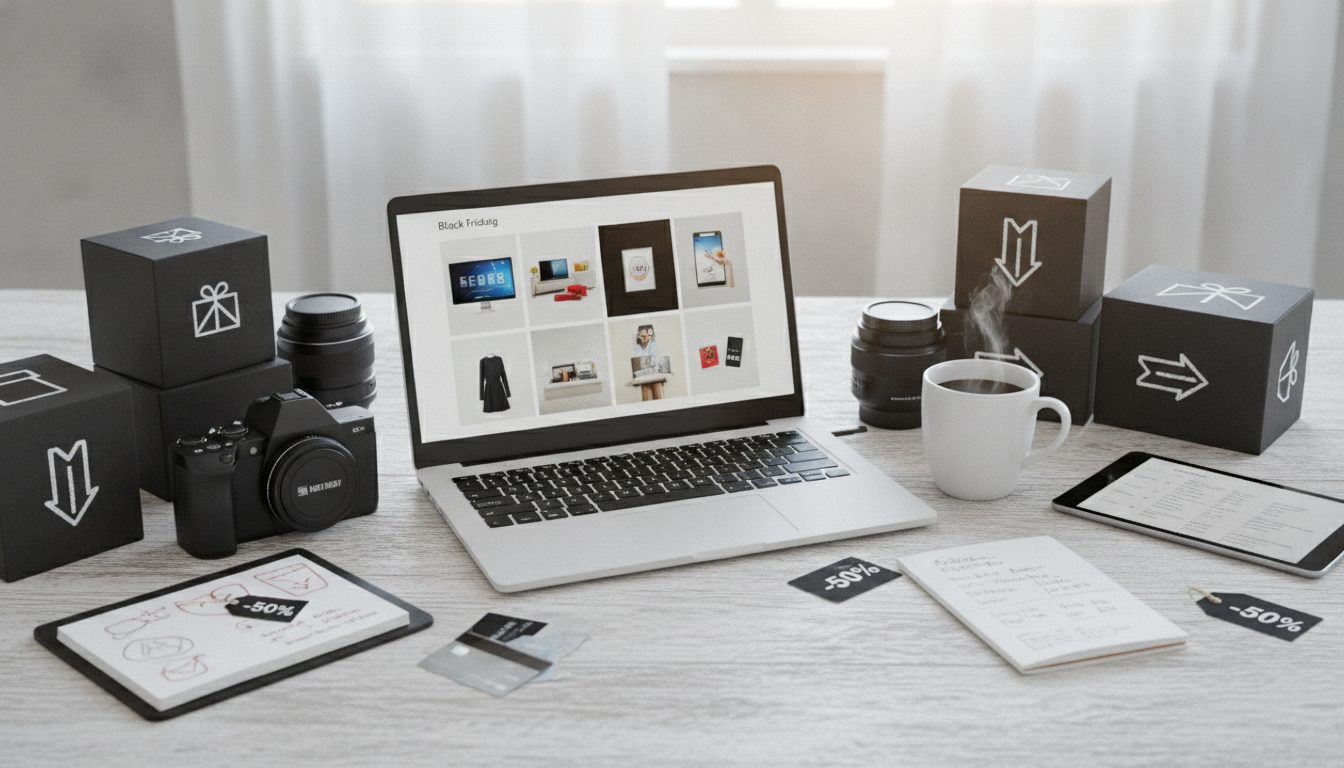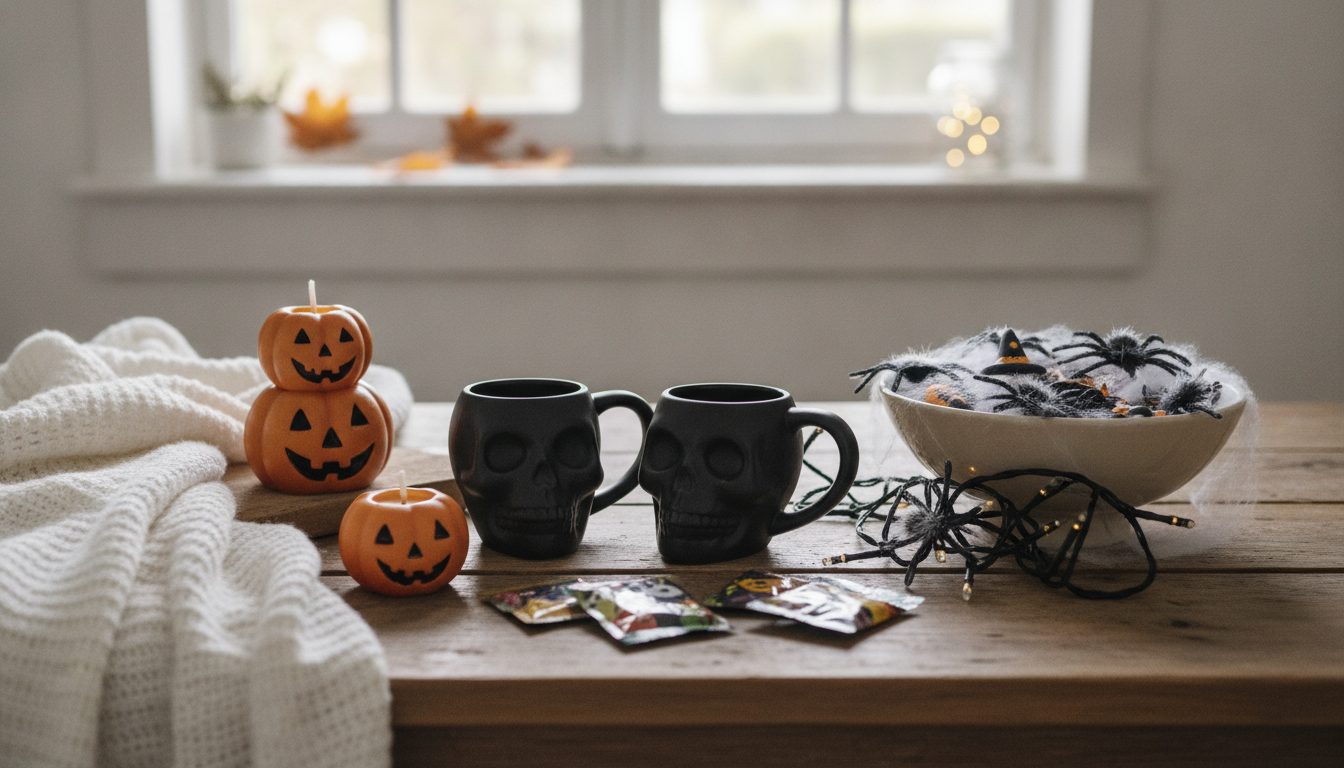
Getting your Singles Day product images right is the first job if you want your online store ready for 11.11 (November 11). You need three things: a clean main photo on a white background for every product, versions sized and compressed for each marketplace, and a handful of campaign visuals that shout "sale" without touching your product listings. Start two or three weeks ahead, and on the 11th all you'll have to do is switch on your discounts.
This guide walks you through it step by step, whether you sell on AliExpress, Amazon, eBay or another marketplace, or through your own store.
What Singles Day is and why it matters for your store
Singles Day, or "11.11", started in China as a day to celebrate being single. Alibaba turned it into a shopping event in 2009, and it has since spread to many other countries, largely through AliExpress and other marketplaces that run their own promotions around the date.
For online sellers, it has one big advantage: it lands just a couple of weeks before Black Friday. The images you prepare now will carry you through November and December, so the effort pays off across the whole peak season.
The catch is that shoppers compare fast during these sales. They see dozens of similar products on one screen and decide in seconds which one to tap. A dark photo, a cluttered background or an image that loads slowly loses that comparison, even if your price is competitive.
Singles Day image checklist
Before getting into the details, here's the list worth going through product by product:
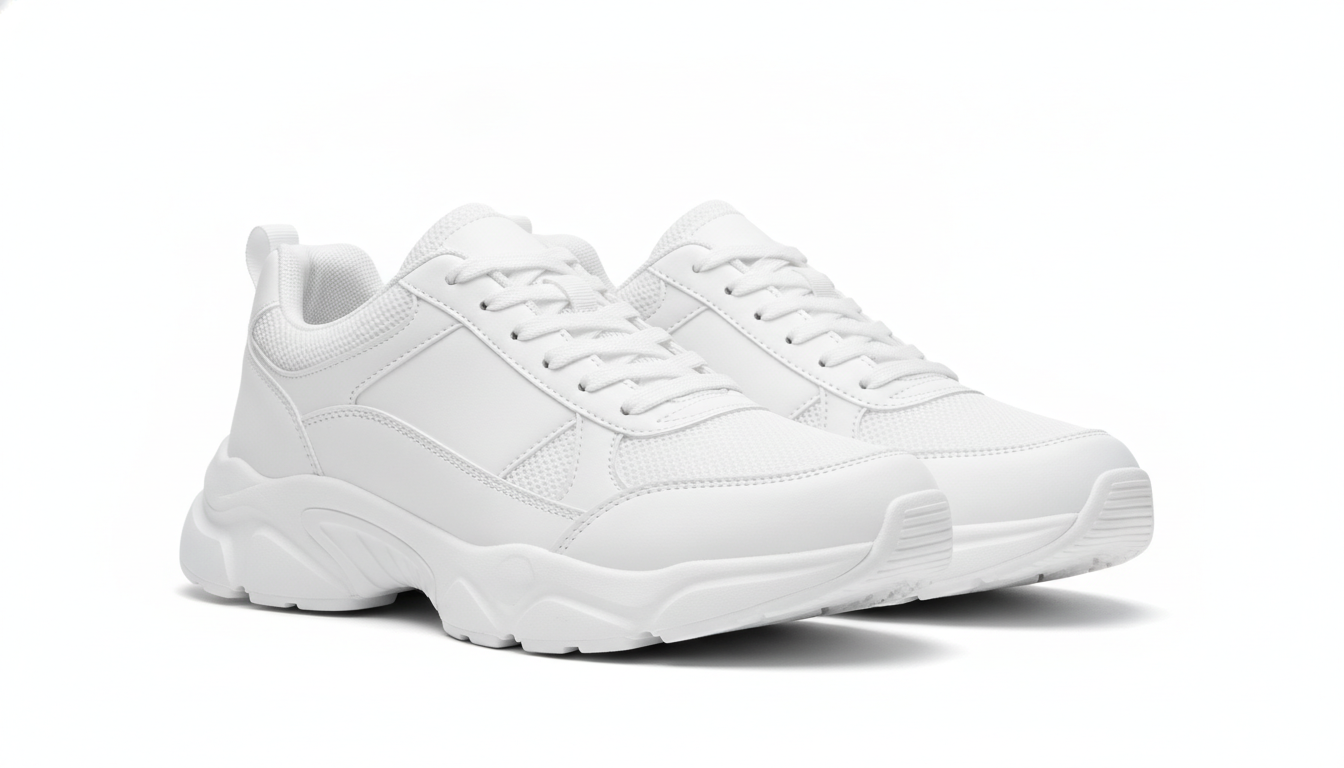
- Main image on a white background with the product centered.
- Gallery of 4 to 6 photos: close-ups, angles, scale and in use.
- Format and size that suit each sales channel.
- Optimized file size so the listing loads quickly on mobile.
- Campaign images (banners, social posts, emails) kept separate from the listing.
- Tidy file names so you can bulk upload without mistakes.
The main image: white background, product front and center
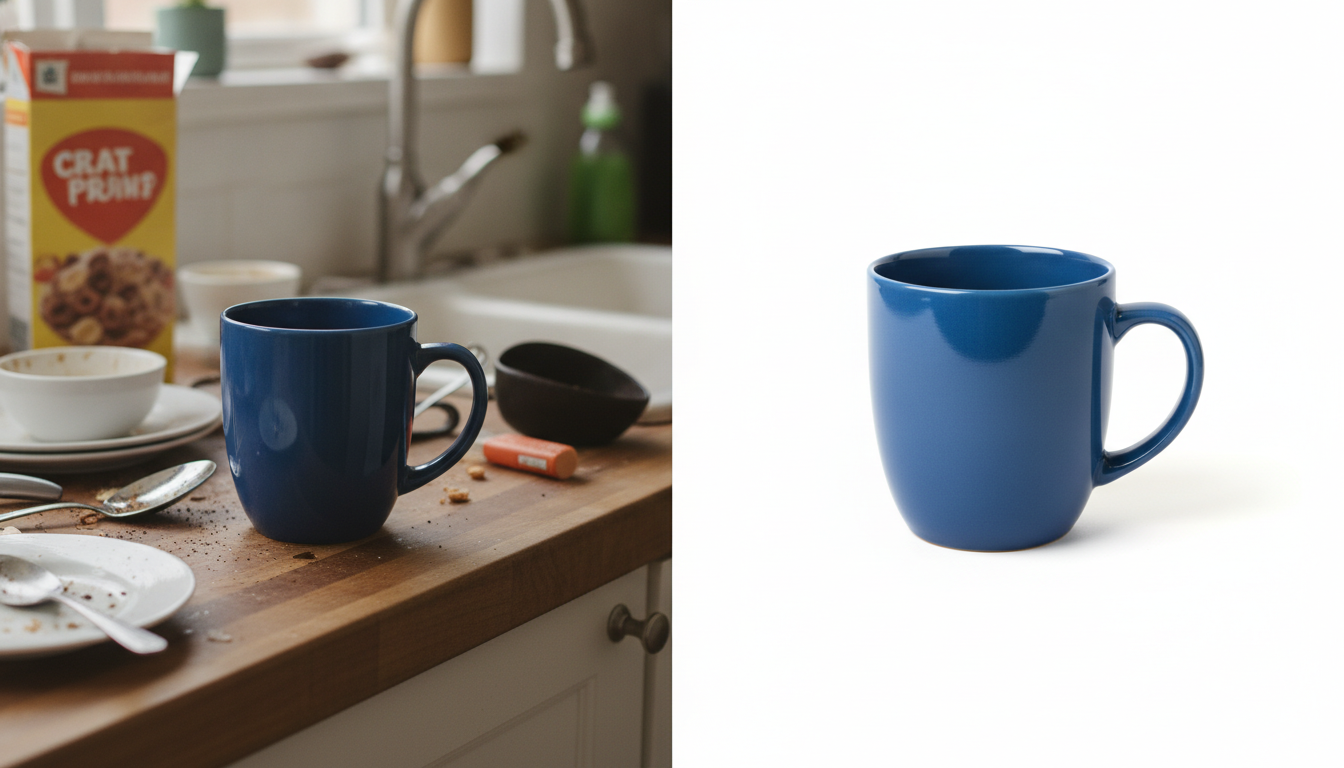
Most marketplaces require or recommend a white background for the main image. Amazon, for example, requires a pure white background on the main photo and recommends the product fill around 85% of the frame. AliExpress and other channels update their guidelines from time to time, so check the current rules in each seller center before uploading your catalog.
Even when a channel doesn't require it, a white background has practical benefits:
- Your product looks equally clean in any listing.
- You can reuse the same photo across several marketplaces.
- It's the starting point for lifestyle or campaign images later on.
If your photos were shot against a living room wall, a warehouse shelf or a mix of colored backdrops, you can make them consistent with our free background remover. It runs in your browser, so your images are never uploaded to a server, which is handy if you're working with products that haven't launched yet.
Common main image mistakes
- Adding text like "50% OFF" or "11.11" to the main image. Many marketplaces don't allow it and may suppress or reject the listing. Save the sales messaging for banners and social.
- Product too small in the frame, surrounded by lots of white space.
- Harsh shadows or rough cutout edges, which really stand out on white.
- Colors that don't match the real product. If the customer receives a different shade, you'll get returns and bad reviews.
Size, format and file weight: make them load fast
During high-traffic sales, most visits come from phones. A listing that loads slowly is a listing shoppers leave.
Dimensions and aspect ratio
Square images are the most common format on marketplaces and work well on mobile. Use large images (Amazon recommends at least 1000 pixels on the longest side to enable zoom) and check each channel's minimum and maximum. Keeping one aspect ratio across your whole gallery makes it look more polished.
File format
- JPG: the most widely supported choice for product photos.
- PNG: useful when you need transparency, for example for banner mockups.
- WebP: smaller files and a good option for your own store, if your platform supports it.
If your catalog is a mix of formats, you can standardize it with our image converter.
File size
A photo straight off a phone or camera can weigh several megabytes. Shrink it without visible quality loss using our image compressor. Like the background remover, it's free and processes everything in your browser.
Campaign images: where "11.11" belongs
Your product listing should stay clean, but there's plenty of room around it to tell people there's a sale on:
- Store banners on the marketplace or your website.
- Posts and Stories on social media.
- Email headers for your customer list.
- Ads, if you're running paid campaigns during the sale.
Lifestyle shots work well here: the product in use, in a setting that fits your customer. With Pictulab you can start from your white-background photo and generate AI scenes (a lamp in a living room, a face cream in a bright bathroom, sneakers on a city street) without organizing a photo shoot. You can also turn your images into short videos for social.
One important tip: AI should change the setting, not the product. Check that the shape, color and details still match the real item. What the customer sees is what they expect to receive.
Scene ideas for November
- Fall vibes and cozy interiors.
- Gift-ready products with wrapping paper or a box.
- "Treat yourself" scenes, very much in the spirit of Singles Day's origins: self-care, little luxuries, downtime.
- Solid color backdrops that match your brand.

Prep timeline
A realistic plan so you're not scrambling:
- Three weeks out: pick the products you'll promote and note which photos are missing or need fixing.
- Two weeks out: make backgrounds, sizes and formats consistent. Compress the whole campaign catalog.
- Ten days out: create lifestyle images, banners and social assets.
- One week out: upload and review your listings on each marketplace, on both mobile and desktop.
- On the 11th: turn on your deals and post on social. Your images are already done.
What it costs with Pictulab
The web tools for removing backgrounds, compressing and converting are free. Generating AI scenes or video uses tokens:
- Free plan: 100 welcome tokens, one time only, no card required.
- Starter: €12/month incl. VAT.
- Pro: €36/month incl. VAT.
- Business: €120/month incl. VAT.
Pay annually and you get two months free. Every generation shows its cost before you run it, so you always know what you're spending (100 tokens = €1).
Start free — 100 tokens on us, no card needed.
Keep reading
- [ENLACE: how to prepare product photos for Black Friday]
- [ENLACE: Amazon product image requirements]
FAQ
When is Singles Day?
It takes place every year on November 11. Many marketplaces stretch their promotions over several days before or after, so it pays to have your images ready early.
Can I put "Singles Day" or a discount on my main product image?
It's not a good idea. Many marketplaces don't allow text or promotional badges on the main image and may reject or limit the listing. Use that messaging on banners, social media and emails instead.
What size should images be for AliExpress?
Specs can change, so the safest bet is to check AliExpress's seller center. As a general rule, use square, high-resolution images with a small file size.
Can I use AI-generated images on marketplaces?
For lifestyle and campaign images, they're a practical option. The key is that the product looks exactly as it is: same color, shape and details. Also check each marketplace's rules on edited images.
Are my photos uploaded to a server when I remove the background or compress them?
No. Pictulab's web tools for removing backgrounds, compressing and converting run in your browser, and your images are never uploaded to a server.
Create visual content with AI for your business
Generate, edit and organize your images in one platform. Start free, no card required.
Get started free