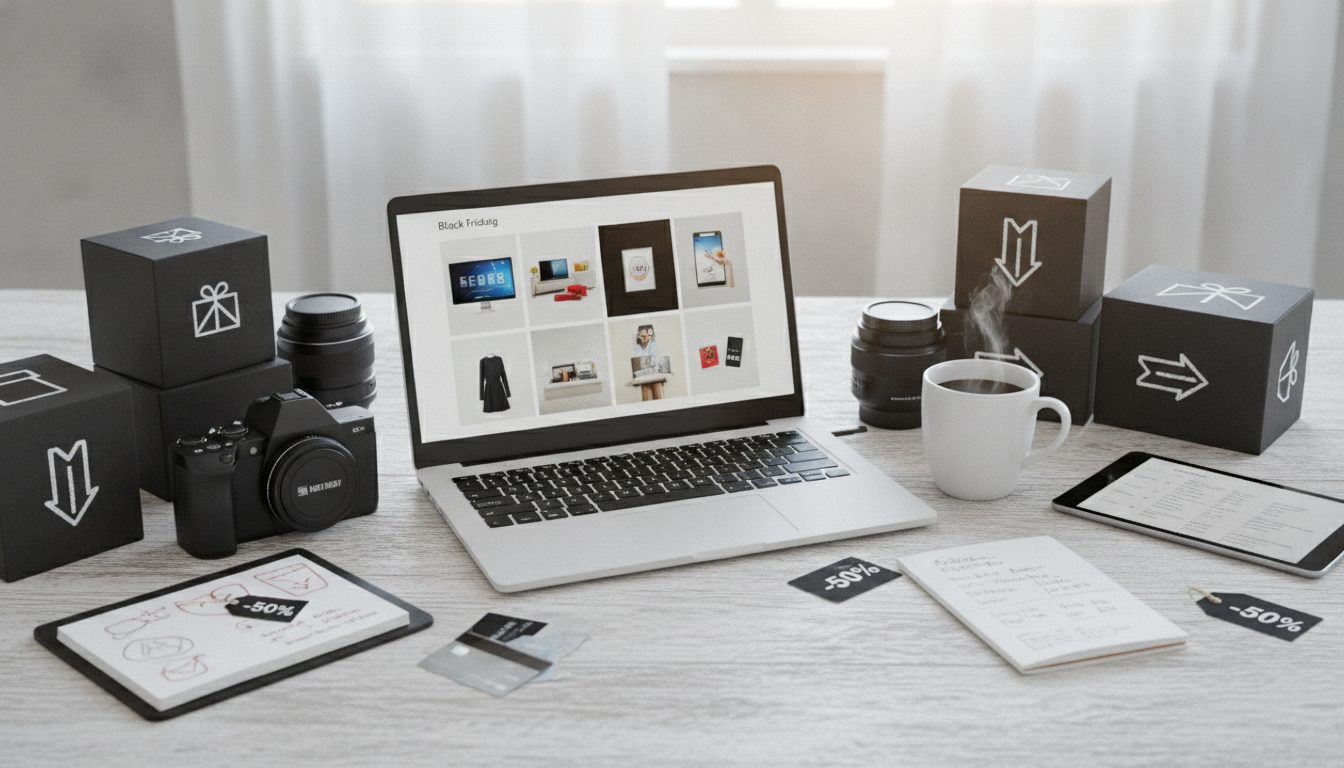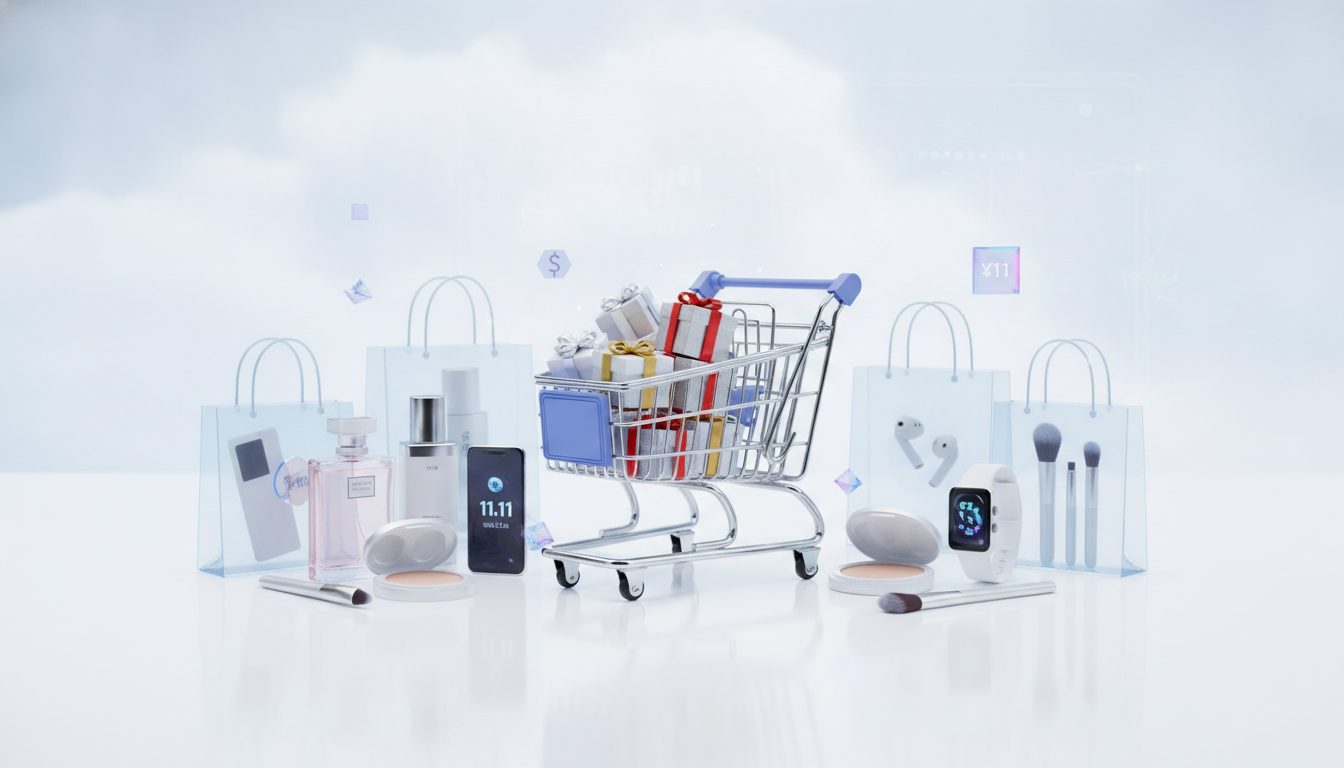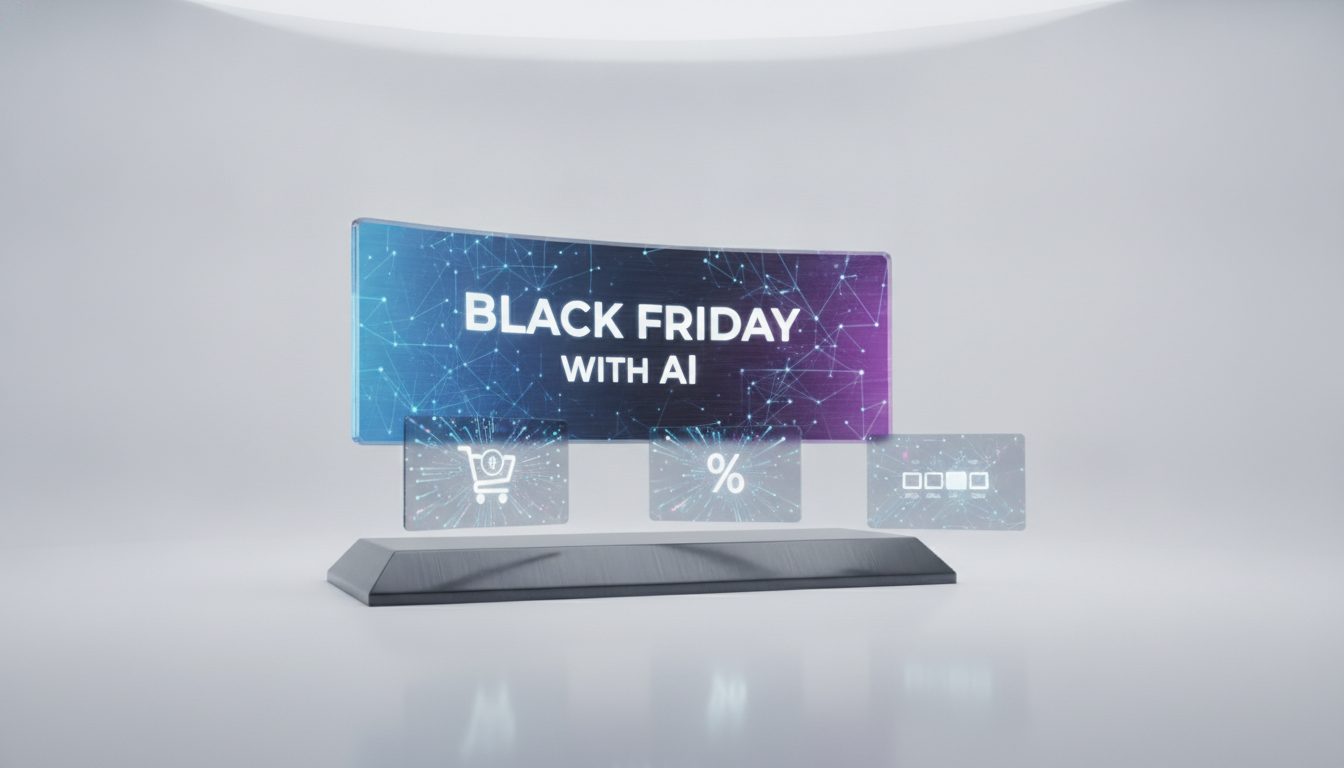
A Black Friday banner made with AI comes together in three steps. First, generate the background or product scene with AI. Then add your offer copy on top: discount, dates and call to action. Finally, export one version for each placement you plan to use, such as your website, mobile, social and email.
AI handles the visual side, which is the part that usually takes longest. You stay in control of the message, which also avoids the garbled lettering many image generators still produce.
Below you'll find examples by format, copy templates you can paste straight in, prompts for generating the visuals and the mistakes worth avoiding.
What a Black Friday banner needs to work
Before you open any tool, be clear about what the banner has to get across in a couple of seconds:
- The offer, big and bold. “30% off”, “Buy one, get one free” or “Free delivery”. It's the first thing people read.
- The deadline. “Ends Monday” or “24 November – 1 December”. No date, no urgency.
- What's on sale. The whole store, one category or a single product.
- One call to action. “Shop the sale” or “Buy now”. A single button.
- Consistent branding. Black and gold are Black Friday staples, but your logo, typeface and colours still need to be recognisable.
Everything else is clutter. A banner with five messages communicates none of them.
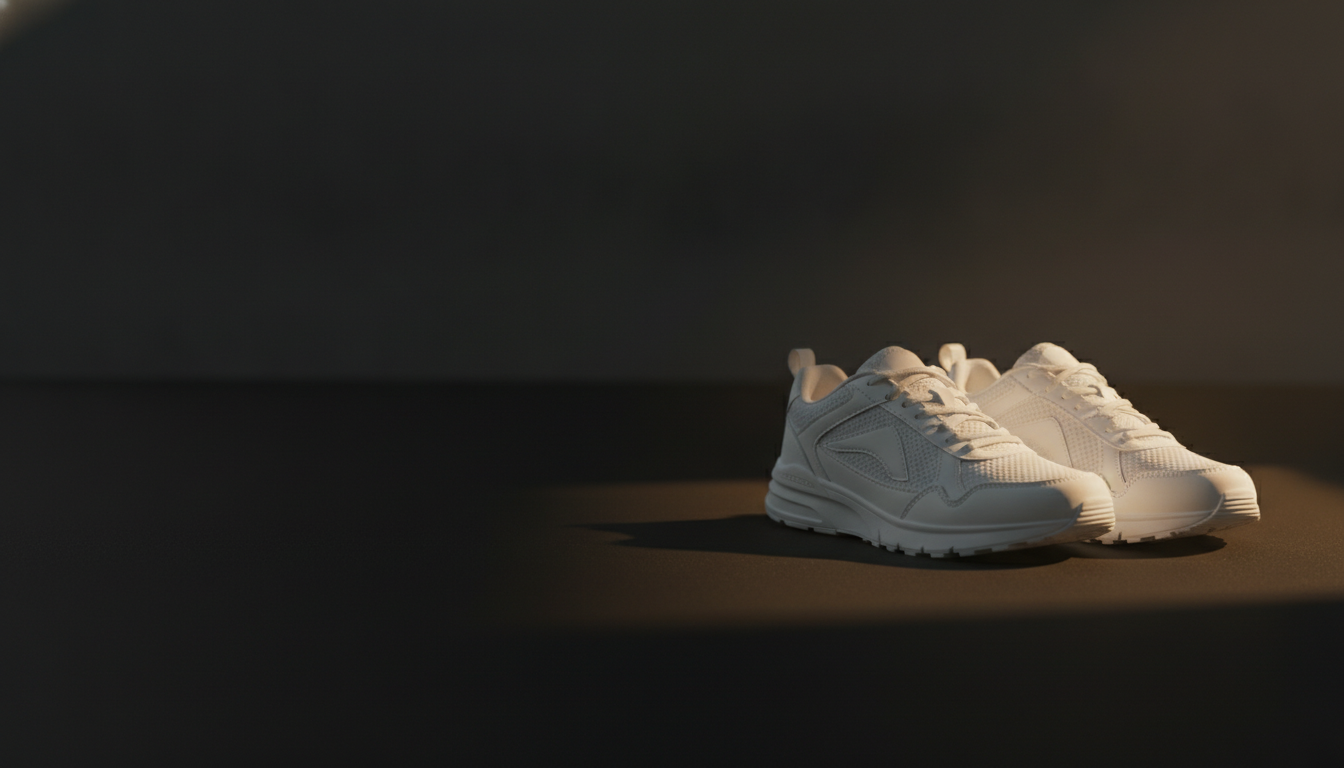
How to make a Black Friday banner with AI, step by step
1. Prepare your product photo
If the banner features a real product, start with a good photo. Remove the background so you can drop the product into any scene. Pictulab's free background remover does this in your browser, without uploading the image to any server.
2. Generate the scene or background with AI
Describe the setting you want: materials, lighting, colours and, above all, where to leave empty space for the text. That last detail is the one people forget most often, and it saves the most work later on.
3. Add the text outside the AI
Image models have improved, but numbers and lettering still go wrong regularly, and a misspelt “30% off” ruins the banner. Add your copy in your usual editor or, for your homepage hero, directly in HTML over the image.
The HTML route has two advantages:
- Search engines and screen readers can read the text.
- You can change the discount without regenerating anything.
4. Adapt it to each format
The same scene won't work equally well as a wide banner and a vertical Story. Generate or crop a version for each, keeping the product and the copy inside the safe area.
5. Compress and check
A heavy banner slows down your homepage on the very day you get the most traffic. Compress your images and convert them to WebP if your store supports it. Pictulab's compression and conversion tools are also free and run in your browser.
Black Friday banner examples by format
Homepage hero banner
This is the most visible banner, and it gets seen most on mobile, even if it's designed with desktop in mind. Many store themes use wide proportions such as 1920 × 600 px, but check the exact size your theme asks for.
Example: hero product on the right, dark background with a soft gradient, and the discount, deadline and button on the left.
Example prompt:
Product photo of black wireless headphones on a dark stone plinth, black background with soft gold reflections, side studio lighting, landscape composition with the product on the right and the left third empty and dark.
Category banner
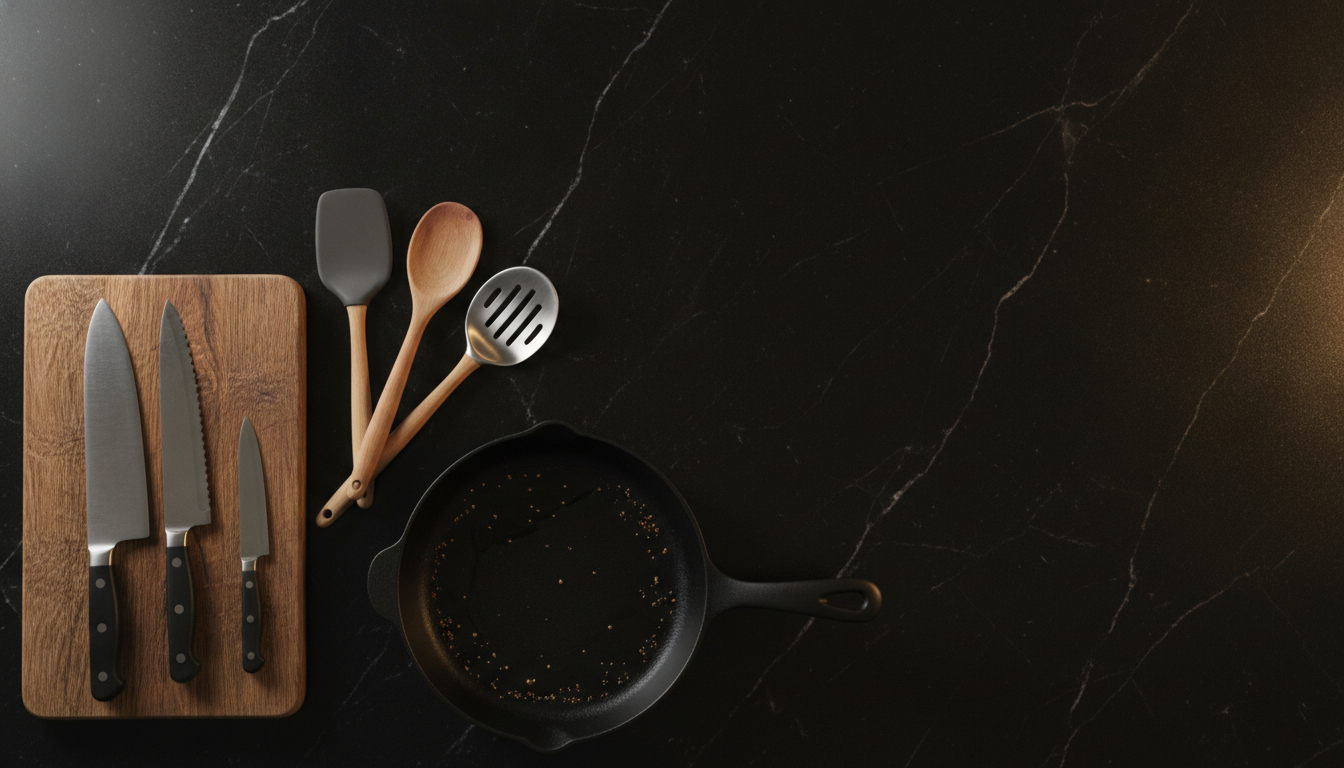
This sits at the top of a collection page (“Womenswear”, “Kitchen”). Here, showing several products from the category together usually works better than a single item.
Example prompt:
Top-down flat lay of steel and wooden kitchen utensils on a black marble worktop, warm light, editorial style, empty space across the top.
Instagram Stories and vertical formats
The standard size is 1080 × 1920 px. Keep the top and bottom strips clear, because that's where the account name and reply controls appear.
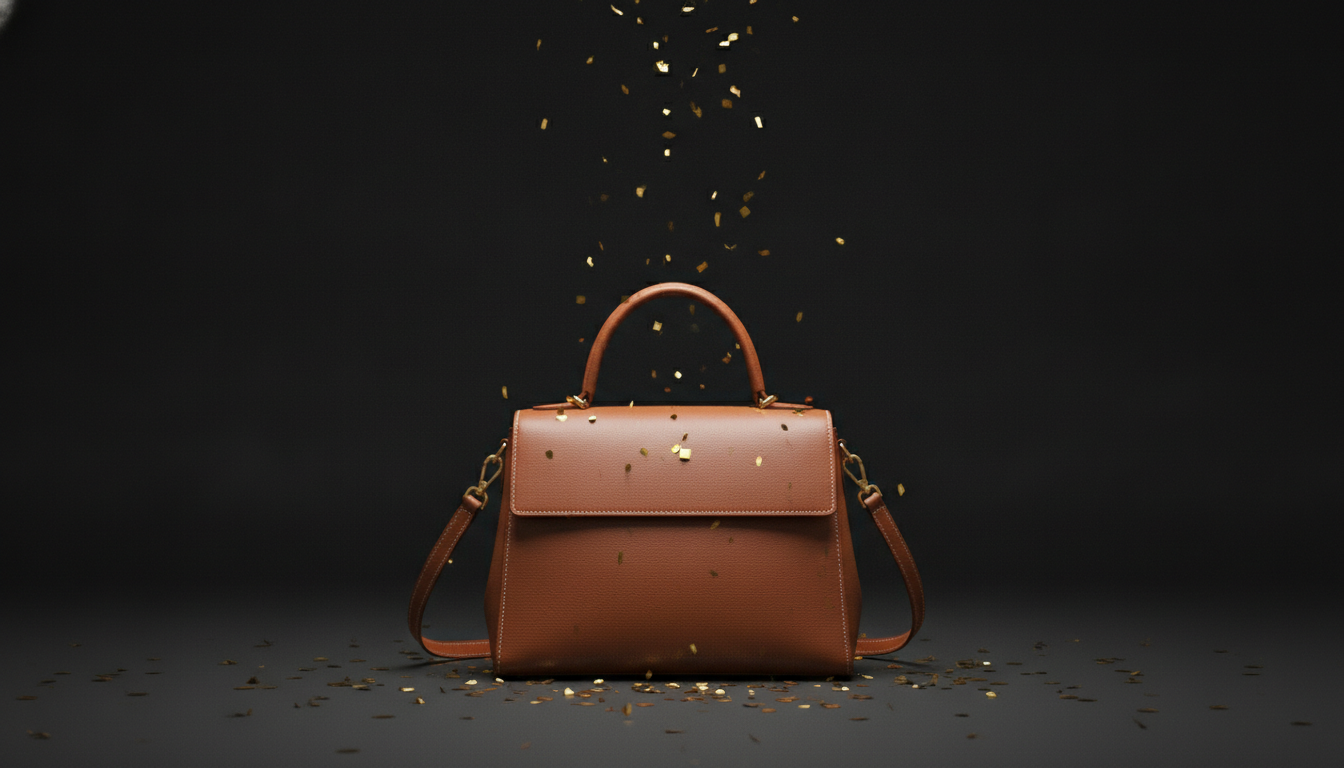
Example: product centred, textured background (velvet, black paper, metallic confetti) and the discount in the middle third.
Square social post
At 1080 × 1080 px, the product usually takes up more of the frame. If you're posting several offers, keep the same background and swap only the product. That way your feed reads as one campaign.
Email header
The most common width for email templates is around 600 px. Many email clients block images by default, so the discount should also appear as live text in the body of the email, not just inside the banner.
Display ad banners
If you're running display campaigns, the most widely used standard sizes are 300 × 250, 728 × 90, 160 × 600 and 320 × 50 px. In the small ones, forget the scene: product, discount and button are all that will fit.
Copy templates for your Black Friday banner
Pick the one that fits your offer and replace the details in square brackets.
Sitewide discount
- Headline: “Black Friday: [X]% off everything”
- Subheading: “Ends [day] at 11:59pm”
- Button: “Shop the sale”
Category discount
- Headline: “[X]% off [category]”
- Subheading: “This week only”
- Button: “Buy now”
Tiered discount
- Headline: “Spend more, save more”
- Subheading: “10% off over [amount] · 20% off over [amount]”
- Button: “Start shopping”
Hero product
- Headline: “[Product] for [price]”
- Subheading: “Was [previous price]. Limited stock”
- Button: “I want it”
No direct discount
- Headline: “Black Friday: free delivery on every order”
- Subheading: “[day] to [day]”
- Button: “Visit the store”
A quick legal note: in the EU, when you advertise a price reduction, the “was” price you show must be the lowest price you've charged in the previous 30 days. Other countries have their own rules on reference prices, so check what applies wherever you sell before writing the “Was” line on your banners.
Prompt templates for the background
Use these structures as a starting point and swap in your own product and materials:
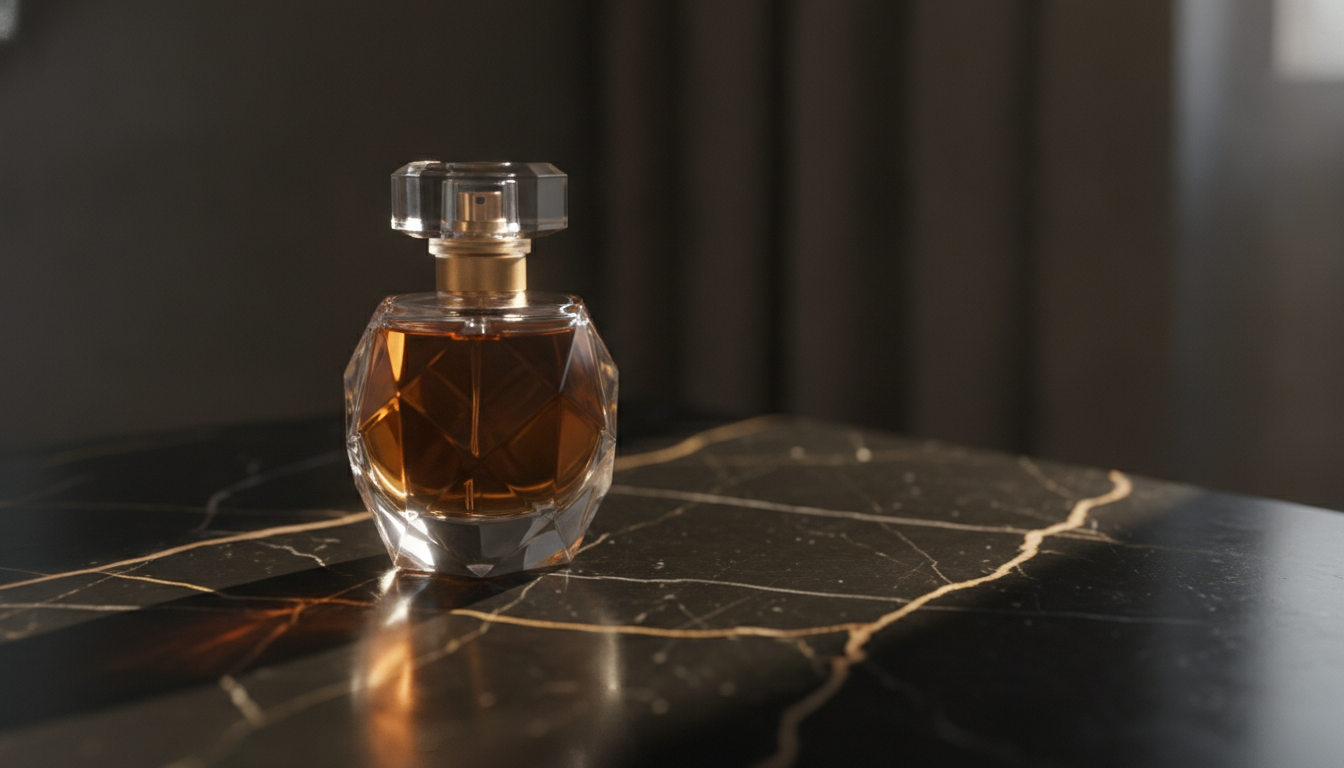
- Dark luxury: “[Product] on a black marble surface, gold reflections, dark blurred background, warm studio light, empty space on the [left/right].”
- Urban neon: “[Product] on a black background with blurred pink and purple neon lights, night-time mood, [landscape/portrait] composition.”
- Minimal: “[Product] on a plain charcoal grey background, single light source, soft shadow, lots of negative space.”
- Festive: “[Product] surrounded by black gift boxes with gold ribbons, metallic confetti, warm light.”
- Lifestyle: “[Product] in use in a modern living room at dusk, dark warm tones, wide framing with clear space for text.”
Three tips that improve any prompt:
- Always state the orientation.
- Explicitly ask for empty space for the copy.
- Add “no text” if the generator tends to throw in lettering.
AI or a template editor: when to use each
Template-based design editors such as Canva are still a perfectly good option for Black Friday banners, and in some areas they have the edge:
- A library of ready-made layouts. If you don't want to think about composition, there are thousands of Black Friday designs ready to edit.
- Text editing and teamwork. Placing fonts, aligning elements and sharing a design with colleagues is easier in an editor built for that.
AI adds the most value on the image side. You get unique product scenes instead of stock photos your competitors are also using, plus quick variations of the same scene for each format. In many cases the practical approach is to combine both: generate the visual with AI and lay out the copy in the editor you already use.
Common Black Friday banner mistakes
- Asking the AI to write the discount. Add the text separately.
- Copy that's unreadable on mobile. If the number can't be read when you shrink the banner to phone width, it's too small.
- Low contrast. Grey text on black looks sleek on a big screen and disappears on a dimmed phone.
- Uncompressed images. A slow homepage on your busiest day costs sales.
- A different banner on every channel. Your website, emails and social posts should look like the same campaign.
- Forgetting to take it down. A “Black Friday” banner still live in December looks careless.
Start your campaign with Pictulab
With Pictulab you can do all of this in one place:
- Remove backgrounds from your product photos.
- Generate Black Friday scenes with AI.
- Prepare versions for every format.
Each generation shows its token cost before you run it, so you always know what you're spending. If you need more volume for your campaign, monthly plans including VAT are Starter at €12, Pro at €36 and Business at €120. Paying annually gets you two months free.
Start free — 100 tokens on us, no card required.
You might also like:
- [ENLACE: AI product photos for online stores]
- [ENLACE: how to prepare your store images for seasonal campaigns]
FAQs
What size should a Black Friday banner be?
It depends on where it's going. Stories use 1080 × 1920 px and square posts use 1080 × 1080 px. Display ads use standard sizes such as 300 × 250 or 728 × 90 px. For your homepage hero, check the size recommended by your theme or ecommerce platform.
Can AI write the text on the banner?
It can try, but numbers and lettering still come out wrong fairly often. It's more reliable to generate the image with clear space and add the copy afterwards in an editor or in HTML.
How much does it cost to make a Black Friday banner with Pictulab?
The free plan includes 100 welcome tokens, once only and with no card required. Each generation shows its cost before you confirm it. The background remover, compression and conversion tools are free.
How far in advance should I prepare my banners?
Aim to have them ready several days before the campaign launches. That gives you time to check them on mobile, make sure the links work and schedule your emails without rushing.
Do I have to show the previous price on a discount banner?
If you show a crossed-out “was” price and sell in the EU, it must be the lowest price you've charged in the 30 days before the reduction. If you only advertise a percentage, make sure it's calculated from that same reference price. Outside the EU, check your local pricing rules.
Create visual content with AI for your business
Generate, edit and organize your images in one platform. Start free, no card required.
Get started free