Good AI prompts for product photos turn a written description into an image you can use on a product page, a banner or social media. To get usable results, your prompt needs to spell out four things: the product, the background, the lighting and the framing.
Below are 7 prompts you can copy and paste. They cover the formats online stores use most:
- White-background catalog shot
- Studio shot on a colored backdrop
- Kitchen lifestyle scene
- Jewelry macro
- Fashion flat lay
- Outdoor shot
- Banner with room for copy
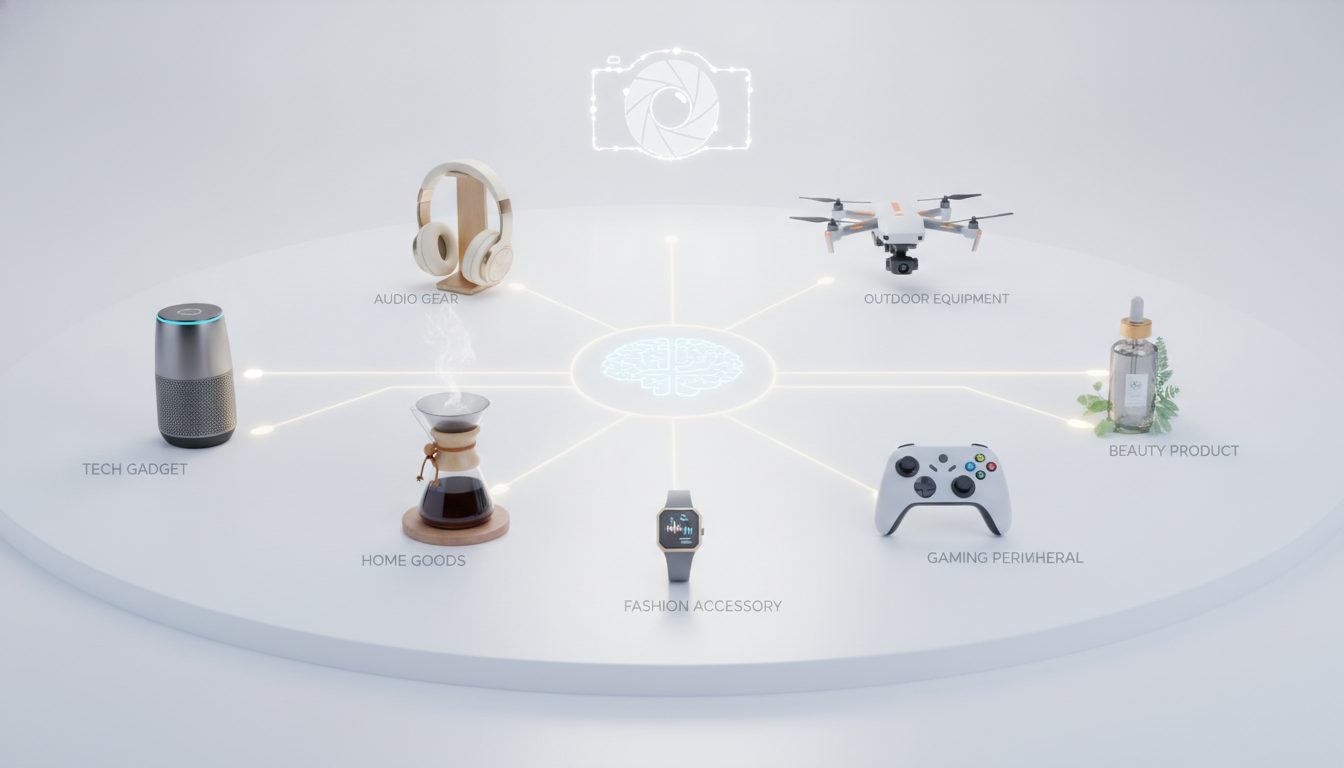
They work for beauty, food, fashion, footwear, jewelry and electronics. Just swap in your product and tweak a few details.
1. White-background catalog photo
Use it for: product pages and marketplaces that require a clean white background. It also works as your store's main product image.
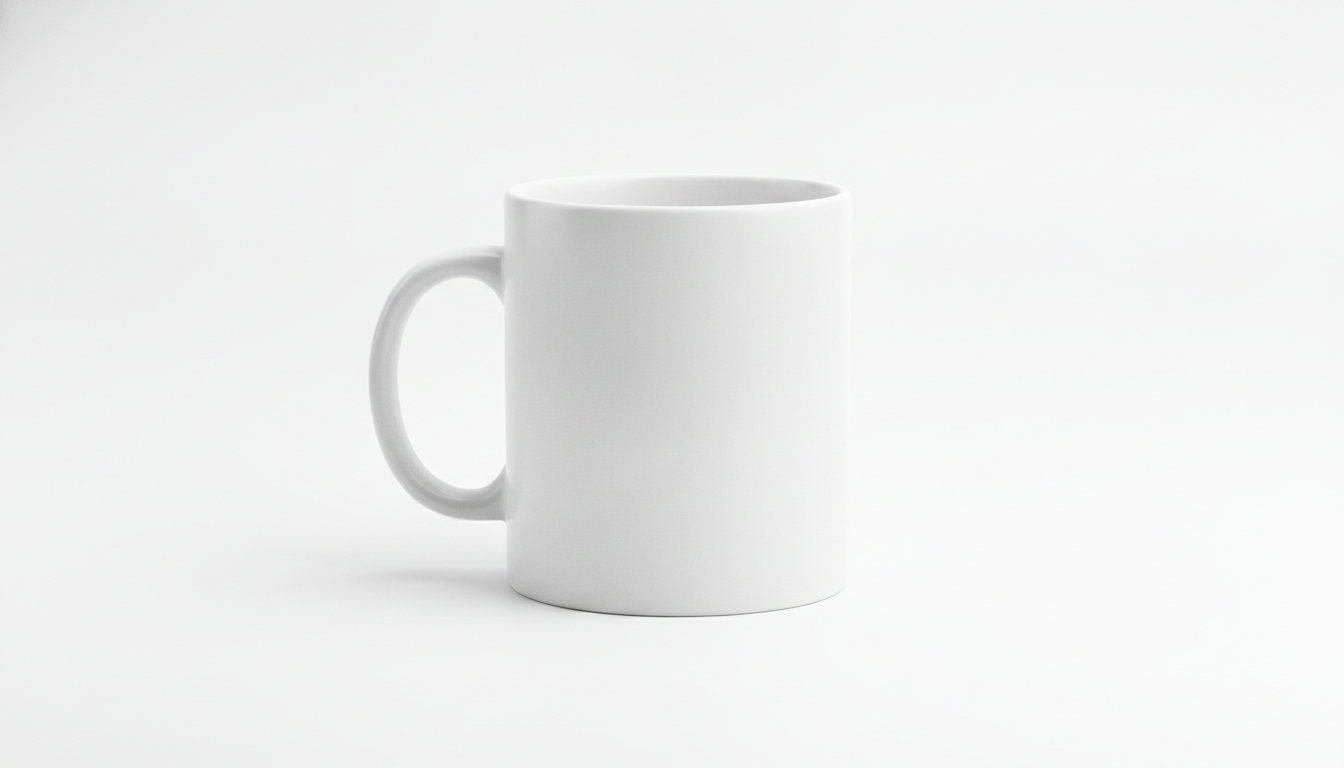
Professional e-commerce product photo of a matte white ceramic coffee mug, centered on a pure white seamless background, soft diffused studio lighting from both sides, subtle natural shadow beneath the product, shot with a 100mm lens at f/8, sharp focus on the whole product, high detail, clean and minimal, square format
Why it works:
- Lighting: soft light from both sides avoids harsh reflections.
- Background: a seamless backdrop gets rid of the horizon line.
- Shadow: the shadow under the mug stops it from looking cut out.
- Lens: a 100mm lens at f/8 keeps the whole product sharp and undistorted.
- Format: square fits most product page layouts.
Variations:
- Swap the mug for a stainless steel water bottle and add reflections controlled with soft boxes for metallic surfaces.
- Replace centered with three-quarter view to show the handle or one side.
2. Studio shot on a colored backdrop
Use it for: skincare, personal care and design-led products. It's the shot to reach for when you want the image to say something about your brand, not just show the item.
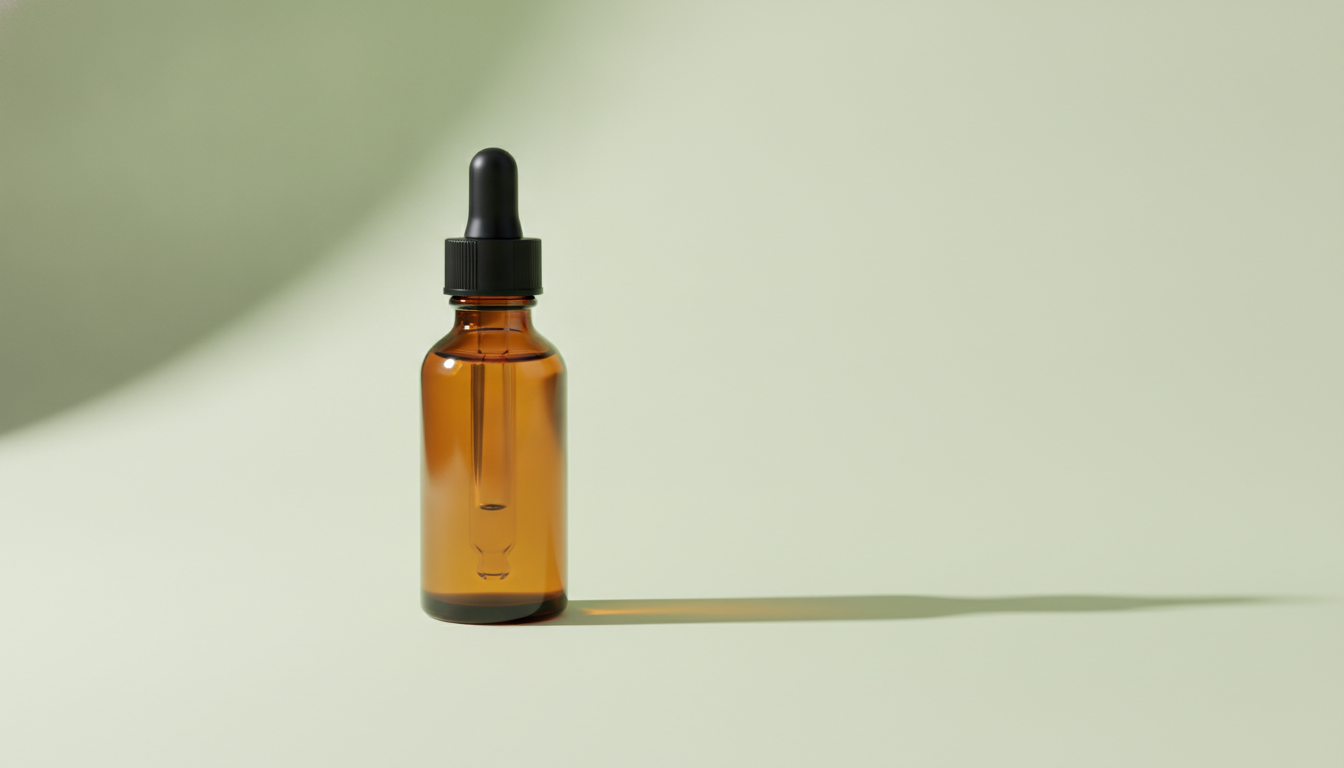
Studio product photo of an amber glass skincare dropper bottle standing on a light sage green background, single soft key light from the upper left, long soft shadow falling to the right, shot at eye level with an 85mm lens, shallow depth of field, smooth gradient backdrop, premium minimal aesthetic
Why it works:
- Lighting: a single key light from the upper left adds depth.
- Shadow: the long shadow gives the image direction.
- Framing: an eye-level camera shows the bottle the way shoppers see it on a shelf.
- Lens: an 85mm lens with shallow depth of field softens the background.
- Backdrop: the gradient keeps the color from looking flat.
Variations:
- Change the backdrop to soft terracotta or pale lavender to match your brand colors.
- Add on a small travertine stone pedestal for height and a more editorial feel.
3. Kitchen lifestyle scene
Use it for: food, gourmet and kitchenware. It makes a great secondary product image or social post because it shows the product in real use.
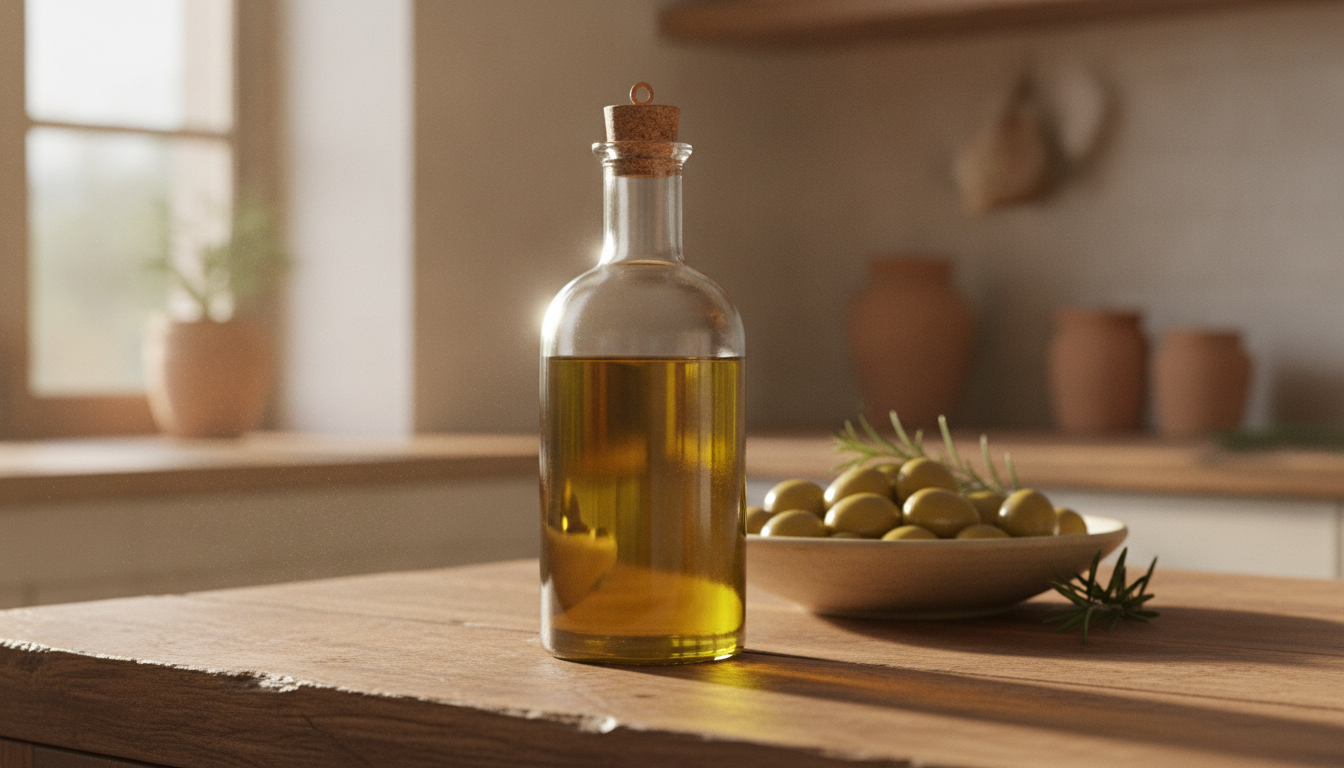
Lifestyle product photo of a glass bottle of extra virgin olive oil on a rustic wooden kitchen counter, a bowl of green olives and fresh rosemary in the background slightly out of focus, warm morning sunlight coming from a window on the left, shot with a 50mm lens at f/2.8, natural colors, cozy Mediterranean home atmosphere
Why it works:
- Props: the supporting items are out of focus, so they don't compete with the bottle.
- Lighting: warm window light feels homey.
- Lens: a 50mm lens is close to what the human eye sees, so the scene looks believable.
- Surface: rustic wood adds texture without stealing the spotlight.
Variations:
- Swap the oil for a jar of artisan honey and the props for a wooden honey dipper and slices of bread.
- Replace warm morning sunlight with soft overcast daylight for a more neutral look.
4. Jewelry macro
Use it for: rings, earrings, pendants and watches. With these products, detail and the shine of the metal are what close the sale.
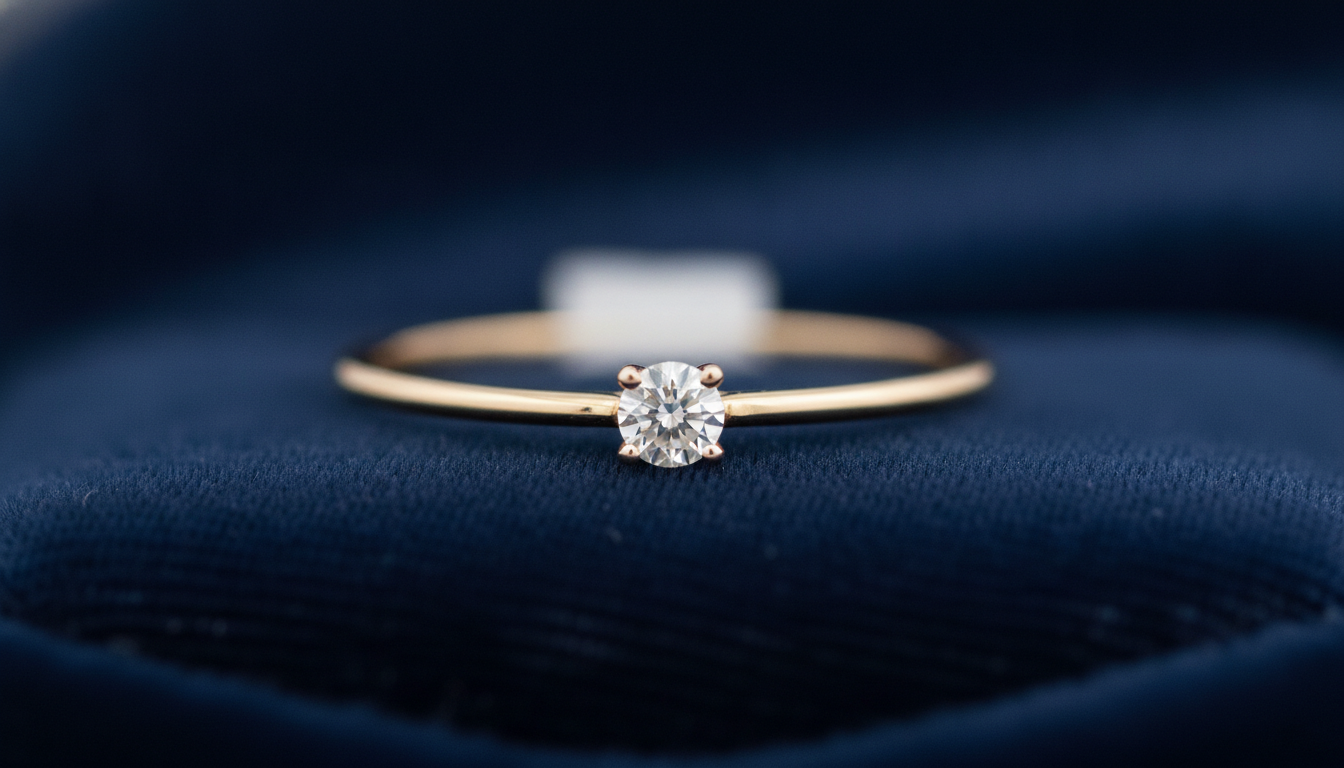
Macro product photo of a thin gold ring with a small white stone resting on dark navy velvet, soft light from above with a small reflector creating gentle highlights on the metal, shot with a 100mm macro lens, very shallow depth of field, crisp focus on the stone, elegant luxury mood, dark background
Why it works:
- Lens: a macro lens gets close enough to show the stone and the finish.
- Highlights: the reflector creates controlled highlights on the gold instead of blown-out white spots.
- Background: dark velvet absorbs light and makes the metal pop.
- Focus: pinning focus on the stone tells the model what should be sharpest.
Variations:
- For silver, swap gold for sterling silver and the background for light gray linen for a fresher look.
- Replace the ring with a pair of pearl stud earrings and add arranged symmetrically.
5. Fashion flat lay
Use it for: clothing and accessories. It shows a piece styled with others, which is ideal for collections, lookbooks or social carousels.
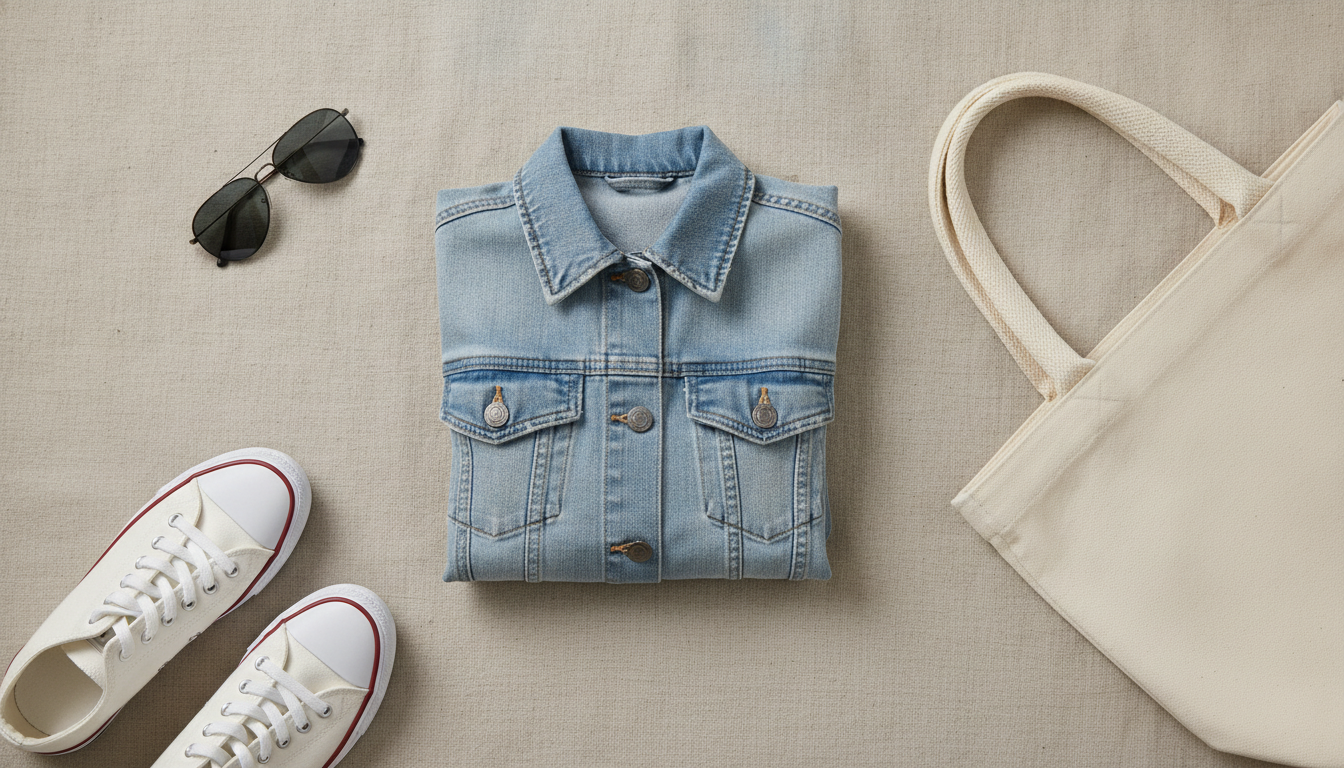
Flat lay photo of a light blue denim jacket neatly folded on a beige linen surface, white sneakers, sunglasses and a canvas tote bag arranged around it, shot from directly above, soft even daylight with no harsh shadows, neutral warm tones, organized composition with breathing space, fashion catalog style
Why it works:
- Framing: the overhead angle (from directly above) is what makes a flat lay.
- Lighting: even light avoids shadows that clutter the composition.
- Composition: breathing space tells the model not to cram the items together.
- Color: neutral tones keep the focus on the main piece.
Variations:
- Swap the jacket for a knitted cream wool sweater and the surface for light oak wood for a winter collection.
- Add a few dried flowers in the corner if your brand leans romantic.
6. Outdoor footwear shot
Use it for: footwear, backpacks and sports or outdoor gear. These products make more sense in the setting where they're used.
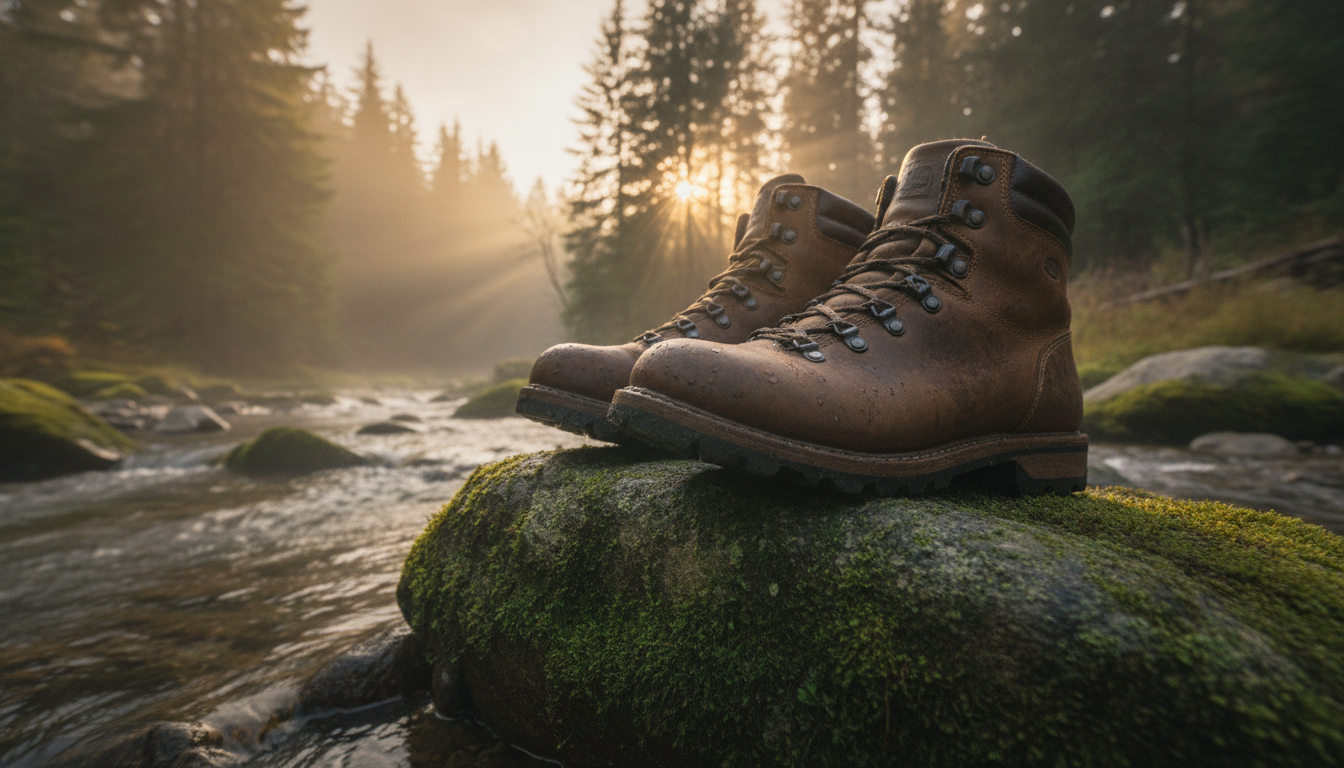
Outdoor product photo of a pair of brown leather hiking boots standing on a mossy rock beside a mountain stream, golden hour sunlight from behind creating a warm rim light, misty forest in the background, shot at low angle with a 35mm lens at f/4, rich natural textures, adventure lifestyle mood
Why it works:
- Lighting: golden-hour backlight creates a warm rim light that separates the boots from the background.
- Angle: a low angle gives the product presence.
- Lens: a 35mm lens takes in the landscape without the boots getting lost.
- Textures: leather, moss and water reinforce the sense of real use.
Variations:
- Change the scene to on a sandy beach path at sunset for summer footwear.
- Swap the boots for a waterproof hiking backpack and add leaning against a tree trunk.
7. Banner with room for copy
Use it for: website hero images, campaign banners and ads where you'll add a headline or a button later.
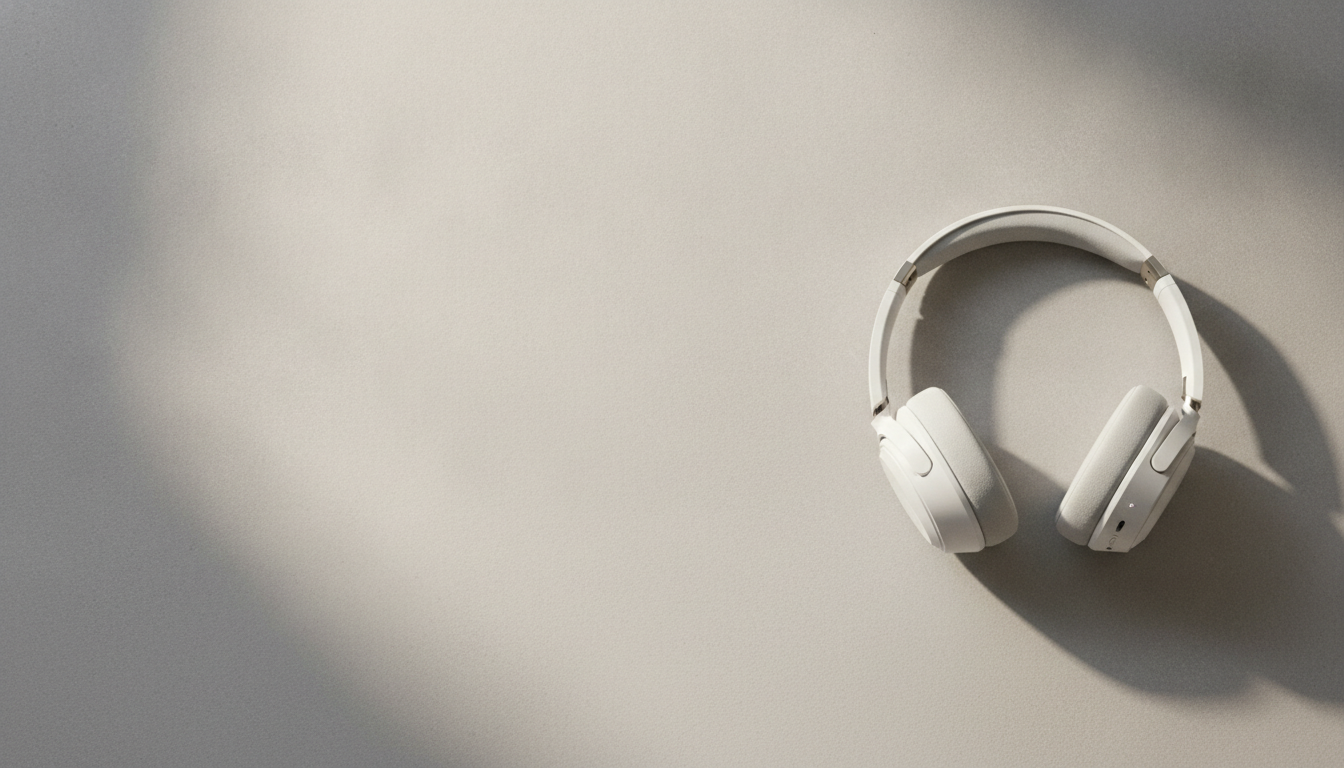
Wide banner product photo of a white wireless over-ear headphone placed on the right third of the frame on a soft gray concrete surface, large empty negative space on the left side, soft directional light from the right, subtle shadows, muted modern color palette, shot with a 70mm lens, 16:9 format, minimal tech advertising style
Why it works:
- Framing: placing the product in the right third and asking for negative space on the left leaves room for your copy.
- Format: 16:9 fits most website headers.
- Surface: gray concrete adds texture without distracting.
- Lighting: directional light gives shape to a white product that would otherwise look flat.
Variations:
- Flip the layout (left third, negative space on the right) if your design puts the text on the right.
- Change the surface to warm walnut wood desk for a warmer, at-home feel.
How to adapt these prompts to your product
Every prompt here follows the same structure. Once you get it, you can rewrite them for anything in your catalog:
- Photo type: e-commerce product photo, lifestyle photo, flat lay, macro…
- Product, material and color: the more specific, the better. A matte black ceramic vase beats a vase.
- Surface and background: white, solid color, wood, stone or a full scene.
- Lighting: where it comes from, whether it's soft or hard, and its color (warm, cool, golden hour).
- Camera and lens: angle, focal length and depth of field.
- Style and format: minimal, luxury, rustic, square or 16:9.
Change the material and color
Swap only the product description and leave everything else as is. In prompt 1, for example, change matte white ceramic coffee mug to glossy black ceramic coffee mug. You'll keep the same catalog look across the whole collection, which matters if you want your store to feel consistent.
For shiny materials like glass, metal or patent leather, add reflection cues: controlled reflections, soft gradient highlights.
Change the scene
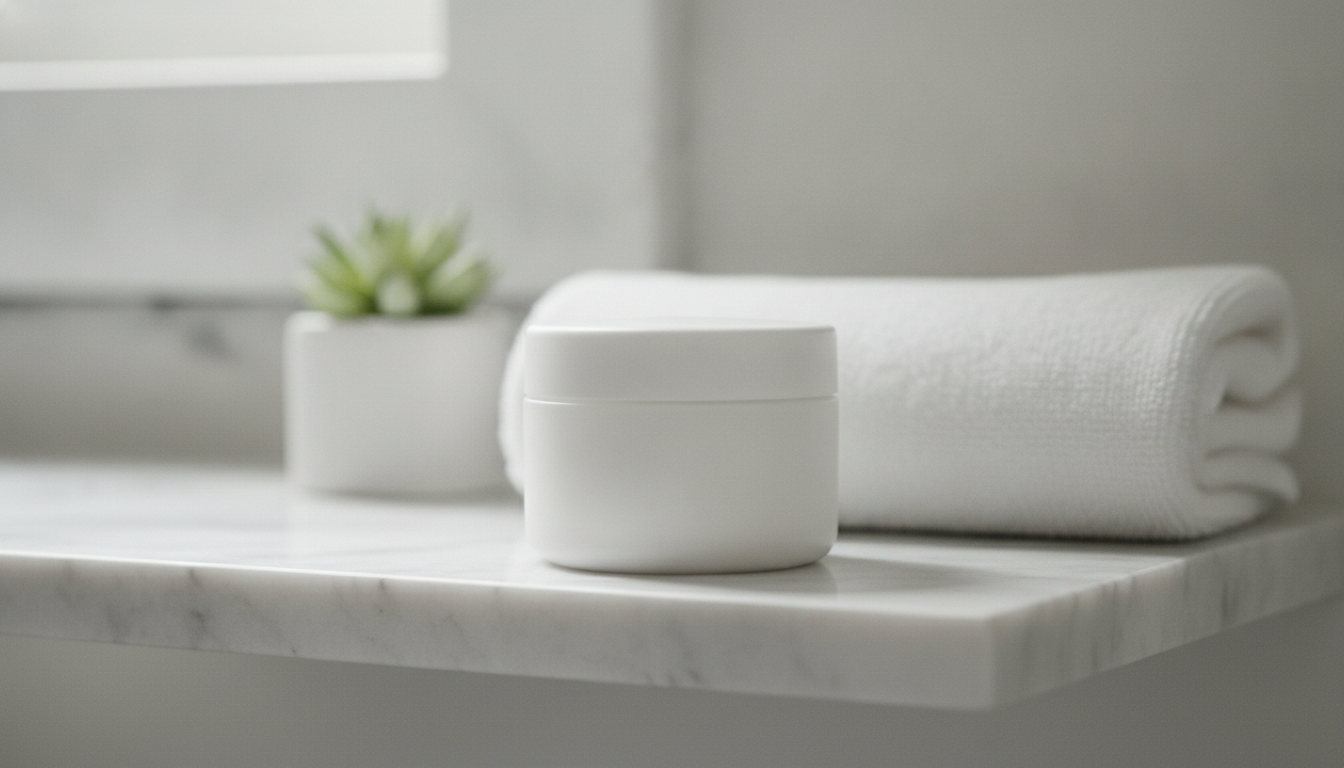
Swap the surface and props, but keep the lighting and lens if you like the result. Going from rustic wooden kitchen counter to white marble bathroom shelf turns prompt 3 into a scene that works for skincare.
One change at a time
If you're not happy with the result, don't rewrite the whole prompt. Change one element, generate again and compare. That way you'll know which word caused which change.
Know what AI is actually showing
An image generated from text shows a product that looks like your description, not your exact product. For your main product image, shoppers need to see what they'll actually receive.
That's why these prompts are most useful for:
- Lifestyle and mood shots
- Banners
- Social media content
- Testing styles before a real photo shoot
If you already have real photos of your product, you can clean them up with the free background remover. It runs in your browser, and your images are never uploaded to a server.
How to try them in Pictulab
- Go to Pictulab and create your account.
- Copy one of the prompts above and swap in your product.
- Before generating, you'll see how many tokens that image costs. No surprises.
- Generate, check the result and tweak a single part of the prompt if you want to fine-tune it.
When you sign up, you get 100 welcome tokens, one time only, no card required. That's worth €1. If you need more volume later, the monthly plans (VAT included) are:
- Starter: €12
- Pro: €36
- Business: €120
Pay annually and you get two months free.
Start free — 100 tokens on us, no card needed.
You might also like:
- [ENLACE: how to write product photo prompts step by step]
- [ENLACE: white-background product photos for marketplaces]
FAQ
What makes a good AI prompt for product photos?
At a minimum, five things:
- The type of photo
- The product, with its material and color
- The background or surface
- The lighting
- The framing or lens
With those details in place, the AI has less room to invent elements you don't want.
Do I need to know photography terms to write AI prompts?
No, but they help. Terms like shallow depth of field, rim light or flat lay give the model precise instructions that would take a full sentence to explain otherwise. You can borrow them straight from the prompts in this article.
Will the generated image look exactly like my product?
Not necessarily. The AI creates a product based on your description, so details like shape, logo or proportions can vary. For product pages where shoppers need to see the exact item, use real photos. Generated images are a better fit for lifestyle scenes, banners and social media.
How much does it cost to try these prompts in Pictulab?
You can start with the 100 welcome tokens, no card required. Every generation shows its token cost before you run it, so you decide whether to go ahead. The web tools for removing backgrounds, compressing and converting images are free.
Are longer prompts better than short ones?
For product photos, a detailed but well-organized prompt with no filler usually works best. Every part should add something specific: lighting, background, lens or style. If you include details that contradict each other, like dark background and bright white background together, the result will be less predictable.