Good AI prompts for product photos spell out five things: the product and its material, the background, the lighting, the framing and the lens. Give ChatGPT those five details and it stops guessing. You get consistent images for your product pages, social posts and store banners.
Below are 7 ready-to-copy prompts for beauty, fashion, home, accessories and sports brands. Each one explains what it's for, why it works, and one or two variations so you can adapt it to your own products.
How to use these prompts in ChatGPT
- Paste the prompt as is. Run it once before you change anything, so you have a baseline.
- Set the aspect ratio at the end. Square for product pages, vertical for social, widescreen for banners.
- Fix things conversationally. If something's off, ask for the change in one line: “make the shadow softer” or “move the product to the left.”
- Change one thing at a time. That way you know which part of the prompt caused the difference.
1. Catalog shot on a white background
Best for: your main product image and marketplaces that require a clean white background.
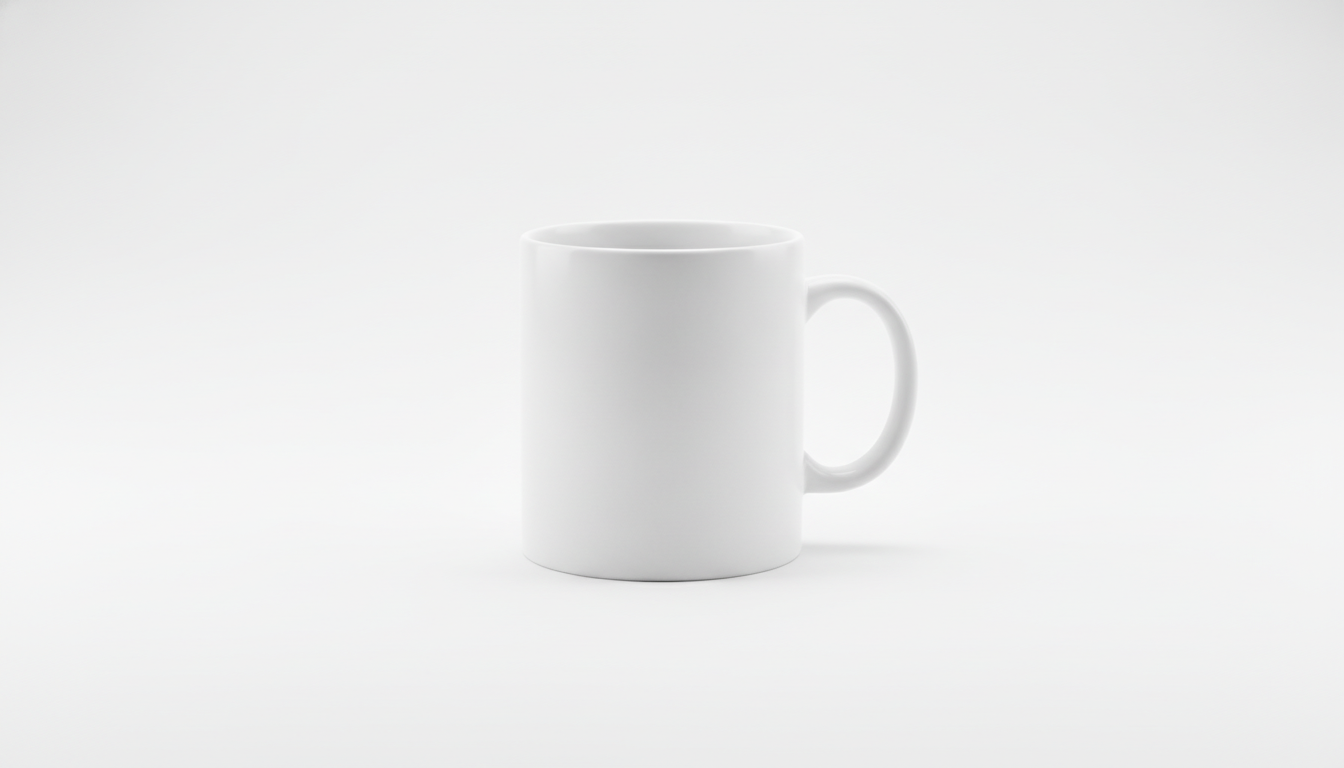
Photorealistic e-commerce product photo of a matte white ceramic coffee mug, centered on a pure white seamless background, soft diffused studio lighting from two large softboxes at 45 degrees, subtle natural shadow under the base, shot with a 100mm lens at f/8, eye-level angle, entire product in sharp focus, square 1:1 format, no text, no props
Why it works
- Lighting: two softboxes at 45 degrees light the mug without harsh glare and keep its shape.
- Background: “pure white seamless” gets rid of the horizon line and grey gradients.
- Lens: a 100mm at f/8 barely distorts the shape and keeps the whole product sharp.
- Shadow: a soft shadow under the base stops the product looking cut out and pasted in.
Variations
- Switch the angle to “three-quarter view from slightly above” to show the inside of the mug.
- Replace “subtle natural shadow” with “soft reflection on a glossy white surface” for a more premium feel.
2. Product in a real bathroom (beauty lifestyle)
Best for: secondary images for skincare, beauty or personal care products, showing them where they're actually used.
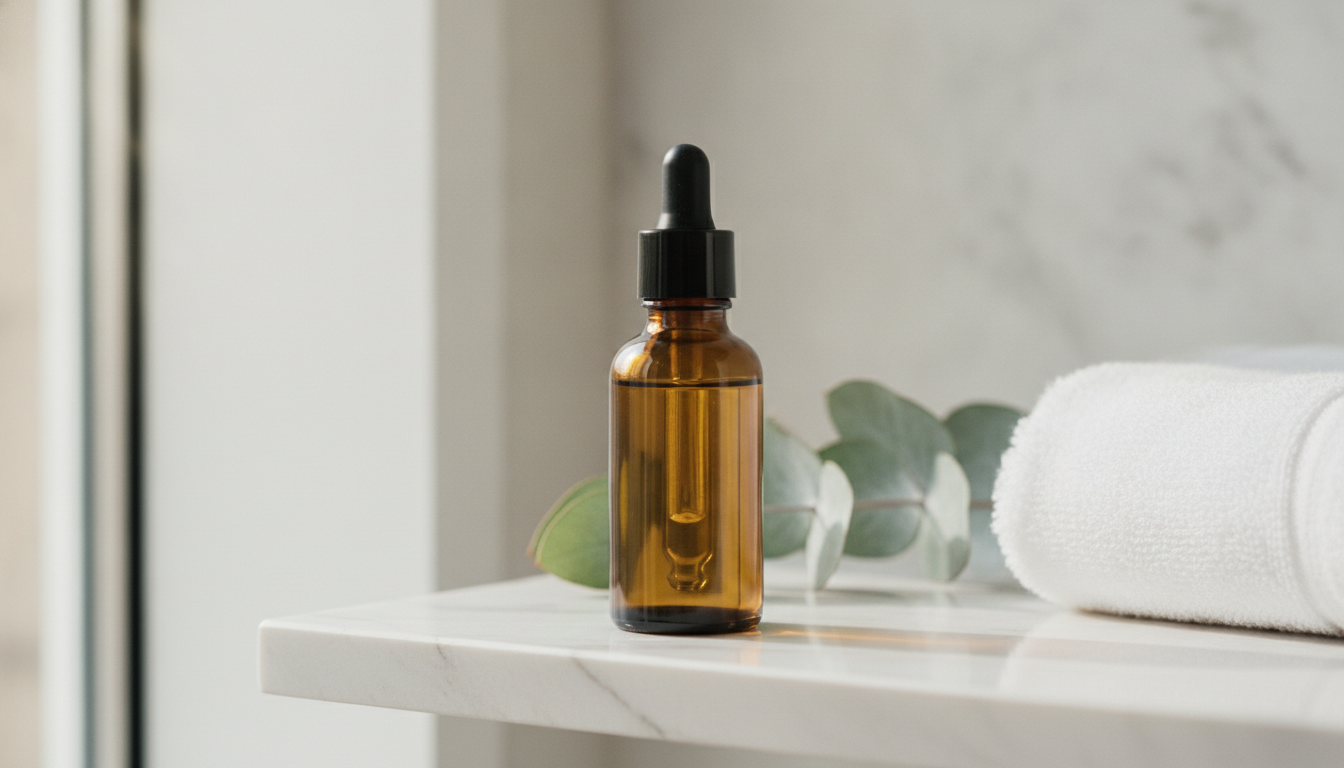
Photorealistic lifestyle photo of an amber glass serum bottle with a black dropper cap, standing on a white marble bathroom shelf, soft morning light coming from a window on the left, a sprig of eucalyptus and a folded white towel slightly out of focus in the background, shot with a 50mm lens at f/2.8, shallow depth of field, calm and clean mood, vertical 4:5 format, no text
Why it works
- Lighting: side light from a window creates natural highlights on the glass and a soft shadow to the right.
- Framing: 4:5 fits social feeds without cropping.
- Background: the props are blurred, so they support the product without stealing attention.
- Lens: a 50mm at f/2.8 looks close to what the eye sees and separates the product from the background.
Variations
- For a cream in a jar, swap the shelf for “a wooden tray next to a sink” and add “lid removed, showing the cream texture.”
- For a warmer look, use “warm late afternoon light” instead of morning light.
3. Fashion and accessories flat lay
Best for: collections, bundles, complete outfits and new-arrival posts.
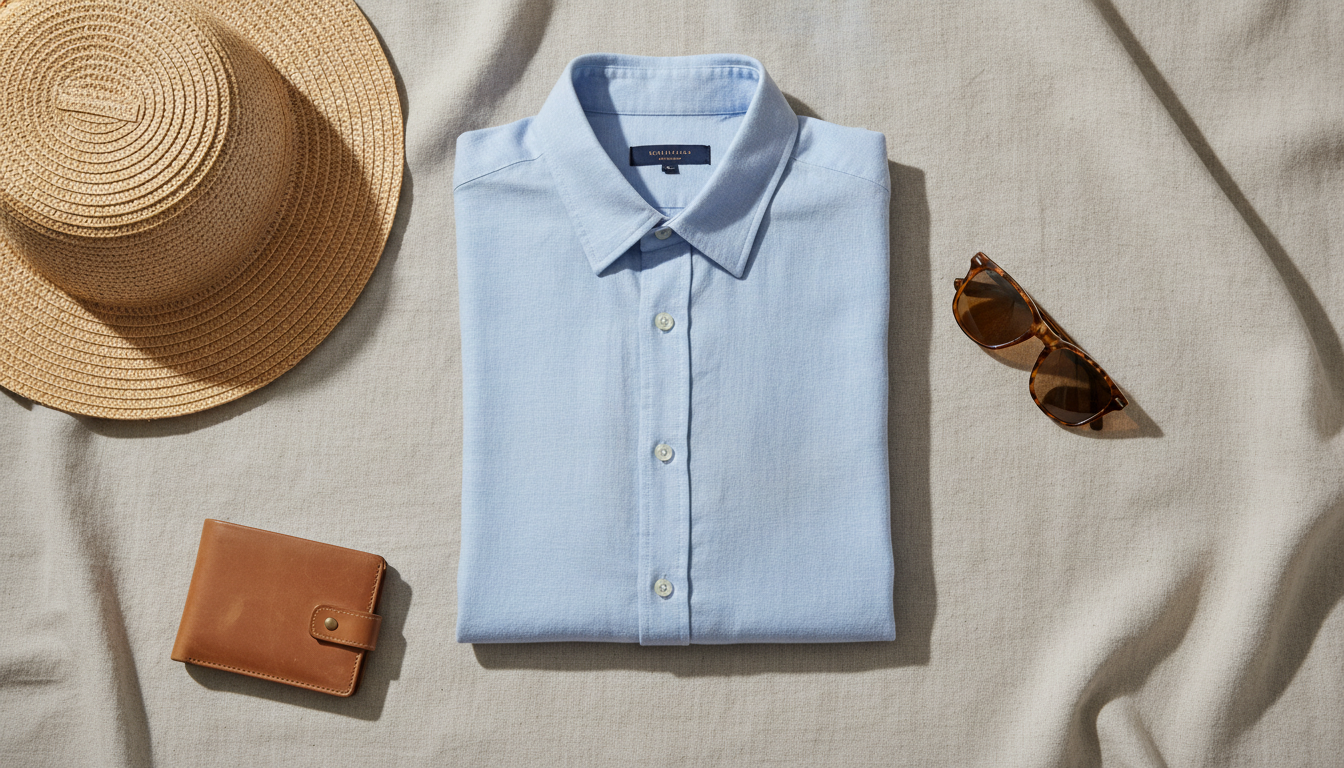
Top-down flat lay photo of a folded light blue linen shirt, tortoiseshell sunglasses, a tan leather wallet and a woven straw hat arranged neatly on beige linen fabric, soft even daylight with gentle shadows, balanced composition with breathing space between items, shot from directly overhead with a 35mm lens at f/8, everything in focus, square 1:1 format, no text
Why it works
- Framing: “directly overhead” locks in the top-down view. Without it, the AI tends to tilt the camera.
- Composition: “breathing space between items” keeps things from piling up.
- Background: beige linen adds texture without competing with the colors of the clothes.
- Lens: f/8 keeps everything sharp, which is what people expect from a flat lay.
Variations
- For winter: “a grey wool sweater, leather gloves and a knitted beanie on dark wood.”
- For kids' clothing: change the items and set the background to “pastel cotton fabric.”
4. Product in hand
Best for: showing scale and how the product is used. Works well for bottles, phones, accessories and small appliances.
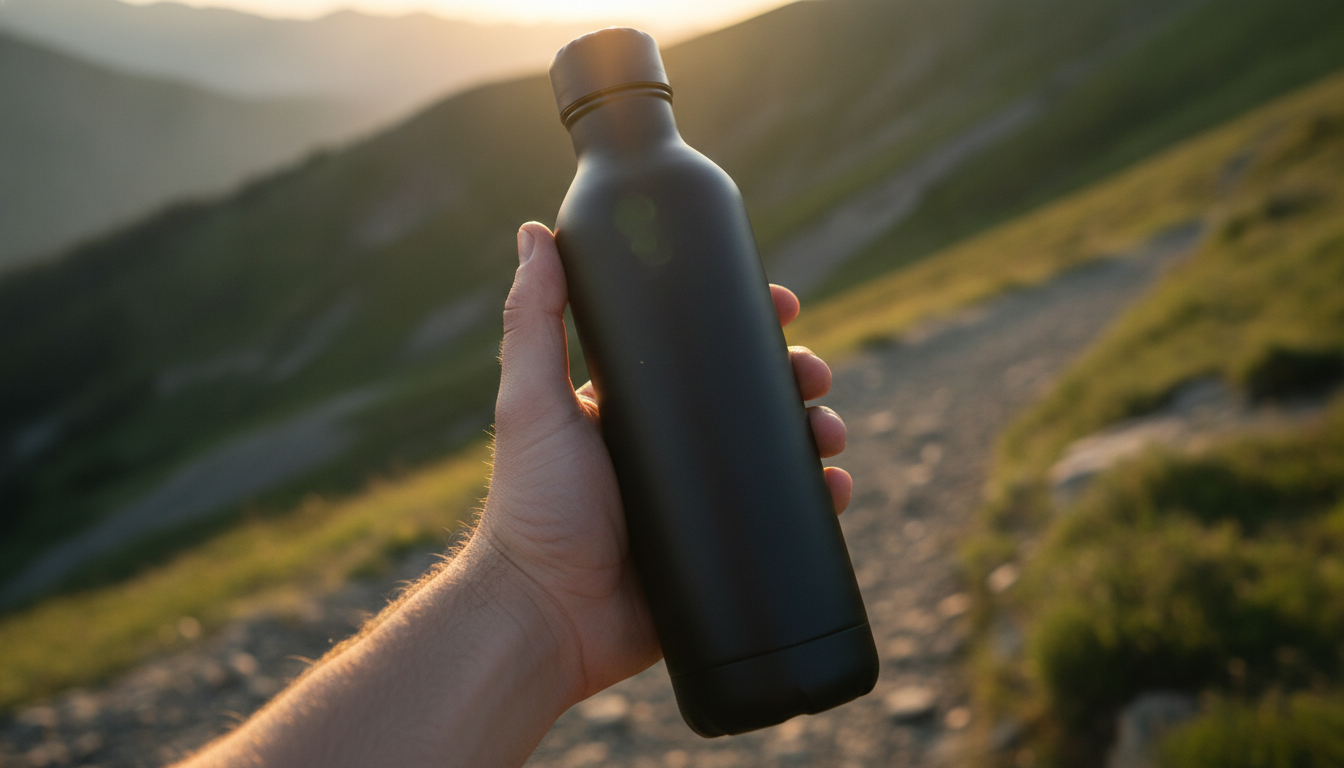
Photorealistic photo of a hand holding a matte black stainless steel water bottle on a mountain hiking trail, golden hour backlight creating a warm rim light around the bottle, natural relaxed grip with five fingers clearly visible, blurred green landscape in the background, shot with an 85mm lens at f/2, product in sharp focus, vertical 4:5 format, no text, no logos
Why it works
- Lighting: golden hour backlight draws a glowing edge that separates the bottle from the background.
- Lens: an 85mm at f/2 heavily blurs the landscape and keeps the eye on the product.
- Hands: asking for “five fingers clearly visible” and a relaxed grip cuts down on weird hands, but always double-check them.
- “No logos”: stops the AI from inventing brand names on your product.
Variations
- For an urban setting: “on a city street at dusk, neon reflections in the background.”
- For indoor fitness: “in a gym, cool daylight from large windows.”
5. Editorial still life with hard shadows
Best for: campaign images, collection hero shots and magazine-style photos for fragrance, jewelry or premium skincare.
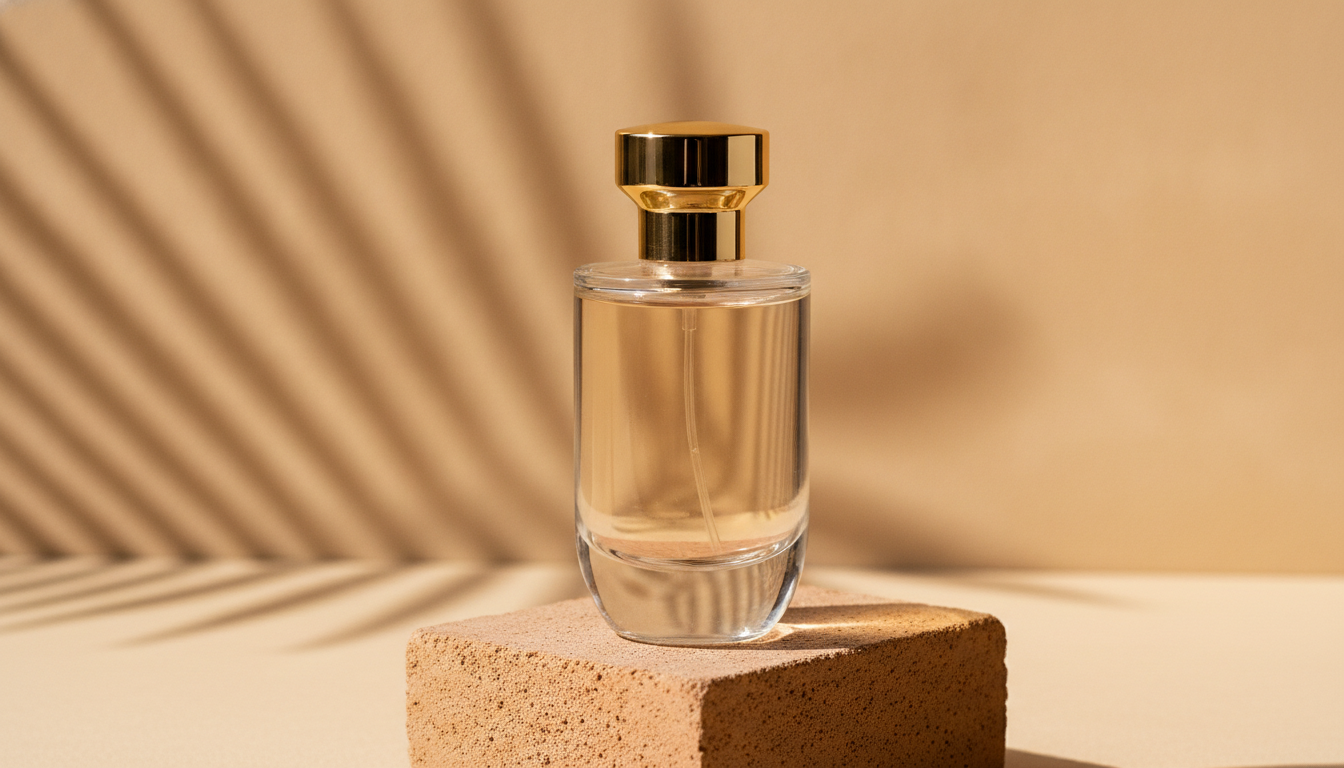
Editorial still life photo of a clear glass perfume bottle with a gold cap placed on a terracotta stone block, hard direct sunlight casting long sharp palm leaf shadows across a warm beige backdrop, bright highlights and refractions through the glass, slightly low camera angle, shot with an 85mm lens at f/5.6, minimalist Mediterranean mood, square 1:1 format, no text
Why it works
- Lighting: direct sunlight creates crisp shadows, and that's what gives it the editorial look.
- Material: mentioning “refractions through the glass” makes the glass read as transparent rather than plastic.
- Framing: a slightly low angle gives the bottle presence.
- Pedestal: the terracotta block lifts the product and adds a second texture.
Variations
- Swap the palm leaves for “window blind shadows” for a more urban style.
- For jewelry: “a gold ring resting on a small travertine stone” with the same lighting setup.
6. Macro detail and texture
Best for: proving quality. Stitching, fabrics, finishes, wood grain or the texture of a cream.
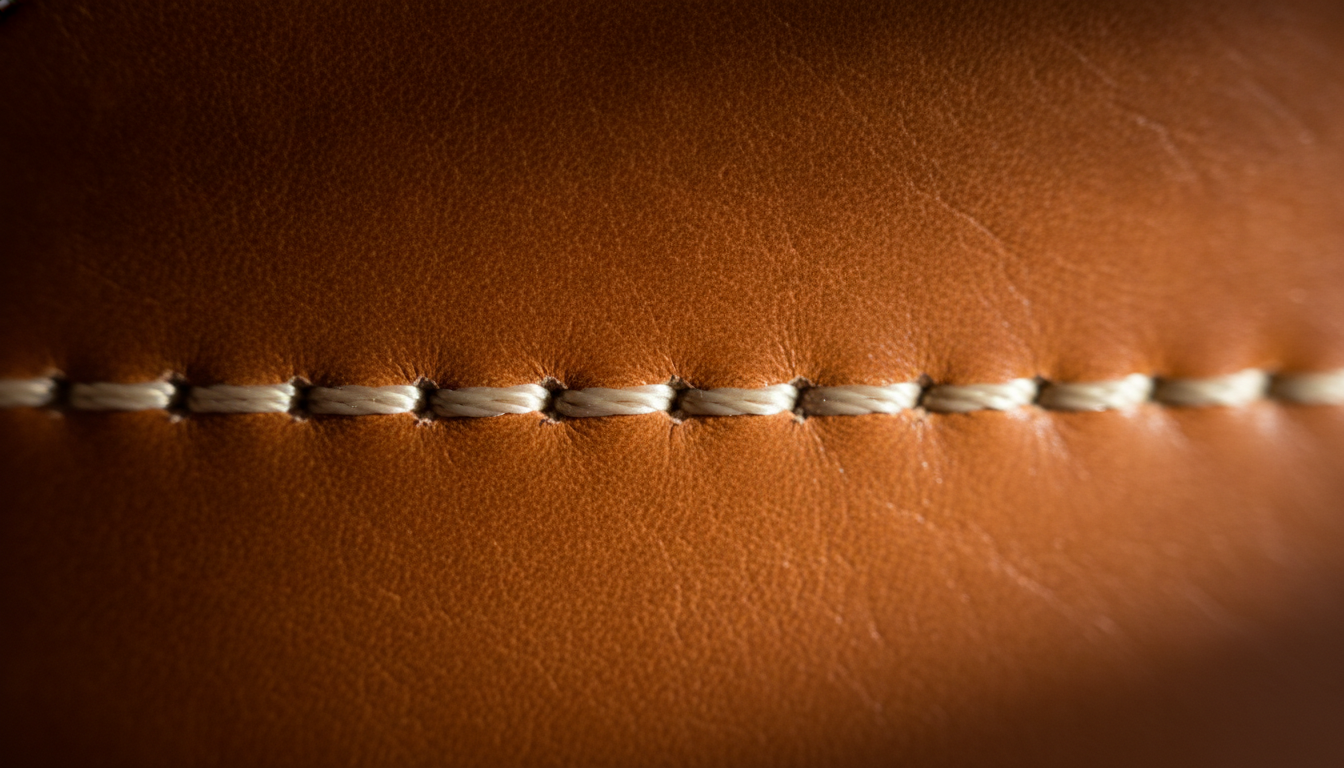
Extreme close-up macro photo of the stitching on a cognac full-grain leather handbag, raking side light from the right revealing the leather grain and thread texture, dark neutral background, shot with a 100mm macro lens at f/4, very shallow depth of field with the stitches in sharp focus, rich warm tones, horizontal 3:2 format, no text
Why it works
- Lighting: raking light, almost parallel to the surface, brings out the relief in any texture.
- Lens: “100mm macro” tells the AI you want a true close-up, not a crop.
- Focus: saying exactly what should be sharp stops the AI from focusing on something uninteresting.
Variations
- For fabrics: “the weave of a chunky knit wool scarf.”
- For beauty: “a swatch of creamy foundation spread on a glass surface.”
7. Seasonal banner with space for text
Best for: store headers, sales campaigns, the holidays or back-to-school. You add the text yourself afterwards in your editor.
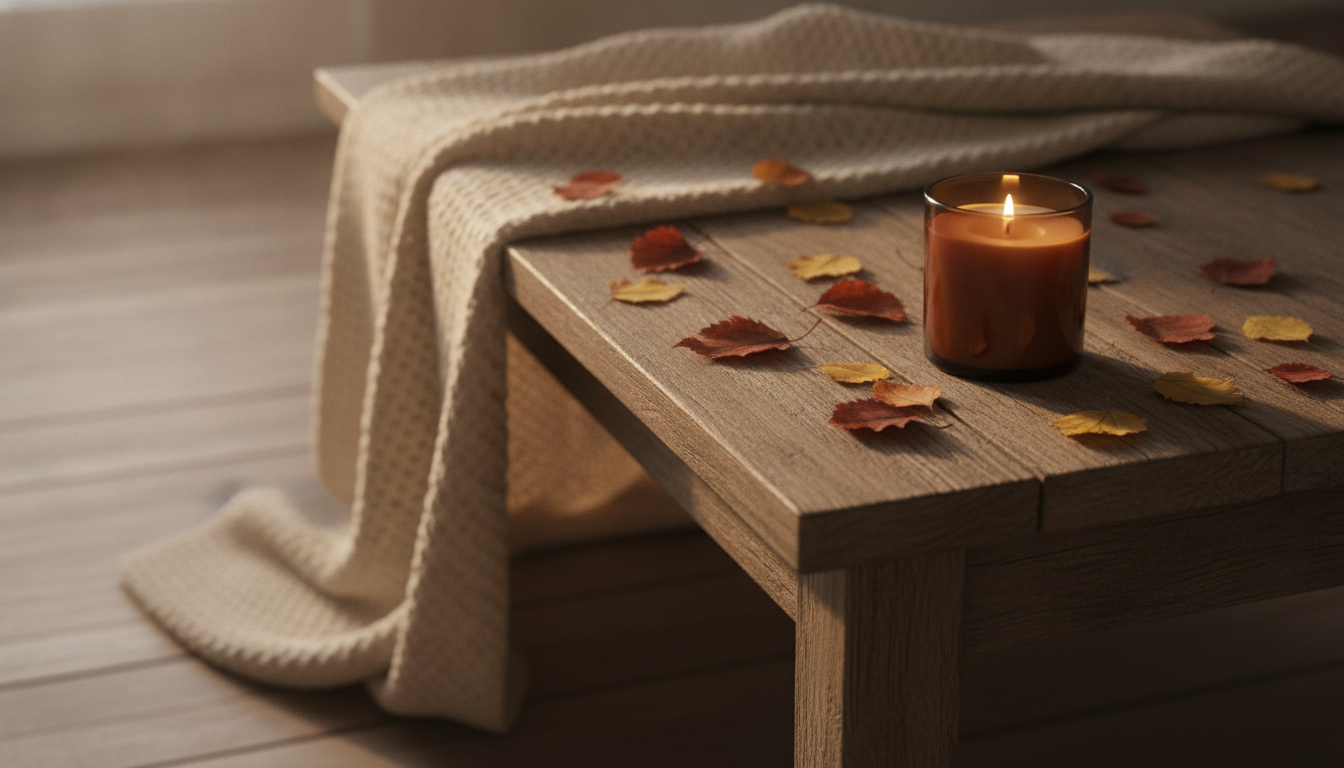
Wide lifestyle photo of a scented soy candle in an amber glass jar, lit with a small flame, on a rustic wooden table with scattered dry autumn leaves and a knitted blanket, warm cozy ambient light, candle placed on the right third of the frame, large clean empty space on the left side, shot with a 50mm lens at f/2.8, horizontal 16:9 format, no text, no letters
Why it works
- Framing: placing the product on the right third leaves a clean area for your headline.
- Format: 16:9 suits most website headers.
- “No text, no letters”: AI image tools love to scribble strange words on banners. This prevents it.
- Lighting: warm light and the flame reinforce the seasonal mood.
Variations
- Holidays: “pine branches, small warm string lights blurred in the background.”
- Summer: “on a sunny terrace table, lemons and a linen napkin, bright midday light.”
How to adapt these prompts to your product
Every prompt above follows the same structure. Copy it and you can write your own without starting from scratch:
Photorealistic STYLE photo of YOUR PRODUCT made of MATERIAL in COLOR, placed on SURFACE in SCENE, LIGHT, shot with LENS at APERTURE, ANGLE, FORMAT, no text
Change the material
Material has the biggest impact on how the product looks. Be specific:
- Glass: add “transparent, with refractions and soft highlights.”
- Metal: name the finish: “brushed,” “polished” or “matte.”
- Fabric: name the fabric and how it drapes: “heavy cotton,” “flowing silk.”
- Wood: specify the species or tone: “light oak,” “dark walnut.”
Change the color
Use descriptive color names like “sage green,” “terracotta” or “navy blue” instead of plain “green” or “blue.” If the background and product are similar colors, ask for clear contrast: “on a contrasting cream background.”
Change the scene
Think about where your customer actually uses the product: kitchen, desk, beach, gym. Keep it to two or three props at most and ask for them to be blurred so they don't compete with the product.
Keep your catalog consistent
If you're creating several images for the same store, reuse the exact same lighting, lens and format phrases every time. Only swap the product. That way every product page looks like it came from the same shoot.
An important note
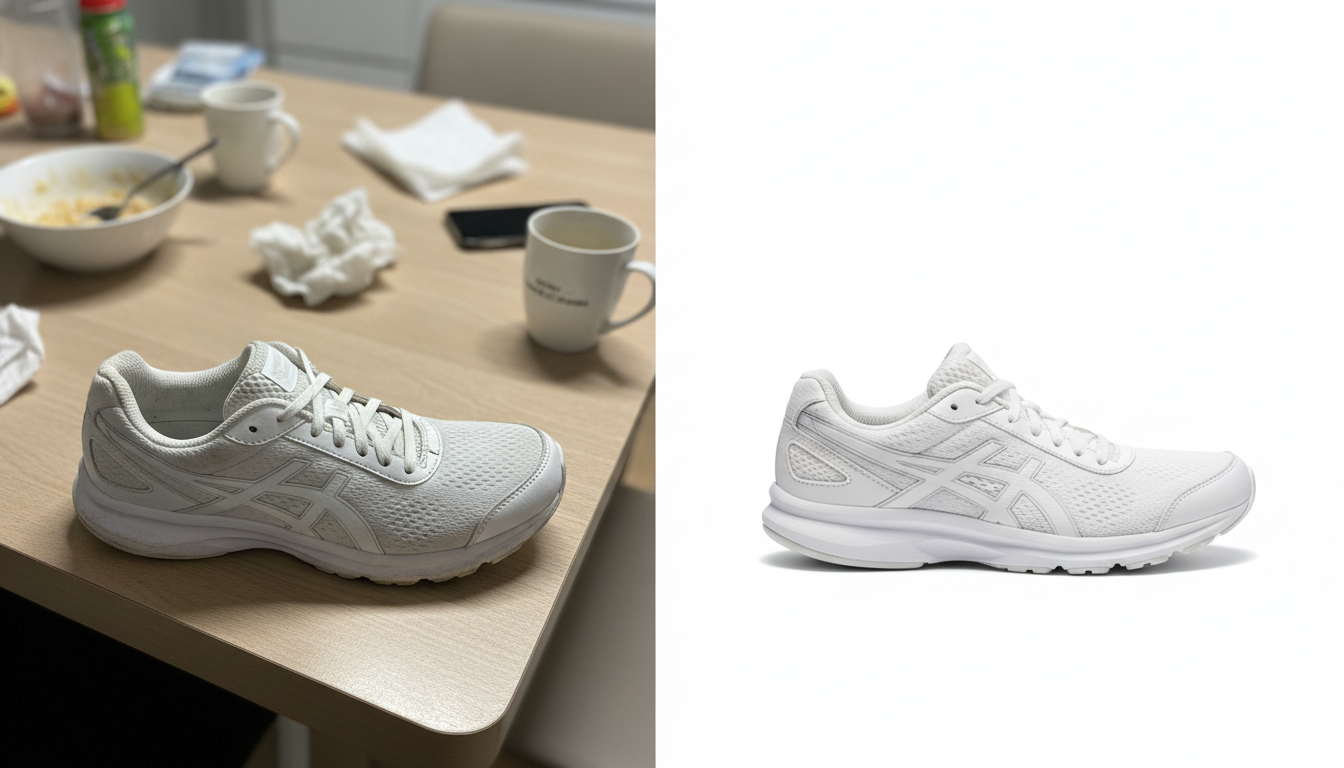
If the image is going on a product page, it has to represent your real product: same color, shape and details. Use AI for the setting and presentation, and always check it hasn't added buttons, seams or logos that don't exist.
How to try these prompts in Pictulab
These prompts work in ChatGPT and also in Pictulab, an AI image and video platform built for online stores.
ChatGPT has real advantages: you can refine the image over a conversation, and if you already use it every day, you don't need another account. Both also handle the essentials of these prompts (lighting, framing and background) equally well. Pictulab is geared towards store workflows:
- Cost shown upfront: every generation shows how many tokens it costs before you run it.
- Start without paying: 100 welcome tokens, one time only, no card required. 100 tokens = €1.
- Monthly plans, VAT included: Starter €12, Pro €36 and Business €120. Pay annually and get two months free.
- Free web tools: you can remove the background from your photos, compress them or convert their format. They run in your browser, and your images are never uploaded to any server.
A practical workflow: generate the scene with one of these prompts, check the result, and compress it before uploading to your store so the product page loads fast.
Start free — 100 bonus tokens, no card required.
You might also like:
- [ENLACE: prompts for product photos on a white background]
- [ENLACE: how to remove the background from a product photo]
FAQ
Can I use these AI prompts in other image generators?
Yes. The structure (product, material, background, lighting, lens and format) is plain photography language, so most AI image generators understand it. Results vary from tool to tool, so expect to tweak a phrase or two.
Can I use a photo of my product as a reference in ChatGPT?
Yes, ChatGPT lets you attach an image and ask it to use it as a starting point. Still, check the result carefully: the AI can change details like color, proportions or the logo.
Why do I get a different image every time with the same prompt?
Image generation has a random element. The more specific your prompt is about lighting, lens, angle and background, the less the results will vary between attempts.
What do I do if the AI adds weird text to the image?
Add “no text, no letters, no logos” to the end of the prompt. If you want a headline, leave empty space in the composition and add it later in an editor.
How much does it cost to try these prompts in Pictulab?
When you sign up you get 100 welcome tokens, no card required. Each generation shows its token cost before you run it, so you always know what you're spending on each test.