These AI prompts are built for one job: getting product photos you can actually use in your online store. Copy the prompt, swap in your product, and generate.
There are seven prompts here, covering the shots most ecommerce stores need:
- White background for the product page.
- Lifestyle scene for social media.
- Flat lay.
- Solid color background.
- Macro detail shot.
- Outdoor shot.
- Food still life.
They work for beauty, fashion and accessories, jewelry, home goods, sports gear and food brands.
Each prompt comes with a short breakdown of what every part does, so you can change it without breaking the result.
How each prompt is built
Every prompt follows the same structure, from general to specific:
- Type of shot: catalog, lifestyle, flat lay, macro…
- Product, including material and color.
- Surface and background.
- Lighting: where it comes from, hard or soft, time of day.
- Camera: angle, lens and depth of field.
- Mood or style: minimal, editorial, warm…
If you keep that order when you adapt them, it's much easier to know what to tweak when something doesn't come out right.
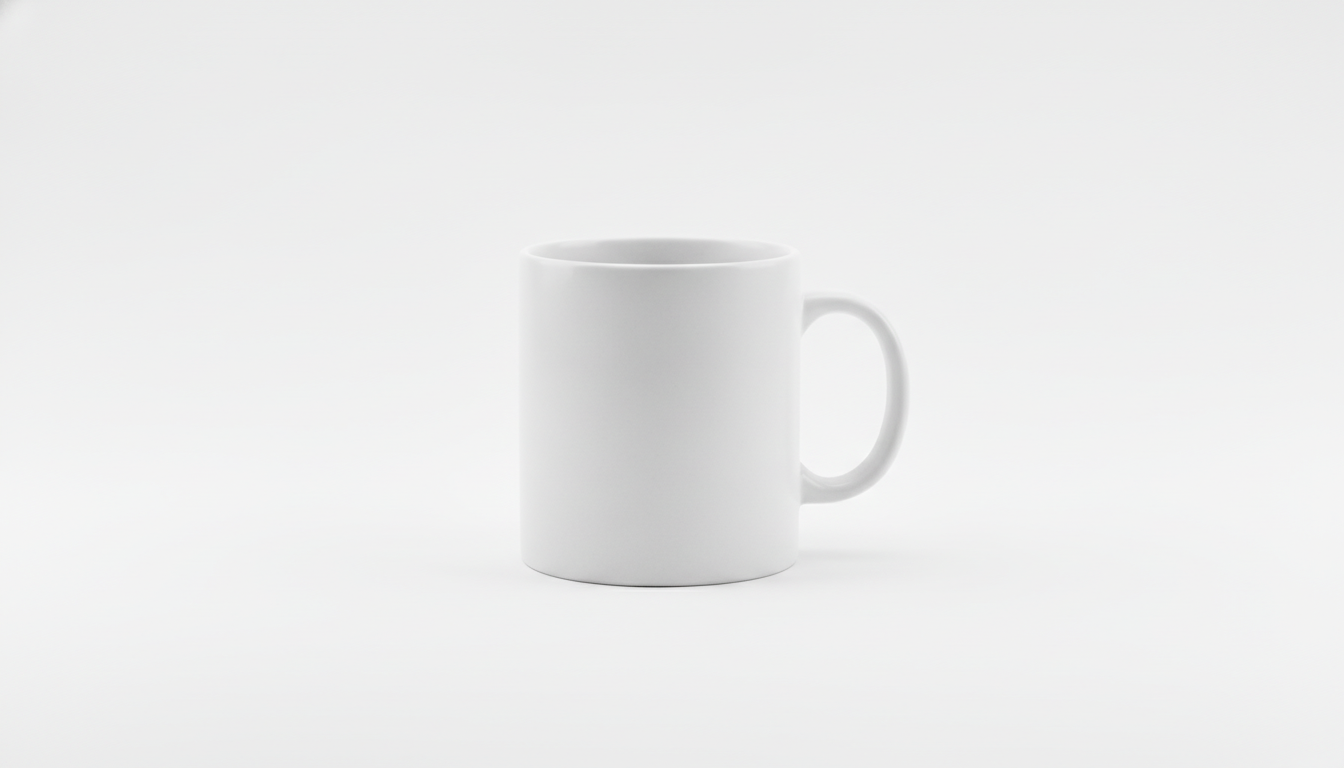
1. Catalog shot on a white background
What it's for: the main image on your product page, the one in your store grid, and the one many marketplaces require. The goal is a clean, centered product with zero distractions.
Professional e-commerce product photo of a matte white ceramic coffee mug centered on a pure white seamless background, soft even studio lighting from two softboxes, subtle natural shadow beneath the product, shot straight on at eye level with a 100mm lens, sharp focus across the whole product, high resolution, clean and minimal
Why it works:
- Lighting: two softboxes spread the light and prevent harsh shadows. The soft shadow under the mug stops it from looking cut out and pasted in.
- Framing: eye level, straight on, the way you'd see the product in your hand.
- Lens: a 100mm lens barely distorts proportions, which is why it's a go-to for product photography.
- Background: “seamless” means one continuous backdrop, with no visible line where the floor meets the wall.
Variations:
- Swap “eye level” for “three-quarter view from slightly above” to show the top of the product too.
- Replace “pure white” with “light grey” if your store uses neutral backgrounds other than white.
2. Lifestyle product shot
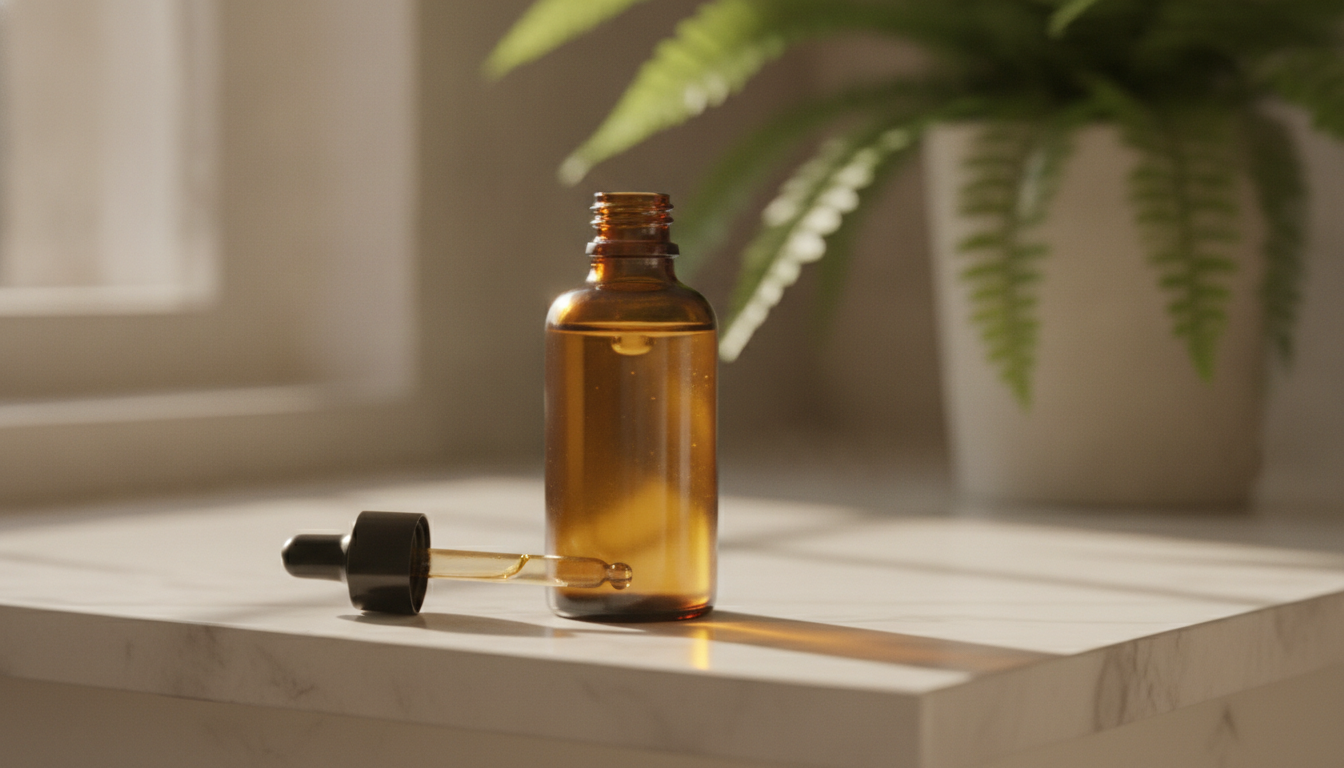
What it's for: showing the product where it's actually used. Great for social posts, homepage banners and the second or third image on a product page.
Lifestyle product photo of an amber glass serum bottle with a dropper standing on a white marble bathroom shelf, morning sunlight through a window on the left, soft green plant leaves blurred in the background, shallow depth of field, 50mm lens at f/2, warm natural tones, realistic and calm atmosphere
Why it works:
- Lighting: side light from a window gives the bottle depth and makes the amber glass glow.
- Background: the blurred leaves place the scene in a bathroom without stealing attention from the product.
- Lens: a 50mm at f/2 is close to what the eye sees and separates the product from the background with a soft blur.
- Mood: “realistic and calm” reins in the overly artificial look these models sometimes produce.
Variations:
- For a moisturizer, change the bottle to “a white cosmetic jar with a gold lid” and the shelf to “a wooden vanity tray”.
- For a cooler feel, replace “morning sunlight” with “soft overcast daylight” and “warm natural tones” with “cool clean tones”.
3. Accessories flat lay
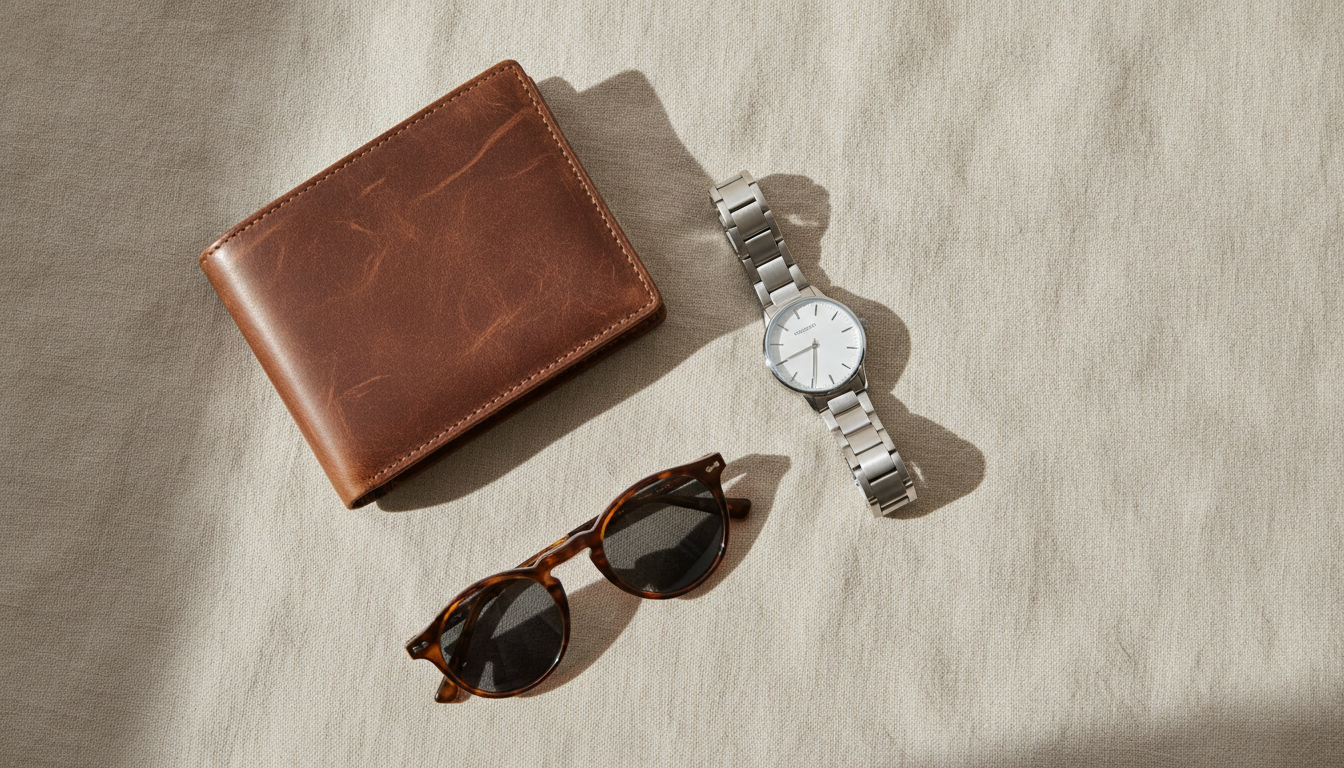
What it's for: showing several products at once from above. Handy for bundles, collections, gift guides and Instagram posts.
Top-down flat lay product photo of a brown leather wallet, a pair of tortoiseshell sunglasses and a silver wristwatch neatly arranged on a beige linen fabric, soft diffused daylight, gentle shadows, balanced composition with negative space, shot from directly above, editorial magazine style
Why it works:
- Framing: “shot from directly above” locks in the overhead view. Without it, many models sneak in some perspective.
- Composition: “negative space” leaves breathing room around the items, which you can later use for banner copy.
- Background: linen adds texture without competing with the products.
- Lighting: diffused light avoids strong reflections on the watch face and sunglass lenses.
Variations:
- For kidswear or stationery, swap the linen for “a pastel blue paper background” and the items for your own.
- Add “a small eucalyptus branch in the corner” if you want a decorative touch that isn't a product.
4. Product on a podium with a colored background
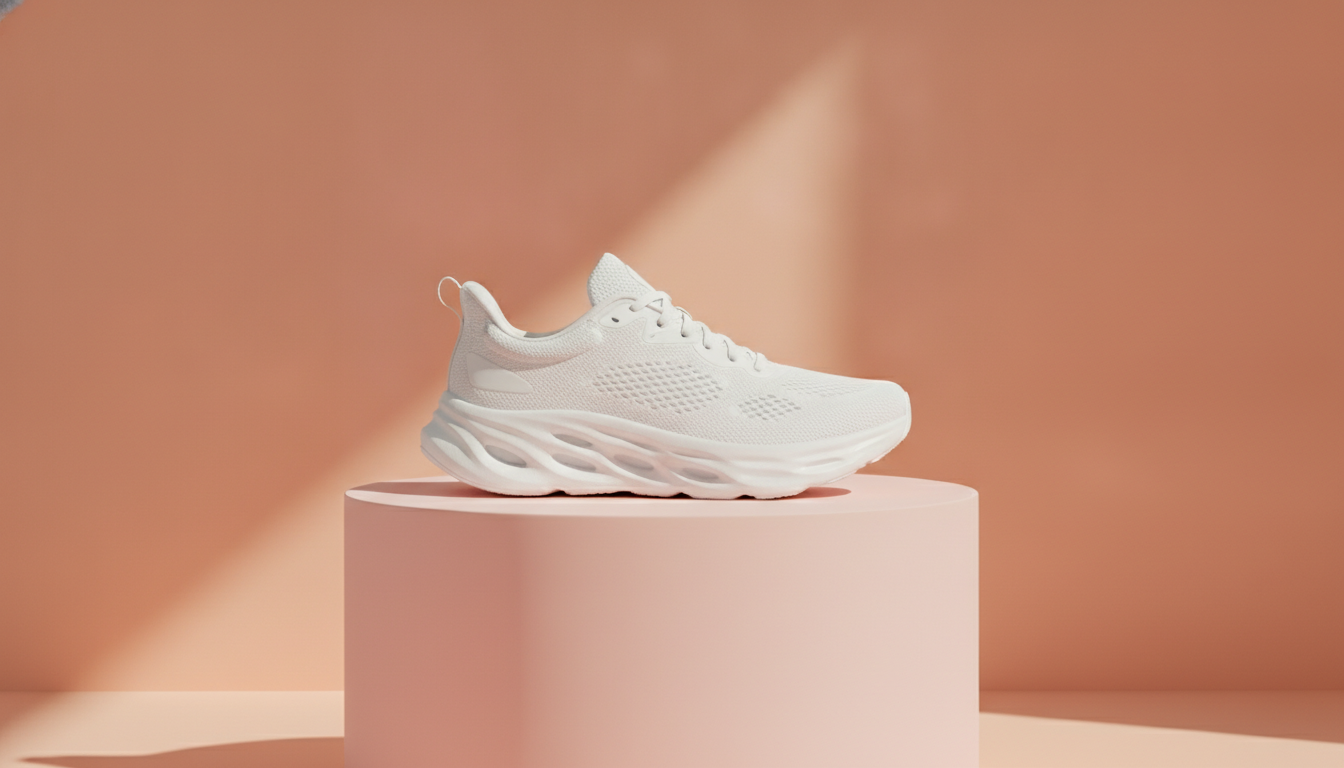
What it's for: a modern, branded look that's common in footwear, beauty and tech. Works well for campaigns and ads.
Studio product photo of a white running sneaker placed on a round pastel pink podium, solid peach colored background, hard directional light from the upper right casting a crisp shadow, slight low angle, 85mm lens, vibrant but soft colors, modern minimalist set design
Why it works:
- Lighting: hard light creates a crisp shadow with a graphic-design feel.
- Framing: a slightly low angle makes the product look more striking.
- Background: podium and backdrop sit in the same color family, so the set feels cohesive and the white sneaker pops.
- Lens: an 85mm slightly compresses perspective and flatters mid-sized objects.
Variations:
- Use your brand colors: “sage green podium, cream background” or “cobalt blue podium, light blue background”.
- Swap “round podium” for “stacked rectangular blocks” for a more architectural set.
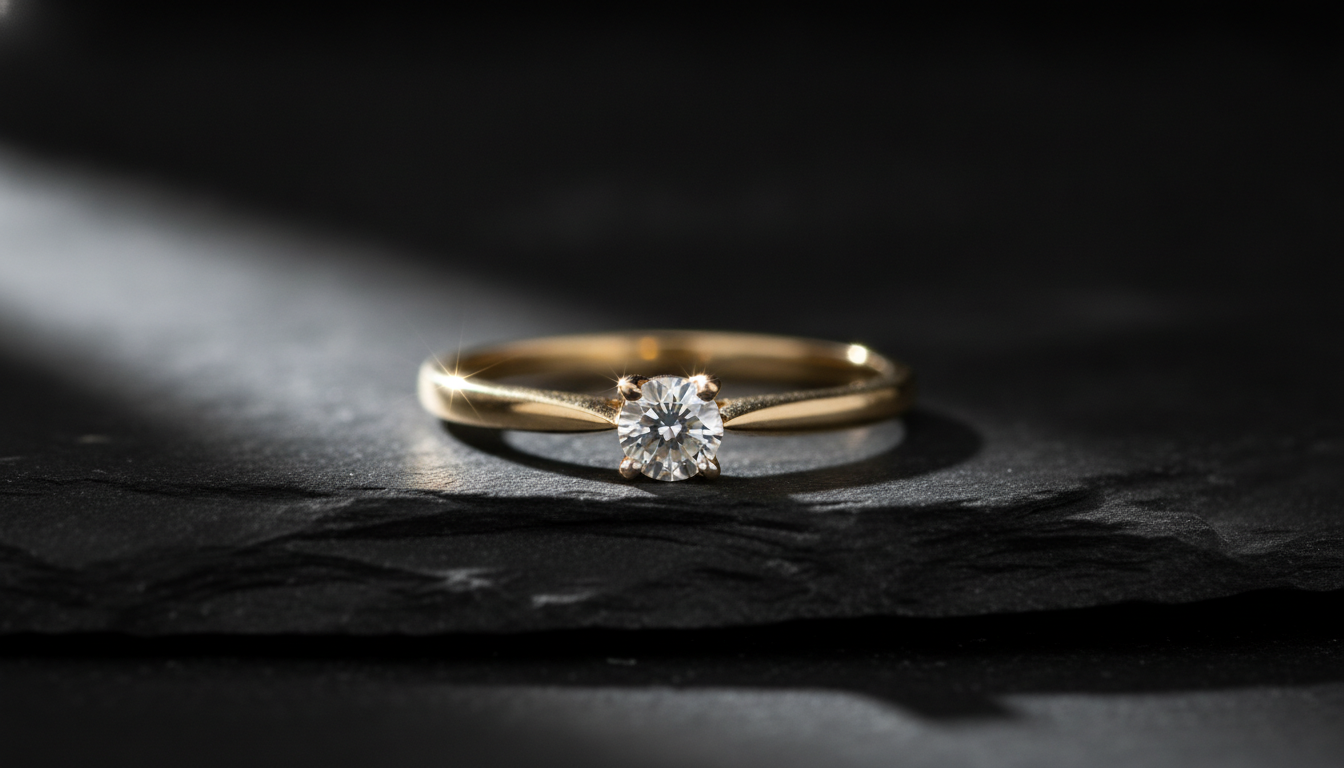
5. Jewelry macro detail
What it's for: showing finish, sparkle and texture. Essential for jewelry, watches and any product where the details justify the price.
Macro product photo of a gold ring with a small diamond resting on dark grey slate stone, a single narrow light beam creating sparkle on the gemstone, black background fading into shadow, 100mm macro lens, extremely shallow depth of field, focus on the stone, luxurious and moody
Why it works:
- Lighting: a single narrow beam focuses attention and pulls sparkle out of the stone.
- Background: black fading into shadow removes every distraction.
- Lens: “macro lens” plus “extremely shallow depth of field” keeps only the stone sharp and softens the rest of the band.
- Surface: matte slate contrasts with the shine of the gold.
Variations:
- For silver, change “gold” to “sterling silver” and the slate to “white marble”. The whole shot becomes brighter and less dramatic.
- Selling handmade textiles? Use the same idea: “macro photo of hand-knitted wool texture, side light revealing every stitch”.
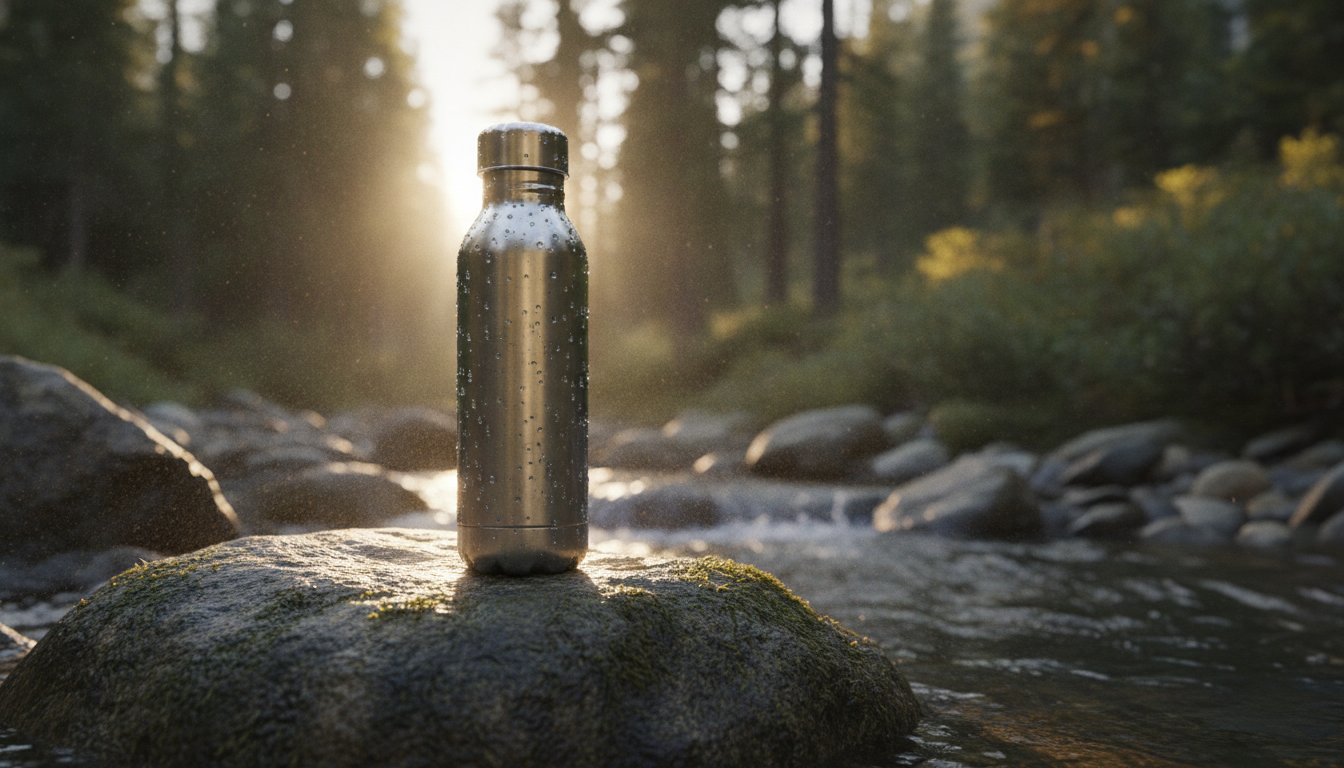
6. Outdoor product shot
What it's for: tying the product to an activity or lifestyle. A natural fit for sports, outdoor, travel and summer accessories.
Outdoor product photo of a stainless steel insulated water bottle standing on a mossy rock beside a mountain stream, golden hour sunlight from behind creating a rim light, water droplets on the bottle, blurred forest background, 35mm lens, adventurous and fresh mood
Why it works:
- Lighting: golden hour backlight draws a bright edge, the “rim light”, that separates the bottle from the background.
- Detail: water droplets say “cold and refreshing” without any text.
- Lens: a 35mm captures more of the scene, so the setting tells part of the story.
- Background: the blurred forest adds context without taking sharpness away from the product.
Variations:
- For beach products, change the scene to “on warm sand next to a striped towel, bright midday sun, turquoise sea in the background”.
- For winter, try “on a snowy wooden bench, soft blue morning light, frost on the surface”.
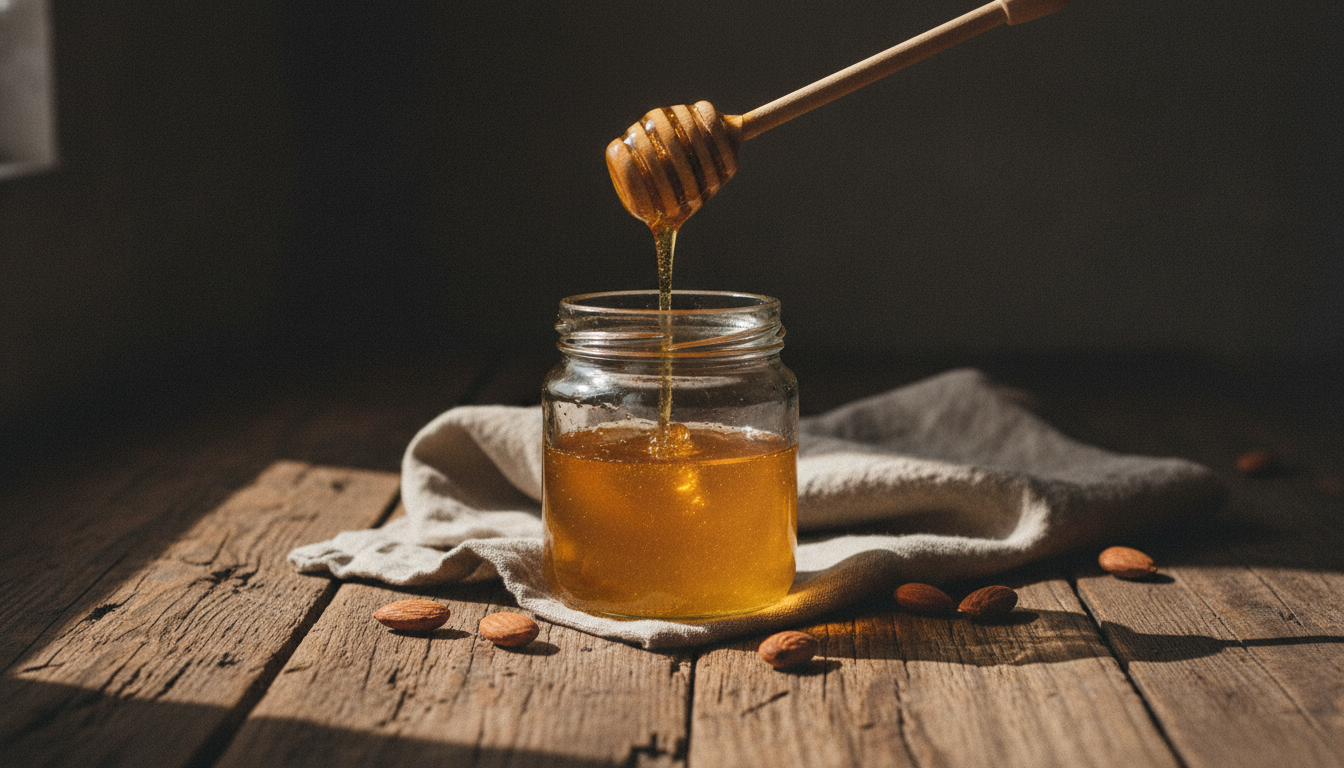
7. Dark and moody food still life
What it's for: giving food products an artisanal, gourmet feel: honey, olive oil, preserves, coffee or chocolate.
Dark moody food product photo of a glass jar of honey with a wooden honey dipper on a rustic wooden table, honey dripping from the dipper, side window light from the left, deep shadows, a few scattered almonds and a linen napkin, 50mm lens, rich warm tones, still life style
Why it works:
- Lighting: side window light with deep shadows is the foundation of dark food photography.
- Props: the almonds and napkin add context without hiding the jar. Few items, close in color.
- Detail: dripping honey adds movement and makes it look delicious.
- Tones: “rich warm tones” keeps the ambers and browns consistent across the image.
Variations:
- For olive oil, swap the jar for “a dark glass bottle of olive oil” and the almonds for “green olives and a sprig of rosemary”.
- For a bright look instead, replace “dark moody” and “deep shadows” with “bright airy” and “soft shadows, white wooden table”.
How to adapt these AI prompts to your product
You don't need to rewrite the whole prompt. Change only the part describing the product and, if you want, the scene. The rest (lighting, camera and style) is already handled.
Change the product and material
Be specific about material and finish. That's what most affects how the AI renders reflections and texture:
- “matte ceramic”, “glossy ceramic”, “raw clay”.
- “brushed stainless steel”, “polished chrome”, “matte black aluminum”.
- “full-grain leather”, “suede”, “canvas”.
- “frosted glass”, “clear glass”, “amber glass”.
If your product has a distinctive shape, describe it: “tall slim bottle”, “square box with rounded corners”, “low wide bowl”.
Change the color
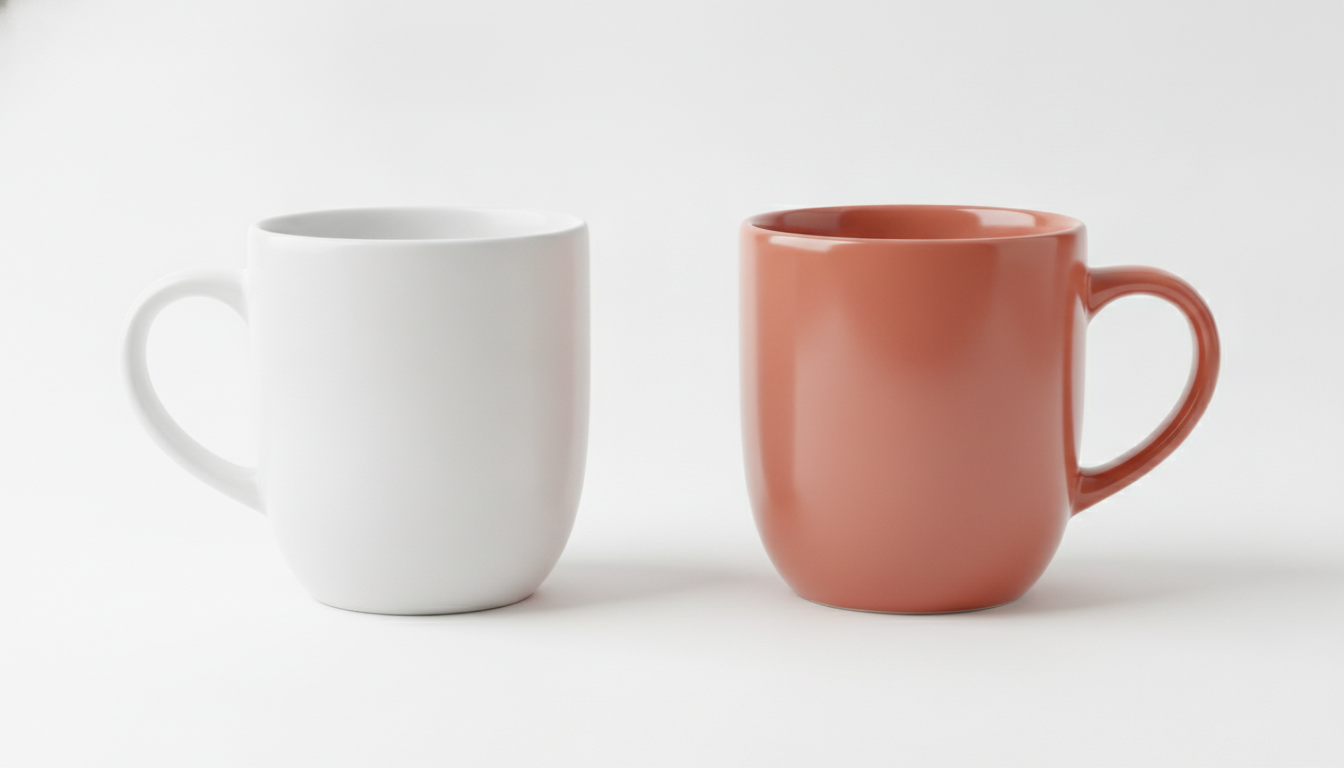
Put the color right before the material: “sage green ceramic mug”, “navy blue canvas tote bag”. To make the background work with it, pick a lighter or darker shade from the same color family, or a neutral like white, beige or grey.
Change the scene
Think about where your customer uses the product and describe it in one line: the surface, a couple of supporting props and the light. For example:
- Kitchen: “on a light oak kitchen counter, a cutting board and fresh herbs in the background”.
- Desk: “on a white desk next to a laptop and a notebook, soft daylight”.
- Bedroom: “on a bedside table with a linen pillow behind, warm evening lamp light”.
Quick fixes when something's off
- Too many objects in the scene: add “minimal props” or remove items from the prompt.
- Product looks too small: add “product fills most of the frame” or “close-up”.
- Looks plasticky or like a 3D render: add “realistic photography, natural textures”.
- Weird text shows up on the label: add “blank label, no text”. If you need the real label, add it afterwards in editing.
A note on product page images
AI generates a product similar to the one you describe, not your exact product. For the main product image, shoppers need to see what they'll actually receive. Use these images for scenes, banners, social media and style tests.
If you'd rather start from a real photo, cut out the product first with the free background remover. It runs in your browser, and your image is never uploaded to a server.
How to try these prompts in Pictulab
- Go to Pictulab and create your account. The free plan includes 100 welcome tokens, one time only, no card required.
- Copy one of the prompts above and swap in your product.
- Before generating, you'll see exactly how many tokens that generation costs. 100 tokens equal €1.
- Check the result and adjust one thing at a time: lighting, background or angle. That way you know which change actually improved the image.
- Once you have your photo, you can compress it or convert it to another format with the free web tools, without uploading it anywhere.
If you'll be generating regularly, there are monthly plans with VAT included: Starter at €12, Pro at €36 and Business at €120. Pay yearly and you get two months free.
Start free — 100 tokens on us, no card required.
You might also like:
- [ENLACE: how to shoot white background product photos for your online store]
- [ENLACE: AI prompts for beauty lifestyle product photos]
FAQ
Can I use these prompts with other AI image generators?
Yes. The structure (type of shot, product, background, lighting, camera and mood) isn't tied to any single tool. Keep in mind that each model interprets prompts in its own way, so the same text can give different results from one generator to another.
Can I use these images as my main product photo?
It's not a good idea if the generated image doesn't match exactly what you sell. For the main image, use a real photo of your product. Generated images are a better fit for lifestyle scenes, banners, social media and ads.
What if my product looks different in every generation?
Some variation is normal. Describe the shape, material and color in more detail, and keep the rest of the prompt the same between tries. The fewer things you change at once, the easier it is to get consistent results.
How much does it cost to test a prompt in Pictulab?
Every generation shows its token cost before you run it, so you always know what you're spending. When you sign up you get 100 free welcome tokens, no card required, and 100 tokens equal €1.
Do these prompts work for any kind of store?
Yes. Change the product, material and scene. The lighting, framing and lens setup works for beauty, fashion, jewelry, home goods, sports gear and food. Pick the prompt based on where the photo will be used: catalog, social, campaign or detail shot.