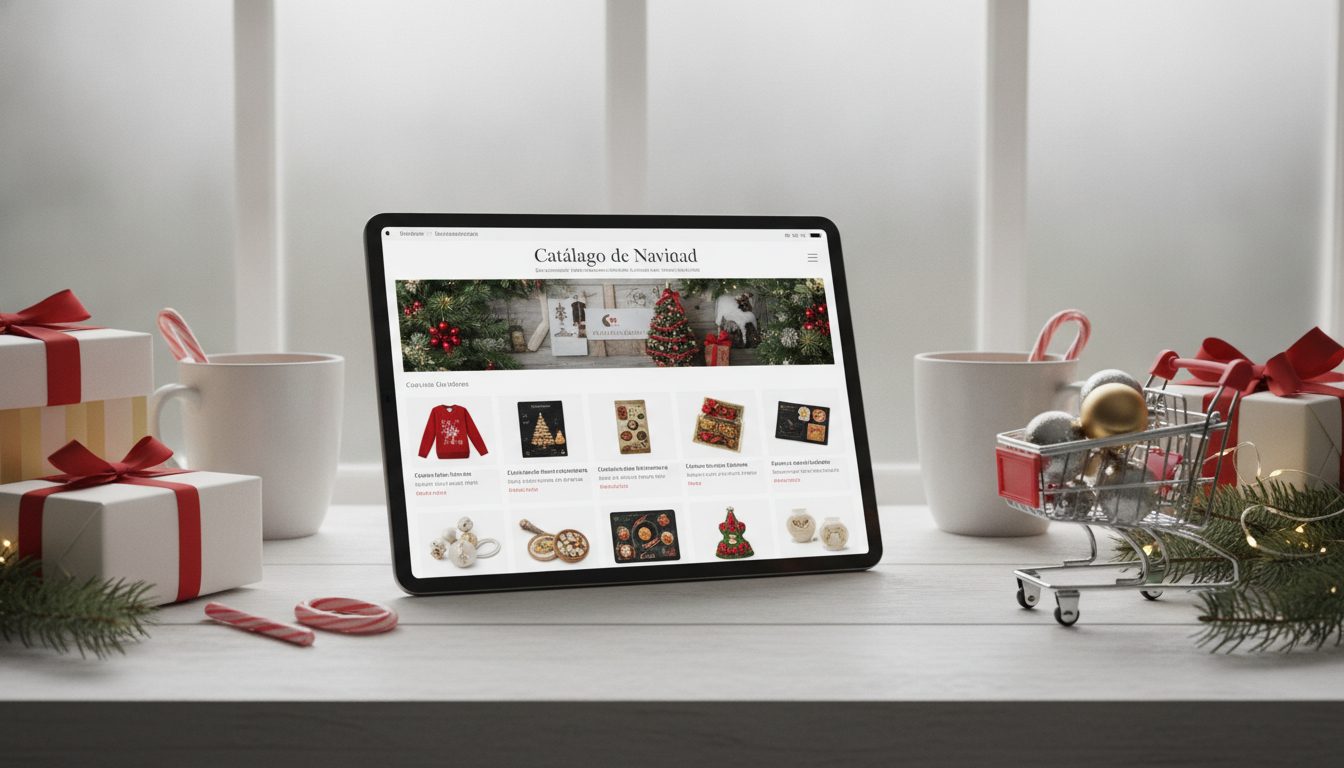
Getting your product catalogue images ready for 2027 comes down to three things: audit what you already have and spot what isn't working, set one consistent style for the whole catalogue, and put a system in place so you can produce new photos and videos quickly without losing that consistency. Start now and you'll go into the new year with matching product pages, lightweight images and assets ready for every channel: your website, marketplaces, social media and ads.
This guide walks you through the process step by step. It's written for small and mid-sized online shops that don't have their own photo studio.
Why it's worth reviewing your catalogue before 2027
In an online shop, the image stands in for the product in your customer's hand. They can't touch it, turn it over or try it on. So your photos need to answer their questions for them.
Over time, most catalogues end up with the same kinds of problems:
- Photos taken at different times, with different lighting and backgrounds.
- New products with great images sitting next to older ones that still use the supplier's photos.
- Files that are far too heavy and slow the site down.
- Formats that don't work across every channel: what suits a product page won't always suit a vertical story or an ad.
Planning ahead lets you fix all this in stages, without taking the shop offline and without a last-minute scramble before the sales or Christmas.
Step 1: Audit what you already have
Before creating anything new, take stock. Export your product list and review the images in a simple spreadsheet. For each product, note down:
- Number of images: is there a main shot, close-ups and a lifestyle shot?
- Background: is it clean and consistent, or does every photo have a different one?
- Resolution: does it stay sharp when you zoom in?
- File size: how much space does each image take up?
- Consistency: does it fit in with the rest of the catalogue?
- Video: does it have any?
Then sort your products into three groups: those that are fine, those that need touching up and those that need new images. Start with your best sellers or your most-viewed products, because that's where any improvement will show first.

Step 2: Write a visual style guide
Consistency is what makes a catalogue look like it belongs to one brand. A style guide doesn't need to be long; a single page will do. It should cover:
Background and framing
- Background colour for the main shot (white, light grey or a brand colour).
- How much space to leave around the product, and how it sits (centred, resting on the ground, floating).
- Aspect ratio: square, portrait or landscape, depending on your theme.
Lighting and colour
- Type of light: soft and diffused, or higher contrast.
- Colour temperature: warm, neutral or cool.
- How shadows should look: a soft shadow under the product, or none at all.
Image types per product
Set a minimum image set for every product page, for example:
- A main shot on a clean background.
- Two or three close-ups (textures, fastenings, labels).
- One lifestyle or in-use shot.
- A short video, if the product calls for it.
With this guide in hand, every new image, whether you take it yourself, hire a photographer or use an AI tool, has a clear reference to follow.
Step 3: Make your product backgrounds consistent
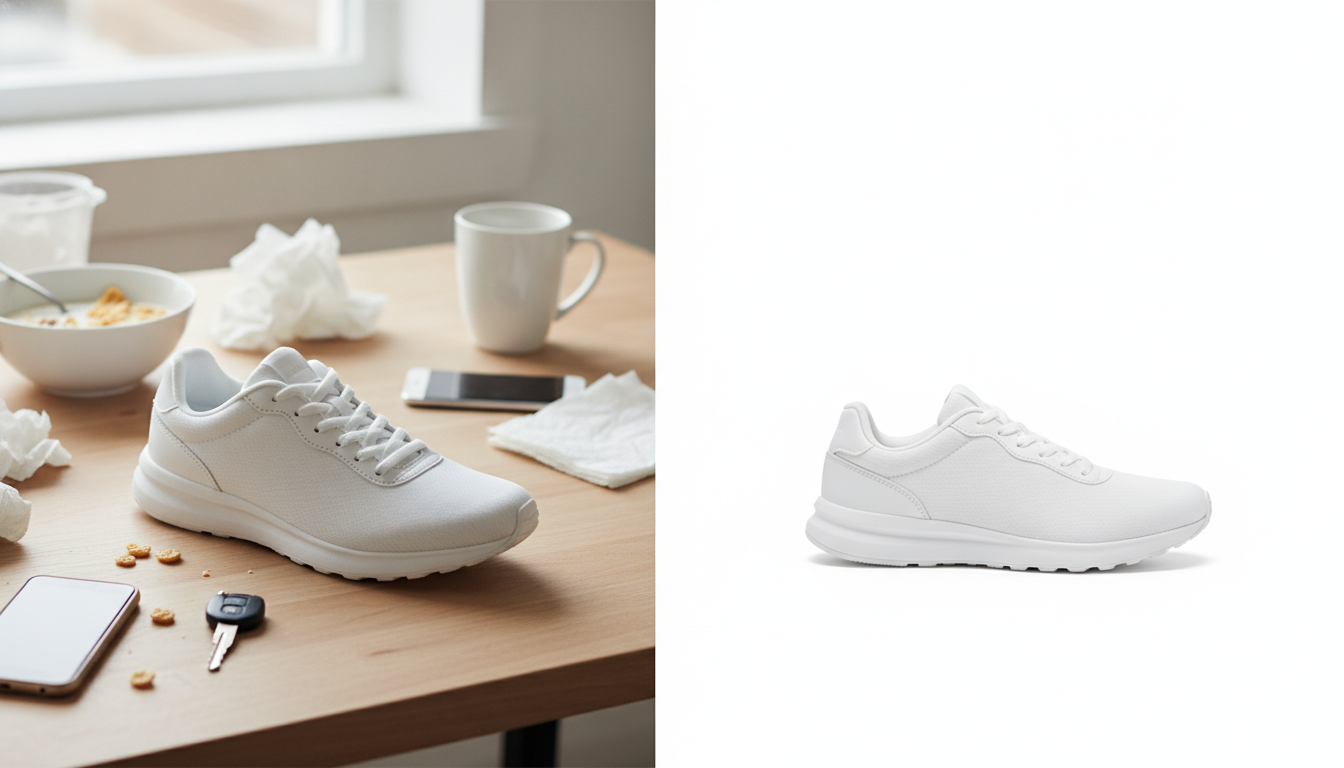
The background is the first thing that gives away a messy catalogue. The quickest way to fix it is to cut out the product and place it on the background you chose in your style guide.
You can do this with Pictulab's free background remover. It runs in your browser, so your images are never uploaded to a server. That's handy if you're working with products you haven't launched yet.
A few tips for a natural-looking result:
- Start with sharp photos: a clean cut-out needs well-defined edges.
- Double-check tricky areas such as hair, fringing, glass or transparent parts.
- Keep the product at the same relative size across every photo in a category.
- If you add a shadow, use the same one throughout the catalogue.
Step 4: Create lifestyle shots and variations with AI
Lifestyle photos help customers picture the product in their own lives: a lamp in a living room, a mug on a breakfast table, a handbag out on the street. Running a shoot for every product is expensive and slow, especially with a large catalogue.
With AI, you can generate scenes from your product photo and adapt them for each season or campaign without reshooting. In Pictulab, every generation shows its token cost before you run it, so you always know what you're spending.
To keep generated scenes in line with your style guide:
- Always describe the same lighting and colour palette in your prompts.
- Draw up a list of settings for each category (kitchen, living room, outdoors, office).
- Check that the product looks true to life: colour, shape, logos and details must match the real thing.
- Use scenes to complement your product, never to change what it actually looks like.
When a traditional shoot is still worth it
AI doesn't solve everything. A shoot with a photographer is still a good choice when:
- You sell clothing and need to show how a garment hangs on a real body.
- The product has finishes that are very hard to reproduce, such as metallic reflections or delicate fabrics.
- You want a brand campaign with a very specific art direction.
A common approach is to shoot the main image and close-ups for real, then use AI for lifestyle scenes and seasonal variations.
Step 5: Add short videos to your key products
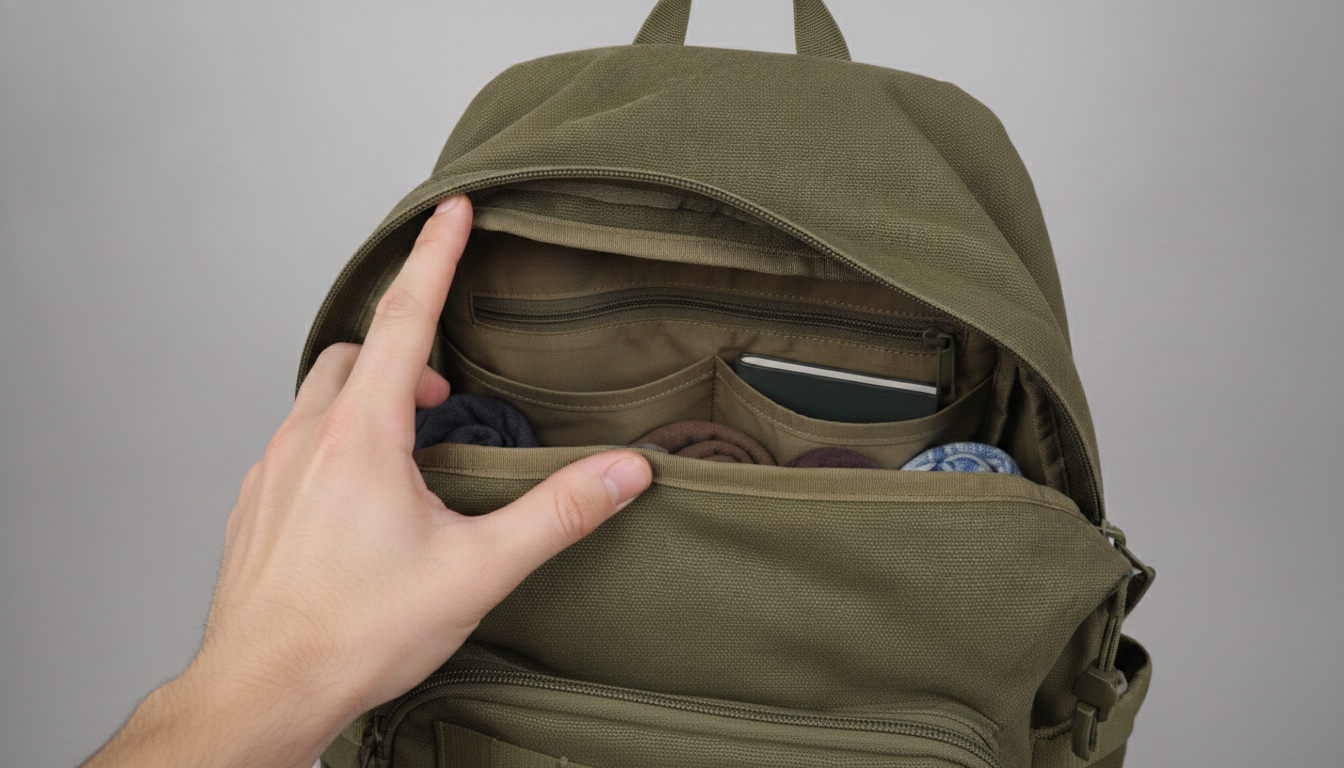
Video shows things a photo can't: how a backpack opens, how a fabric moves, how big something really is in your hand. You don't need video across the whole catalogue; start with the products that raise the most questions or get returned most often.
Ideas for short videos:
- A 360-degree spin of the product.
- The product in use, in just a few seconds.
- A close-up of one specific feature (a fastening, a mechanism, an adjustment).
- A vertical version for social media and ads.
Pictulab also lets you create and edit video with AI from your images, which makes it easier to have versions for every channel without filming again.
Step 6: Optimise image formats and file sizes
A beautiful catalogue that loads slowly loses some of its impact. Heavy images make pages take longer to load, especially on mobile.
For each image, think about:
- Format: modern formats such as WebP or AVIF are usually smaller than JPG at similar quality. Check which ones your e-commerce platform supports.
- Dimensions: don't upload images much larger than they'll be displayed. Match the size your theme and product-page zoom actually need.
- Compression: find the sweet spot where the file is small but the image still looks sharp.
- Channel requirements: marketplaces, social networks and ad platforms each have their own specs. Check their official guidelines before exporting.
Pictulab's web tools for compressing and converting images are free and also run in your browser, without uploading your files to any server.
Step 7: Sort out file names, alt text and folders
This part isn't glamorous, but it'll save you a lot of time all year round.
File names
Use descriptive, consistent names, for example: white-running-trainer-side.webp. Avoid names like IMG_4532.jpg.
Alt text
Write alt text that genuinely describes the image: what the product is, what colour it is and what you can see. It helps people who use screen readers, and it helps search engines understand the image.
Organisation
Set up a simple folder structure, for example by category and image type (main, close-up, lifestyle, video). Keep the uncompressed originals too, in case you need to re-edit.
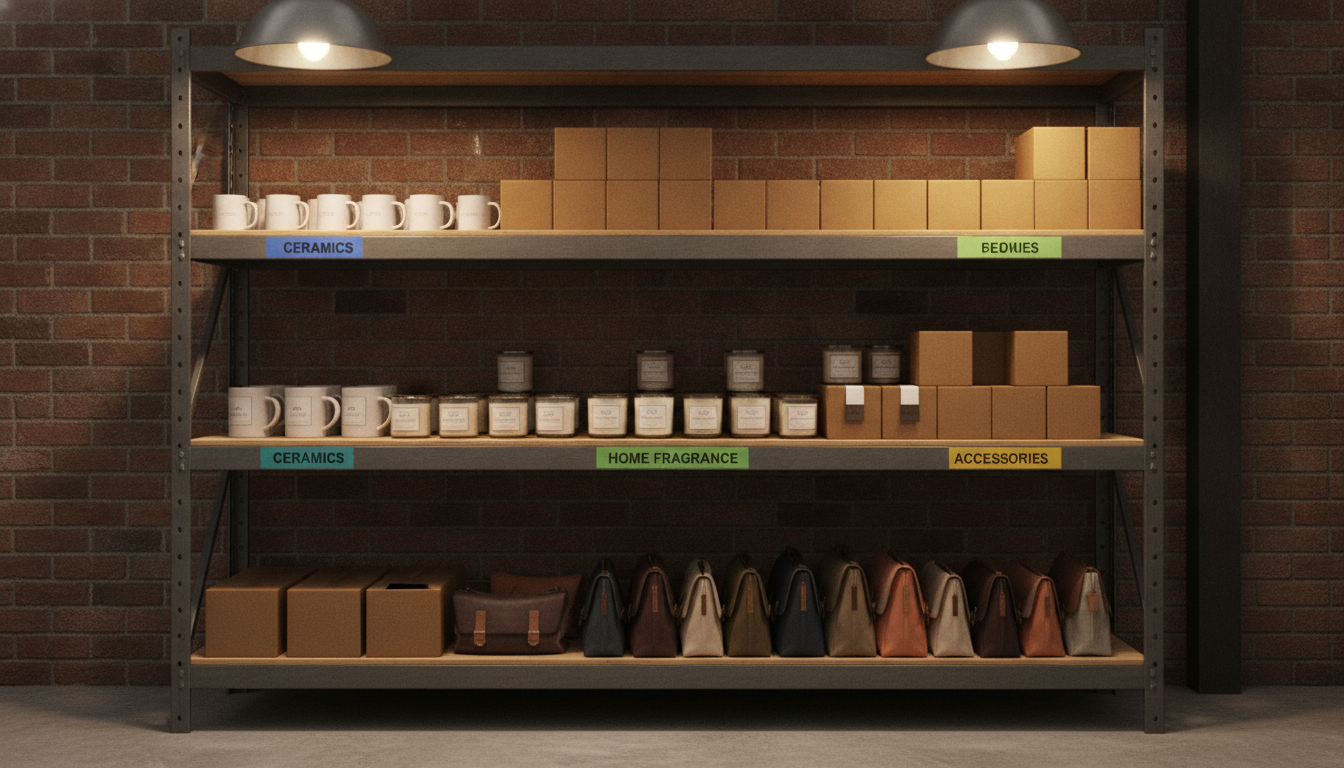
A timeline to get your catalogue ready for 2027
If you spread the work out, you won't have to do it all at once. Here's a suggested phased plan:
- Phase one: audit and style guide. Review the catalogue, sort your products and write down your visual style.
- Phase two: priority products. Make backgrounds consistent, complete image sets and create lifestyle shots for your best sellers.
- Phase three: video and channels. Add short videos to key products and prepare versions for social media, ads and marketplaces.
- Phase four: the rest of the catalogue and optimisation. Finish the remaining products, check file sizes and formats, and organise your files.
- Ongoing maintenance. Every new product goes live with the full image set from your style guide.
Adjust the timings to your volume: a shop with a small range can do this in a few weeks, while a large catalogue will need longer.
How much it costs to prepare your catalogue with Pictulab
You can start without paying a thing: the free plan includes 100 welcome tokens, given once, with no card required. 100 tokens are worth €1, and every generation shows its cost before you run it.
If your catalogue needs more volume, there are three monthly plans, VAT included:
- Starter: €12 a month.
- Pro: €36 a month.
- Business: €120 a month.
Pay annually and you get two months free. And remember: removing backgrounds, compressing and converting images with the web tools is free.
Start free — 100 tokens on us, no card required.
Related articles
- [ENLACE: how to take product photos with your phone for your online shop]
- [ENLACE: what size and format e-commerce images should be]
FAQs
What is a product image catalogue?
It's the full set of images and videos that show a shop's products: main shots, close-ups, lifestyle scenes and videos. In an online shop, its job is to show customers a product they can't touch.
How many images should each product have?
There's no single number. A sensible set includes a main shot on a clean background, several close-ups and at least one in-use or lifestyle photo. What matters is that the images answer the questions people usually have about that product.
Can I use AI-generated images in my shop?
Yes, as long as the product is shown exactly as it is. Use AI for lifestyle scenes, seasonal variations and format adaptations, and check that the colour, shape and details match the real product. It's also worth checking the rules of every marketplace you sell on.
Do Pictulab's free tools upload my images to a server?
No. The web tools for removing backgrounds, compressing and converting run in your browser, so your images are never uploaded to a server.
Where should I start if I have a very large catalogue?
Start with the audit and with your best-selling or most-viewed products. Write your style guide first; that way everything you do afterwards points in the same direction and you can work through it in phases.
Create visual content with AI for your business
Generate, edit and organize your images in one platform. Start free, no card required.
Get started free